
Better Together: Build Custom Integrations to Maximize the Value of Your Data
No one needs more data sequestered in a corner to be forgotten. Data silos hurt productivity, negatively impact decision-making, and frustrate employees, who spend hours each week searching for the information they need or manually copying and pasting it from one place to another.
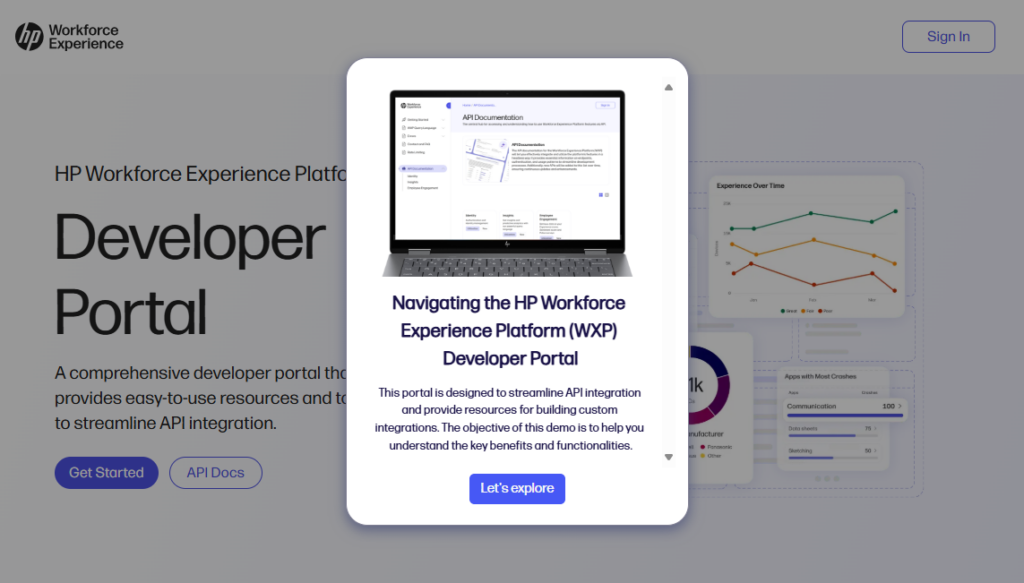
This is something we’ve thought a lot about in building the HP Workforce Experience Platform (WXP). To ensure your employees always have the data they need, HP has launched a Developer Portal, designed to mitigate the problem of data silos. This portal provides an opportunity to use HP APIs to integrate WXP with other enterprise-class platforms.
Build Custom Integrations That Work for You
Collecting information is a critical step in strategic decision making, but it’s only the starting point. Integrating WXP data with other business applications can provide a more comprehensive view of your operations, enabling better decision-making and more efficient processes.
HP offers ready-made WXP software integrations within the platform, which connect with some of the largest and most commonly used enterprise applications. However, we recognize that you may need something tailored to your organization’s unique workflows. The newly launched WXP Developer Portal provides resources and support to build custom integrations that work the way you need them to with the applications your team uses frequently.
Developer Resources: Learning and Tools
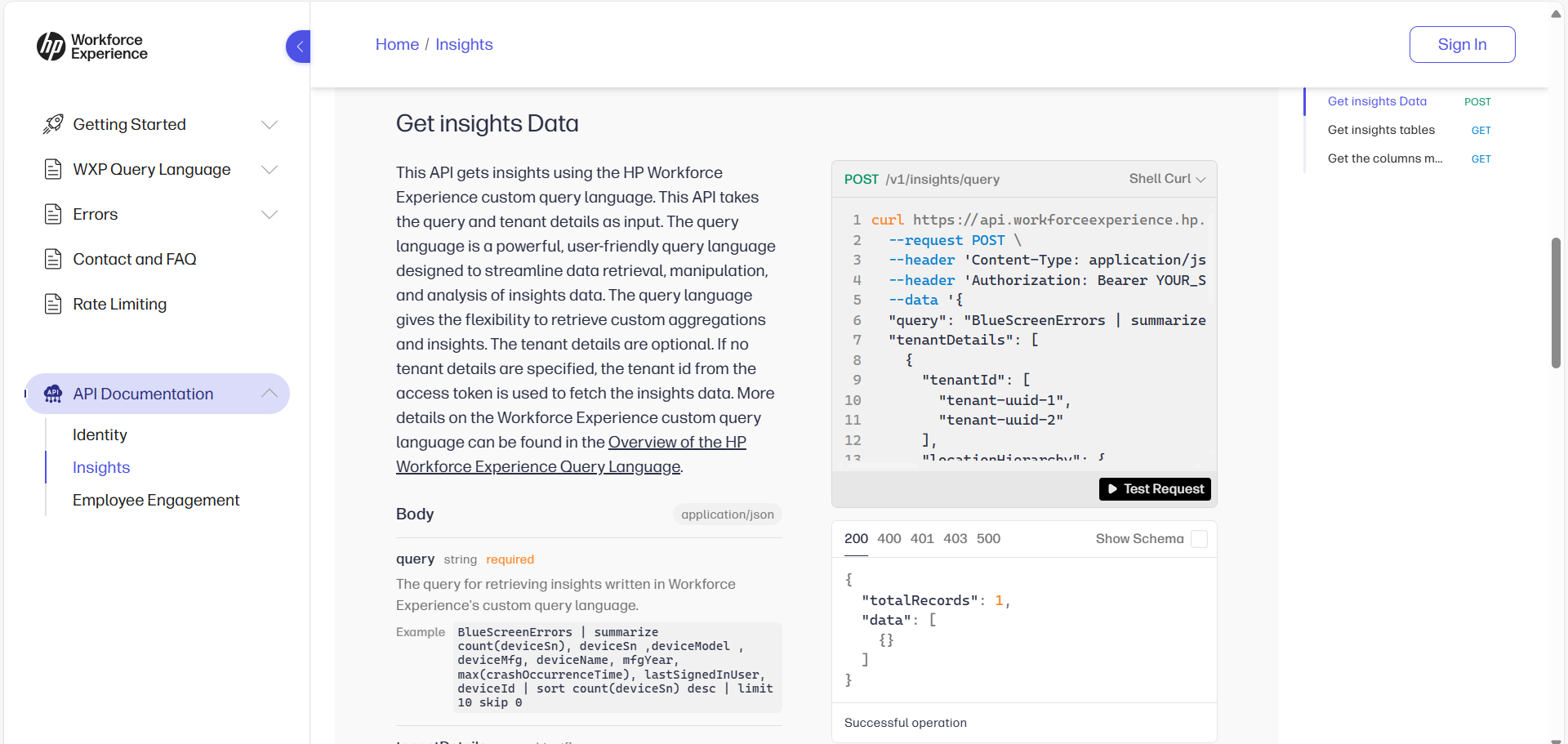
The WXP Developer Portal provides APIs, code samples, and a powerful query language for commonly used data collected by the platform.
The portal offers a solid base of resources to help you get started, including APIs, code samples, and a powerful query language. These resources are designed to support developers in building integrations that extract WXP data, such as device insights or employee engagement, into workflows or analysis in other applications.
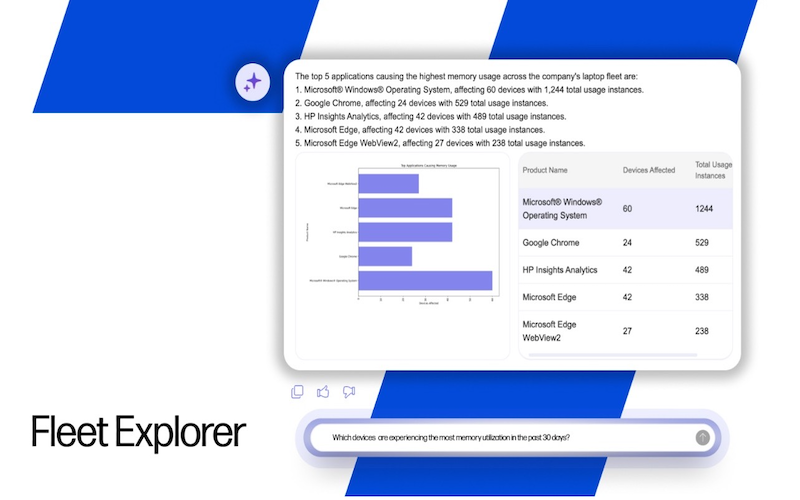
For example, an IT admin may want to know about all devices with specific BIOS information. A developer can run a query to WXP to retrieve a list of all devices with their BIOS information, even specifying other parameters, such as how many of your devices have a particular BIOS version, and pull that information into another application for analysis, troubleshooting, or escalation for remediation.
Getting Started: Accessing WXP APIs
WXP customers can access the developer portal and begin exploring the available resources. Contact us for more details about being designated as a developer, the first step to using our APIs.
Deploy WXP, use our powerful APIs to make your workflows more efficient, and if there are other APIs you need, talk to us about getting those added to our roadmap. We are planning to expand access to this portal, build a developer ecosystem, and foster a broader, flourishing community of developers in the future. By leveraging the power of WXP and its seamless data integration capabilities, you can empower your company to achieve greater productivity and efficiency.
Visit our Developer Portal here (in Europe, here).
HP Workforce Experience Platform is a comprehensive and modular digital employee experience solution that enables organizations to optimize IT for every employee’s needs.
Subscribe for future product release updates and the HP Workforce Experience Blog to learn how to optimize your IT capabilities today.
If you want to learn more about the HP Workforce Experience Platform, we would love to speak to you! Simply fill out the form below, and a team member will be in touch.
From the blog
The latest industry news, interviews, technologies, and resources.




Frequently asked questions
Here's everything you need to know about WXP.
- What is the HP Workforce Experience Platform (WXP)?
- How does WXP work?
- Can WXP be customized to fit specific business needs?
- How is WXP modular?
- Is WXP compatible with different vendors and operating systems?
- How does WXP integrate with other IT tools to provide a more comprehensive solution?
- What is a Workforce Experience score?
- How is AI used within WXP?
- How can I buy WXP and find out about new releases?
