
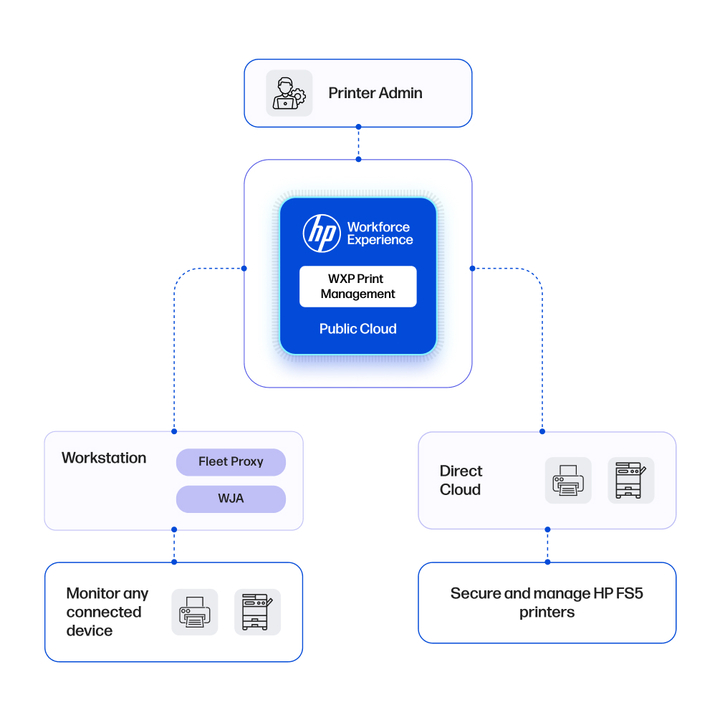
Accelerate onboarding with two streamlined methods: Instantly onboard printers via Fleet Proxy or enable direct cloud integration for FutureSmart 5 devices. Reduce IT site visits, minimize print delays in daily operations, and support hybrid cloud strategies as you move toward Zero Trust principles.
WXP Print
Management
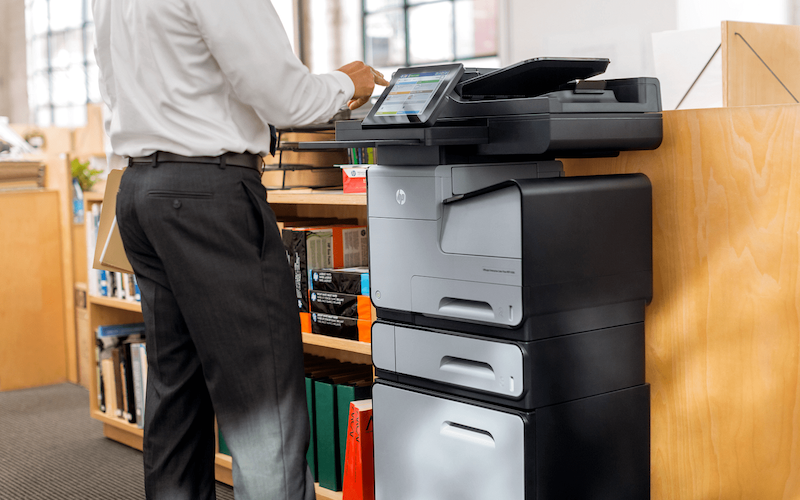
Modern printer management for seamlessly efficient configuration, manageability and oversight over settings and security in hybrid environments.2

WXP Print Management Key outcomes
-

Visibility and control across your enterprise printers.
-

Act on insights to improve uptime and increase operational efficiency.
-

Detect issues early to reduce IT friction and improve employee experience.
-

Increase operational efficiency and reduce operating costs with hybrid cloud capabilities.
-

Ease of printer security and compliance with policy enforcement and firmware updates in a single cloud tool.

WXP Print demonstration
Onboard and manage printers with flexibility
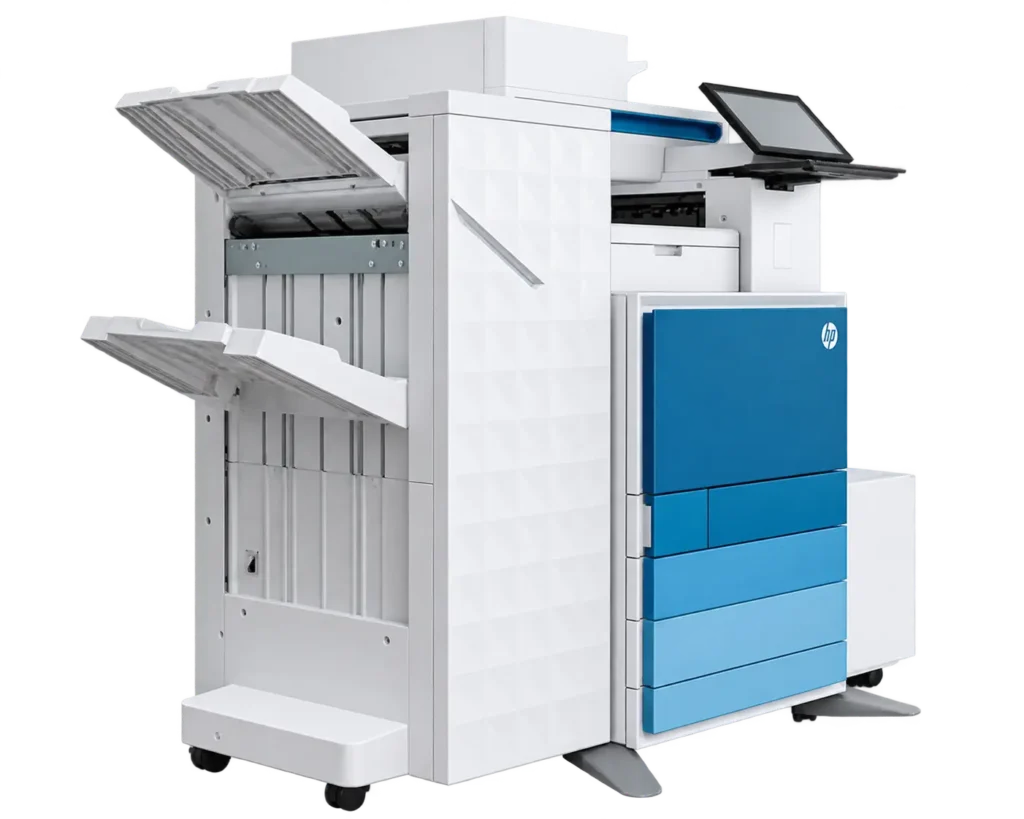
Migrate to the cloud at your own pace. Connect HP FutureSmart 5 compatible printers directly to the cloud or onboard existing WebJetAdmin (WJA)–managed printers using the Fleet Proxy service for a fully flexible transition toward a cloud‑first strategy.
-
-
Automated remediation: Configure and secure newly onboarded printers or those recently serviced, ensuring they are reset and ready for use. Apply firmware updates to an individual printer or a group of devices to maintain performance and security requirements.
-
Manage at scale: Assign printer setting passwords, and install and manage printer certificates and acquire signatures via third-party signers at a group level. Use dashboard widgets to easily identify and investigate printers that are offline, not ready, or out of compliance. Access device-level reporting tools to aid compliance reporting.
Modern printer management in the cloud
Gain visibility and control across your enterprise printers
Start with WXP Print Management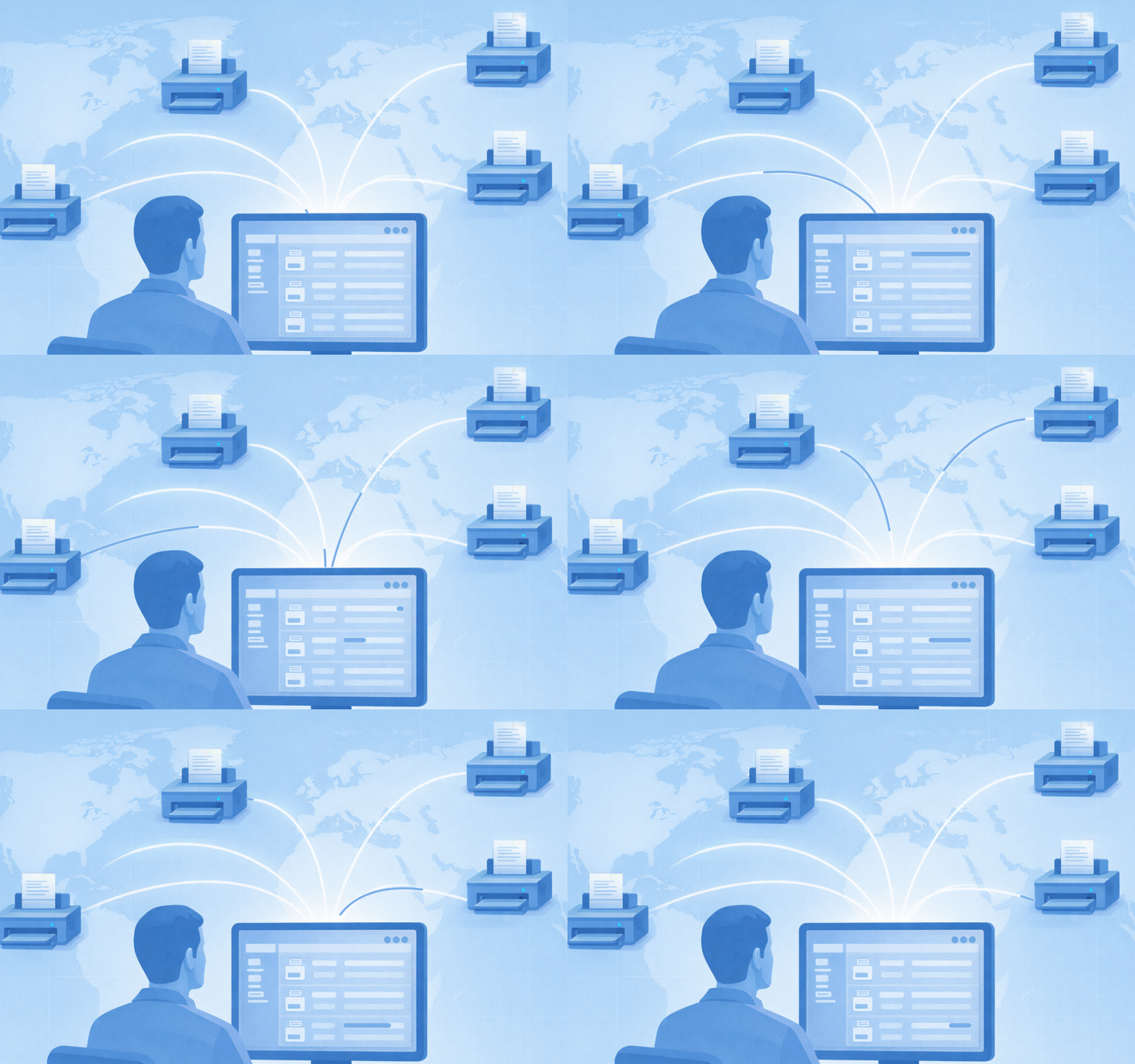


Print capabilities tour
Explore our other capabilities
Dive deeper into the world of WXP.

Platform Overview
Explore our primary capabilities designed to improve efficiency, security, and employee engagement across your organization.

Fleet Management
Monitor and optimize PCs, Macs, collaboration tools, printers, accessories, and all your software with predictive analytics and actionable insights.

Protect and Trace
Manage and protect remote PCs, even when disconnected from the Internet or powered down.
Collaboration
Streamline IT troubleshooting, improve user experience, and optimize your technology and spaces.