
From Service Provider to Strategic Partner: How WXP Helps HP Partners Deliver More Value

Managing multiple clients, each with unique needs, calls for a fine balancing act. You’re expected to deliver seamless IT support, anticipate issues before they arise, and scale your services without sacrificing quality. What if one platform could help you with that, and more?
HP offers a well-rounded portfolio of hardware and software to meet enterprise needs, including solutions addressing everyday and high-performance computing, communication, collaboration, printing, and security needs. For HP partners, this means that you can provide clients with a fully integrated IT ecosystem of hardware, software, and services, and the central hub of all of it, the tool that can accelerate your efficiency and elevate your value to your clients, is the HP Workforce Experience Platform (WXP).
HP partners that are early adopters of WXP are finding multiple benefits to both their own operations and the experience they can offer their clients. Partners we interviewed at the HP Amplify Conference earlier this year applauded HP’s holistic approach and how the easier collection of device and employee experience data into a single platform helped them improve the quality of service they were able to provide.
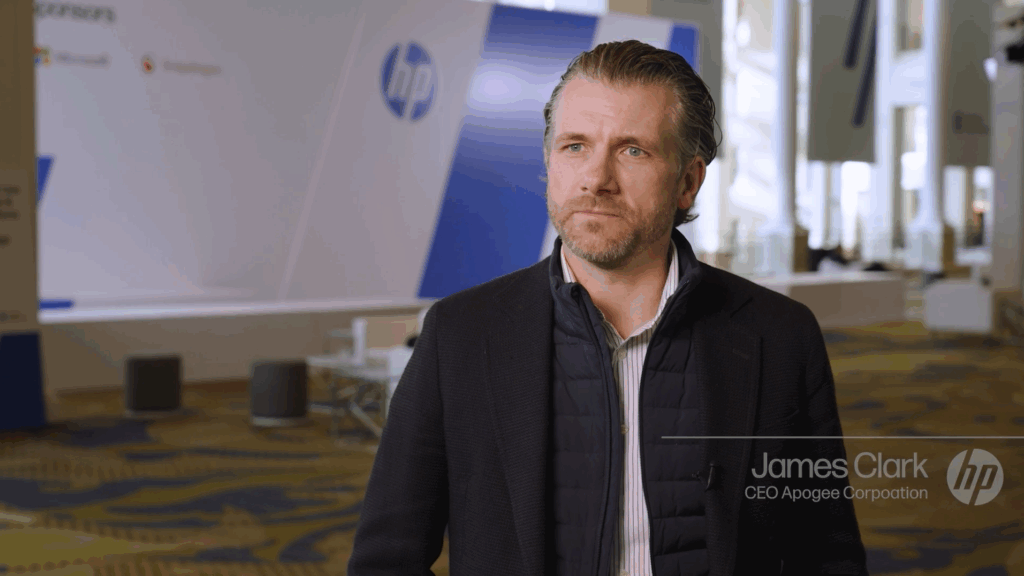
For James Clarke, CEO of Apogee Corporation, WXP is a perfect fit for the kind of service his team aspires to offer every customer.
The HP Workforce Experience Platform (WXP) is designed to help Amplify partners like you move beyond reactive support and become a strategic partner to your clients. Here’s how.
One Dashboard, Many Clients
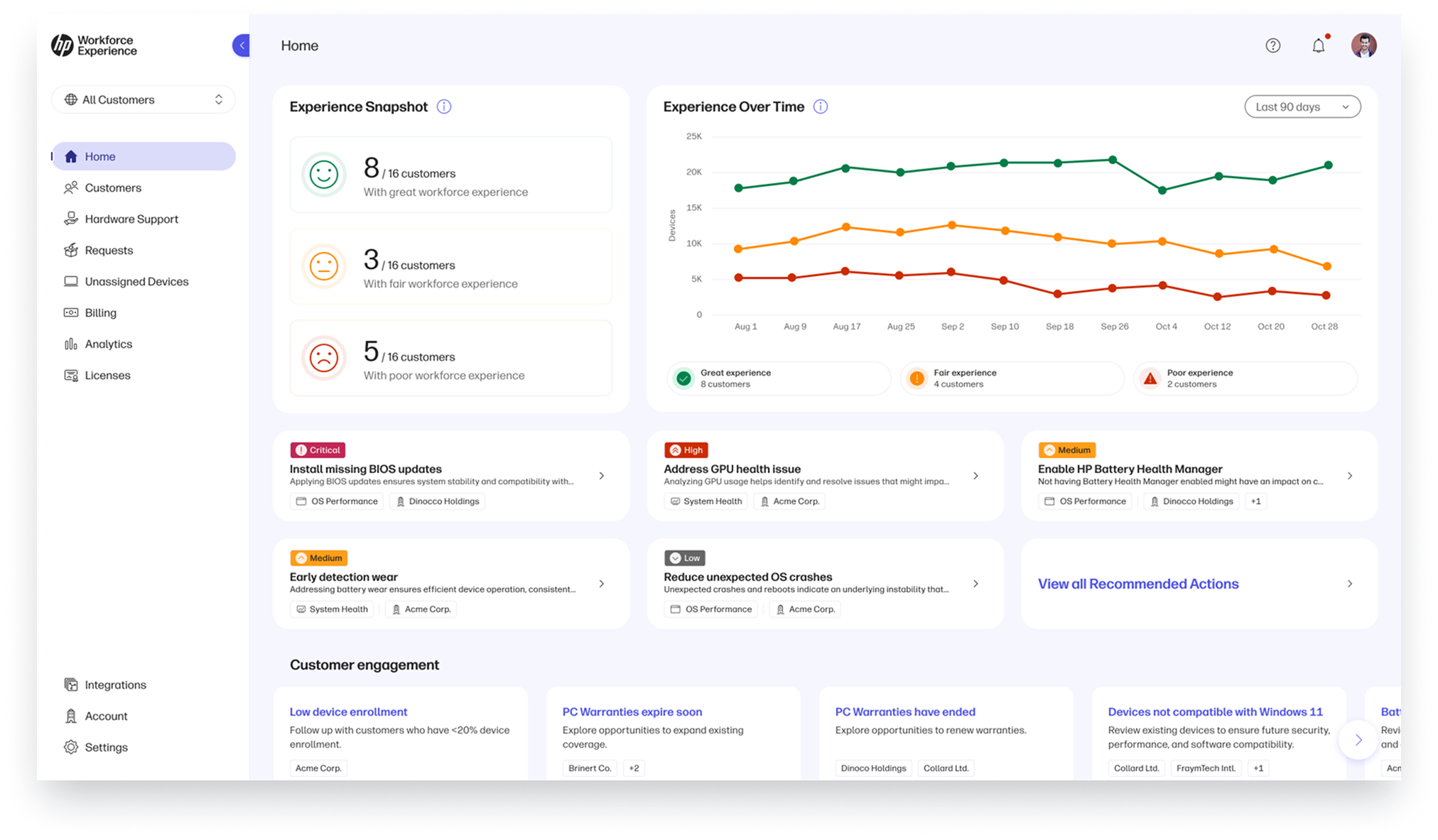
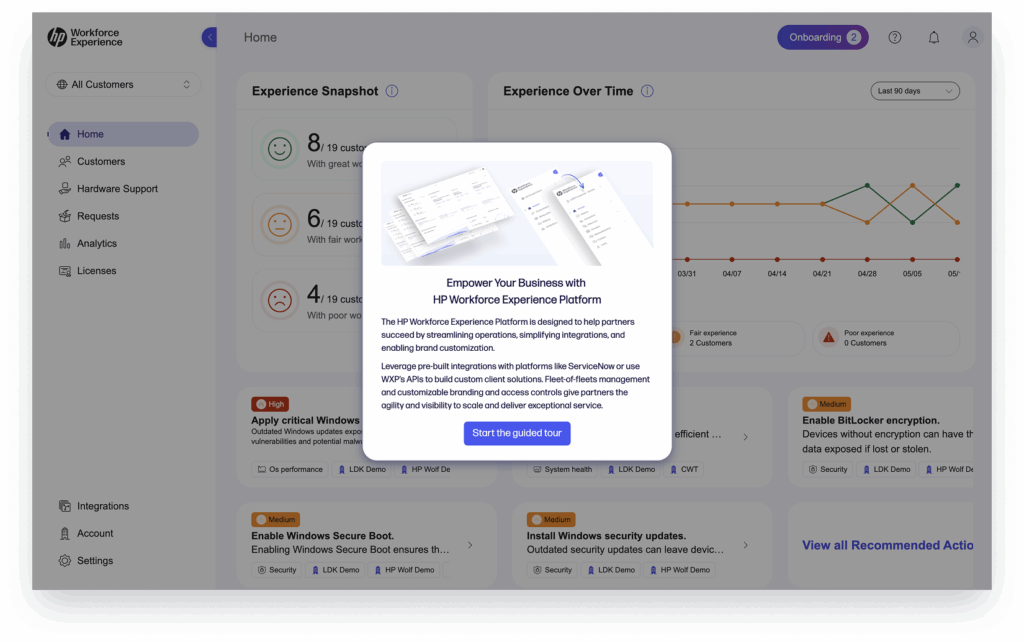
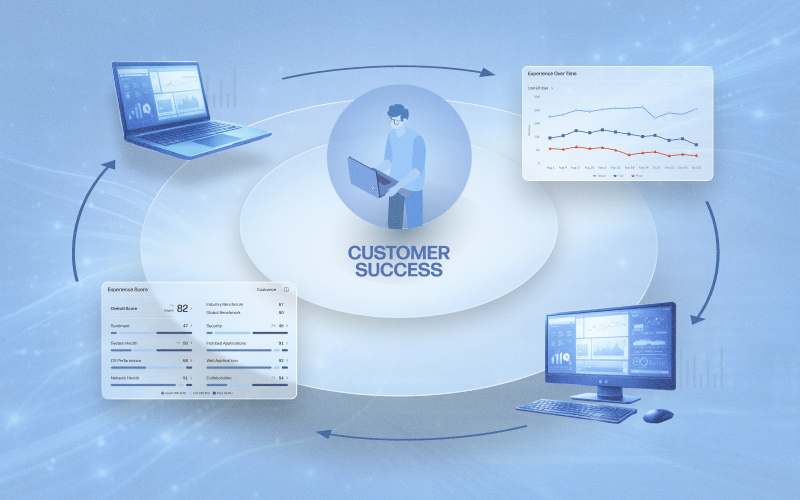
WXP gives you a single pane of glass to monitor and manage all your client environments. The first thing you’ll see when you log in is the Experience Snapshot, a powerful dashboard that synthesizes data from employee feedback, device telemetry, application performance, and security readiness across your customers.
This high-level view helps you quickly assess how each client’s IT experience is going—and where your attention is needed most. With a single view, no one gets lost or overlooked, and everyone gets the bespoke experience they deserve.
Customization That Strengthens Your Brand
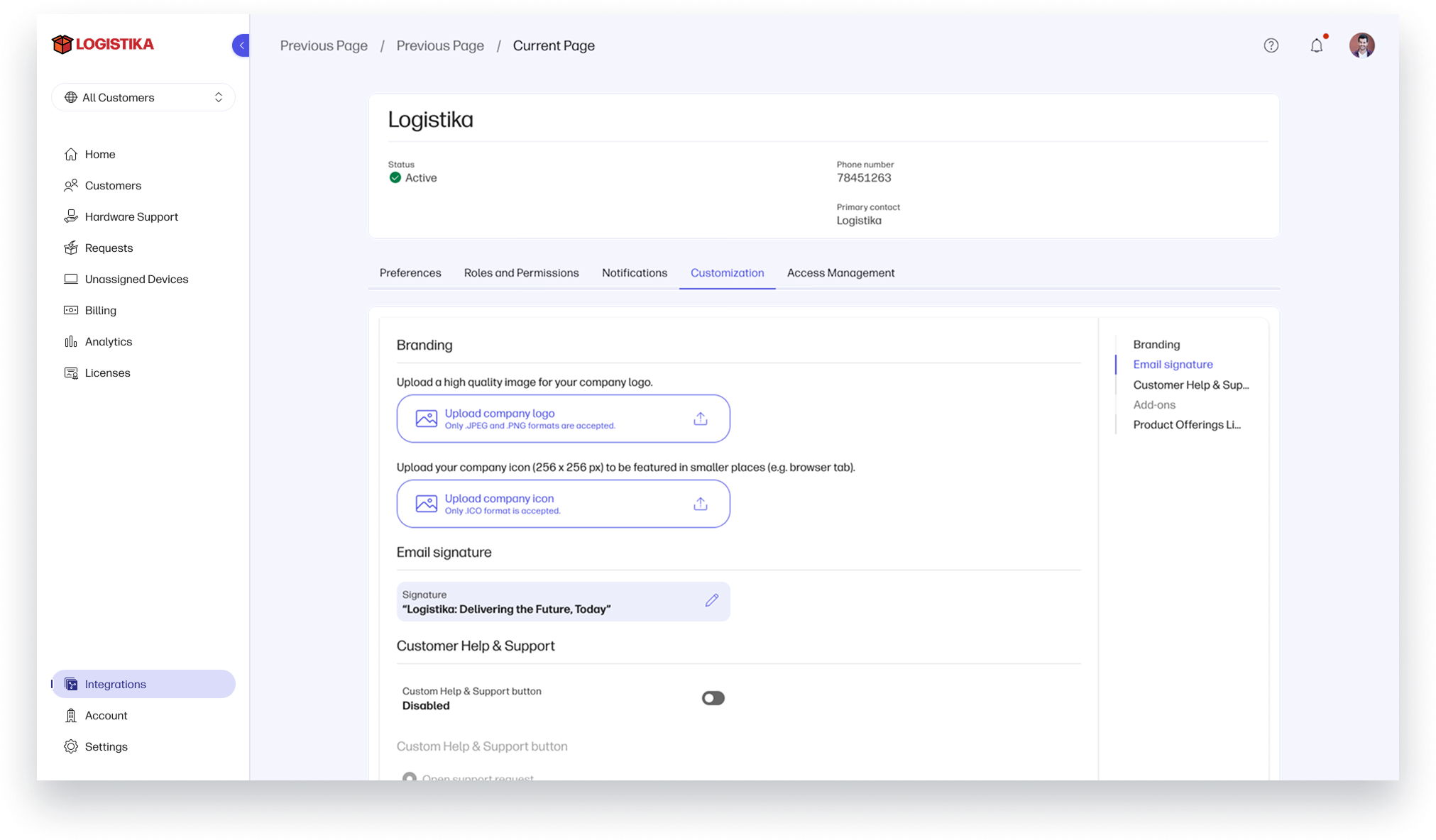
We understand the time and effort that goes into building relationships with your clients, and consistency in communications is an important part of that. With WXP, you can make the platform your own. Add your company logo to the interface and email communications, customize how clients submit support requests, and tailor onboarding experiences to reflect your brand.
This custom branding capability reinforces your value at every touchpoint and helps you build long-term loyalty.
Scale Smarter, Not Harder
Managing licenses and devices across multiple tenants can be a logistical headache. WXP simplifies this by allowing you to assign licenses where they’re most needed, transfer devices between clients, and manage onboarding in bulk—all from one environment.
This operational efficiency is a win-win opportunity, providing your clients the cost benefits of a larger organization.
Integrate and Extend with Ease
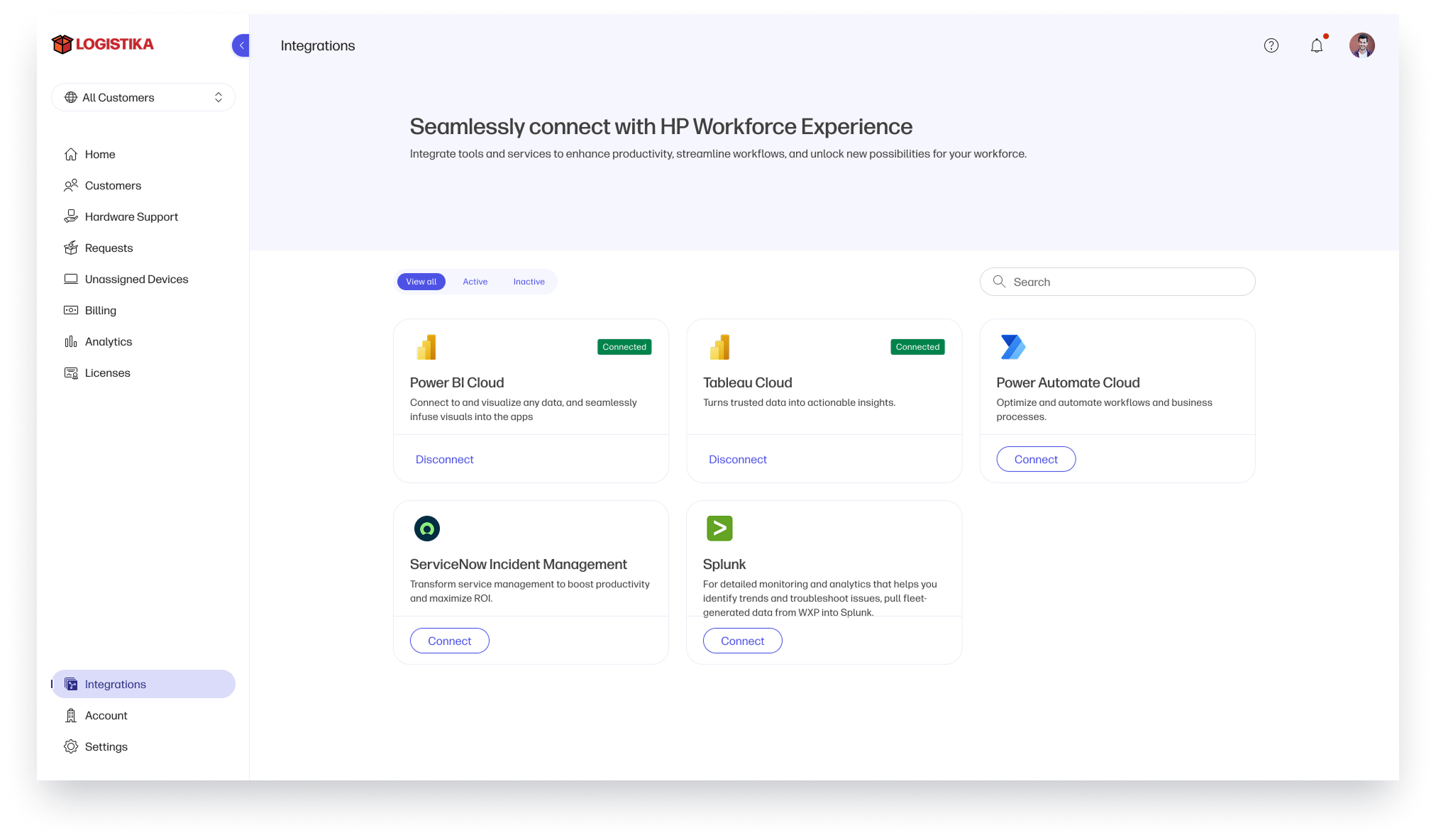
WXP plays well with others—an especially important feature when you’re managing the unique needs and environments of multiple organizations. Use pre-built integrations with platforms like ServiceNow, or tap into WXP’s APIs to build custom solutions tailored to your clients’ needs.
Whether you’re automating incident creation or syncing employee sentiment data, WXP gives you the flexibility to meet your clients where they are and helps ensure nothing gets missed.
From Insight to Action
WXP doesn’t just show you what’s happening, it tells you what to do next. The platform provides recommended actions to address issues like poorly performing batteries, outdated BIOS, or underpowered GPUs before they impact productivity.
Need to know which clients are underutilizing their devices? Or which ones are ready for a hardware refresh? WXP surfaces these insights so you can take action—whether it’s reaching out to encourage adoption or recommending upgrades backed by data.
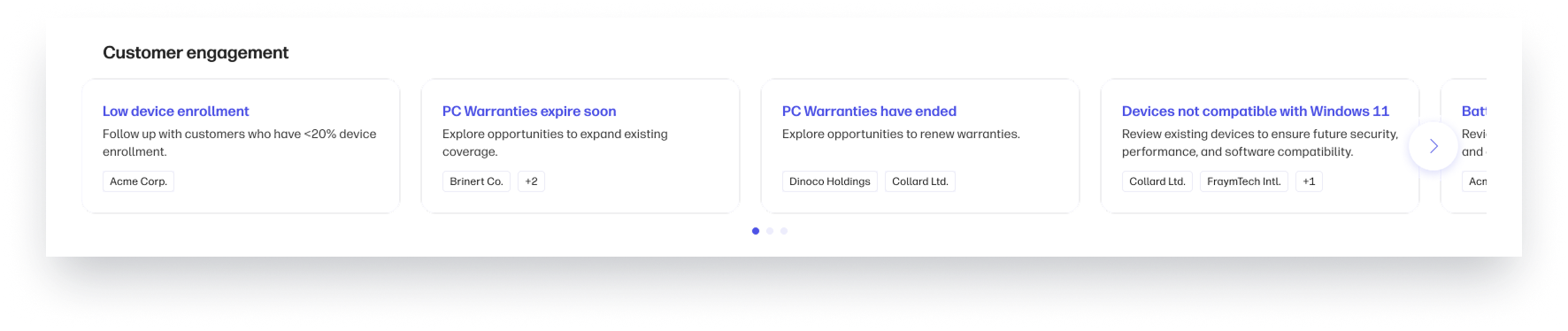
You can also identify trends like low device enrollment or upcoming warranty expirations, giving you the data to make timely, personalized recommendations. This proactive approach builds trust and positions you as a valued advisor, not just a vendor.
Your Strategic Edge Starts Here
WXP isn’t just a tool—it’s a growth engine. It helps you streamline operations, diversify your portfolio across hardware and services, deliver proactive support, and deepen client relationships. With WXP, you’re not just solving problems—you’re creating value.
Ready to see how WXP can transform your business? Learn more at https://workforceexperience.hp.com/partners/.
From the blog
The latest industry news, interviews, technologies, and resources.





Frequently asked questions
Here's everything you need to know about WXP.
- What is the HP Workforce Experience Platform (WXP)?
- How does WXP work?
- Can WXP be customized to fit specific business needs?
- How is WXP modular?
- Is WXP compatible with different vendors and operating systems?
- How does WXP integrate with other IT tools to provide a more comprehensive solution?
- What is a Workforce Experience score?
- How is AI used within WXP?
- How can I buy WXP and find out about new releases?
