
HP Protect and Trace API Now Available on the WXP Developer Portal
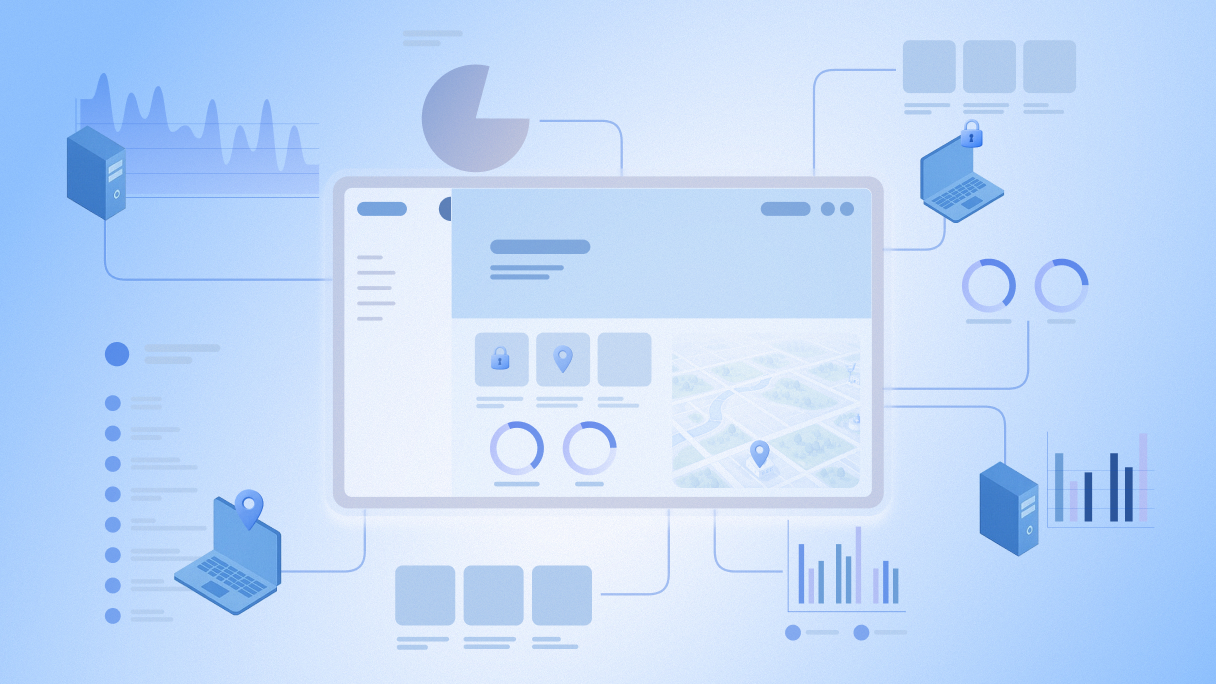
Build smarter, more secure workflows by using HP Protect and Trace and WXP APIs in concert to integrate security and device fleet management routines.
When it comes to IT operations and delivering a smooth employee experience, security is a key part of the overall strategy. It’s hard for IT teams, who bear a heavy responsibility to the organization in the face of increasing technical complexity and more sophisticated threats, to get the balance right.
It gets harder when you have multiple platforms that don’t coordinate well, which is why flexibility and interoperability have been priorities for HP in developing the Workforce Experience Platform (WXP).1 That said, we know customers have complex workflows and specific needs, and this is where our Developer Portal comes into play, providing APIs to enable integrations and customizations that expand the platform’s capabilities.
HP Protect and Trace allows you to find, lock, and erase a PC, anywhere in the world. For HP devices also equipped with Wolf Connect, this protection works even when the device is disconnected and powered down. Already manageable from within the WXP dashboard, the integration of Protect and Trace with WXP has recently been expanded and APIs for Protect and Trace are now available in the WXP Developer Portal.
This means developers, partners, and IT teams with development talent can bring Protect and Trace data directly into WXP applications and use both sets of APIs together to automate, orchestrate, and integrate security and IT management workflows. Connecting device protection with broader IT processes can help organizations streamline compliance and respond more quickly to risks.
Improve Security Compliance, Resilience, and Agility
If you’re currently using HP Protect and Trace in your organization, the integration of the Protect and Trace API into WXP enables you to streamline device lifecycle management, automate routine security actions, and tailor device protection to fit organizational policies, in coordination with other WXP data and workflows. You get better visibility, the ability to respond more quickly to threats or lost devices, and tighter integration with other WXP modules or in-house solutions, so you can spend less time switching between platforms in your day-to-day routines.
Developers and integrated services vendors (ISVs) can integrate Protect and Trace with other platforms or combine Protect and Trace and WXP APIs to offer custom solutions for clients. Whether you’re building dashboards, analytics tools, asset management interfaces, or custom alerting systems, you can now combine real-time Protect and Trace signals and security actions with WXP’s fleet analytics, remediations, and insights, offering deeper, more cohesive experiences. The API provides robust endpoints, secure authentication, and seamless interoperability.
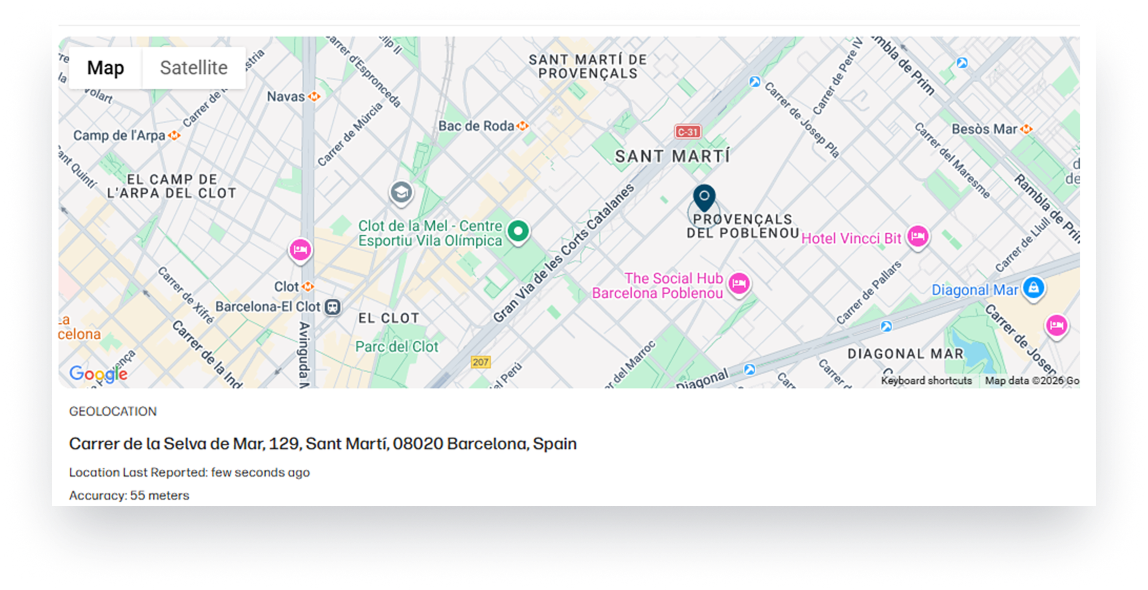
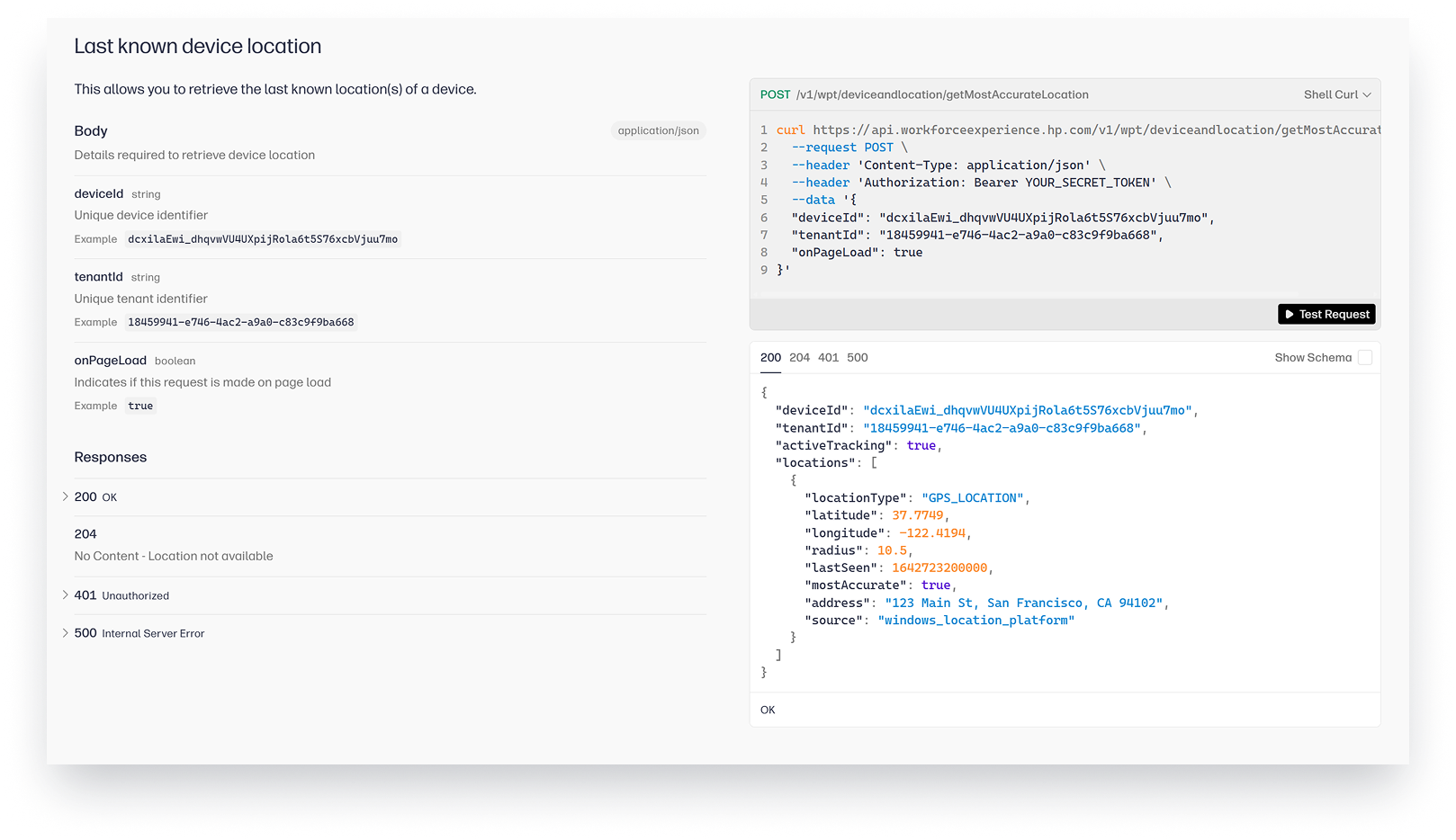
Protect and Trace provides the ability for IT teams to remotely locate and lock devices that are lost or stolen, protecting valuable data.
Combine Data for Integrated Workflows
The integration of Protect and Trace and WXP data allows you to develop workflows, apps, and automations where data from both platforms flows together, in dashboards, scripts, or business processes, with minimal friction. Protect and Trace APIs offer detailed device inventory, policy management, and security actions to complement WXP’s monitoring, remediation, and analytics APIs. Security remains paramount: all interactions with the API require secure authentication and are encrypted end-to-end.
Here are some examples of how the integrated Protect and Trace and WXP APIs might be useful:
| Automated Device On/Offboarding | Integrate with HR or ITSM systems for seamless asset assignment and recall |
| Real-time Security Alerts | Push Protect and Trace security incident data to SIEM or ticketing platforms for rapid response |
| Dynamic Policy Enforcement | Adjust device policies based on location, user role, or contextual risk |
| Fleet Compliance Reporting | Integrate device status and compliance data into business analytics dashboards |
| Custom User Portals | Build organization-specific portals for end users or regional admins |
| Asset Management Automation | Automate location tracking and updating of CMDB. Open tickets when devices are unresponsive. |
| Geo-Fencing | Alert when PCs are moved outside of authorized locations, while maintaining privacy and audit controls. |
Join the Next Generation of Endpoint Protection
The full integration of the HP Protect and Trace API into WXP marks a new chapter in secure, data-driven device management, one where control, insight, and automation seamlessly span both platforms.
The HP WXP Developer Portal provides comprehensive API documentation, self-service registration, as well as sample workflows and integration tutorials. Explore hands-on scenarios that illustrate how to combine device security, status, remediation and reporting from both Protect and Trace and WXP modules.
- Ready to explore? Visit the HP WXP Developer Portal for documentation, keys, and support.
- Questions or feedback? Connect with the HP Wolf Security team directly via the Portal support channels or share your experience in the community forums.
- Partner with us! If you’re building new integrations or solutions, reach out for co-marketing opportunities and best practices.
Let’s build a safer, smarter digital workplace together with HP Protect and Trace.
Additional Resources
HP WXP Developer Portal (Europe)
From the blog
The latest industry news, interviews, technologies, and resources.






Frequently asked questions
Here's everything you need to know about WXP.
- What is the HP Workforce Experience Platform (WXP)?
- How does WXP work?
- Can WXP be customized to fit specific business needs?
- How is WXP modular?
- Is WXP compatible with different vendors and operating systems?
- How does WXP integrate with other IT tools to provide a more comprehensive solution?
- What is a Workforce Experience score?
- How is AI used within WXP?
- How can I buy WXP and find out about new releases?
