
Global Memory Crunch: Insights From IT Leaders at the Gartner DW Summit
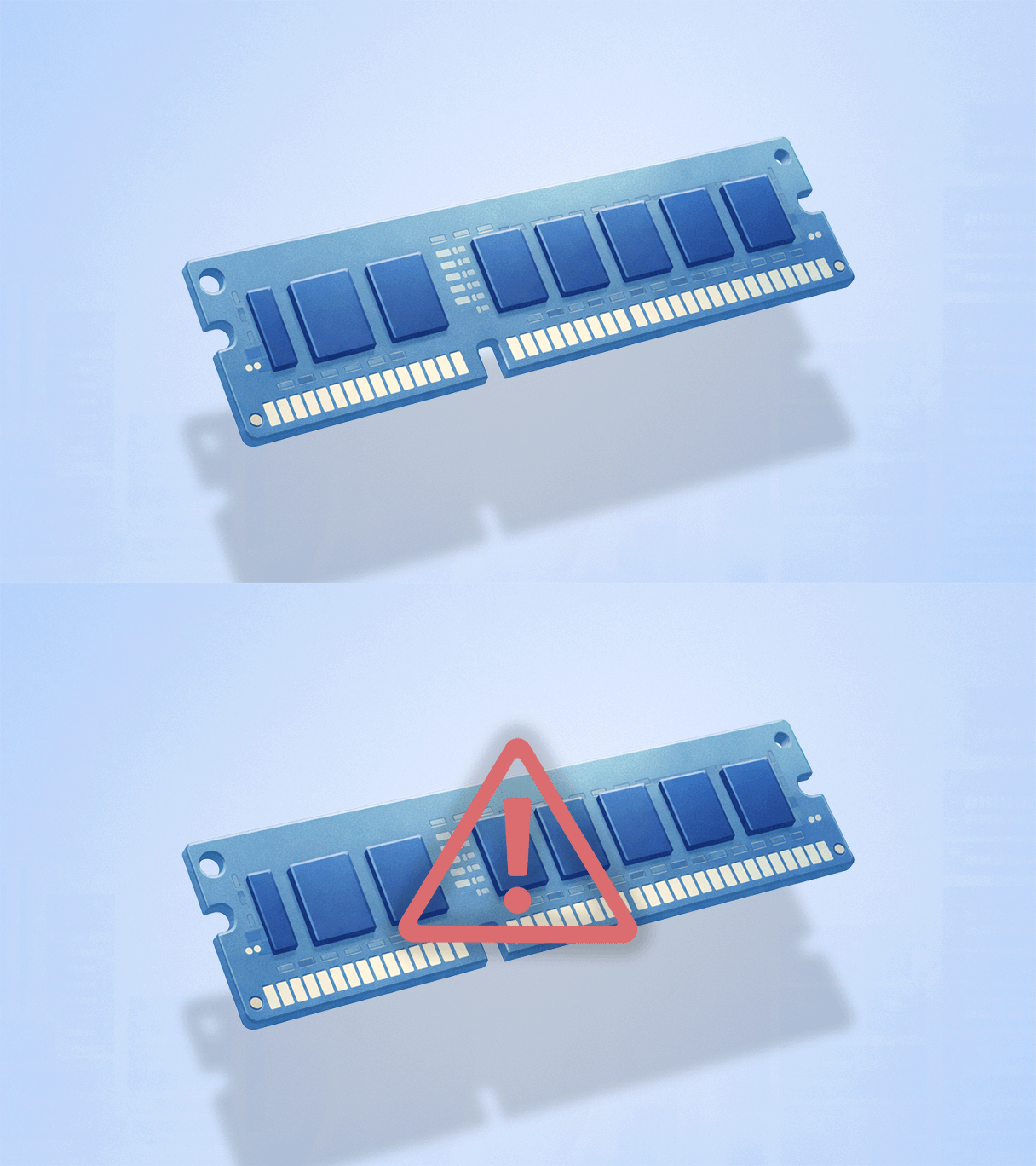
As AI infrastructure consumes more of the global memory supply, organizations are rethinking how they approach device lifecycle management.
Fretting about memory economics was probably not on many CIO bingo cards this year. In 2026, however, hardware inflation is hitting organizations hard, forcing IT leaders to rethink how they plan and allocate resources across large enterprise device fleets.
As a refresher, surging demand for advanced memory used in AI infrastructure is diverting manufacturing capacity and tightening supply of DRAM and NAND used in everyday devices. As a result, hardware shipments are tightening, and prices for laptops, desktops, smartphones, SSDs, and servers are all going up—fast.
Gartner projects a 130% surge in DRAM and SSD prices this year, alongside a 10.4% drop in worldwide PC shipments and an 8.4% decline in smartphone shipments. SK Hynix, one of the world’s largest memory manufacturers, predicts the memory shortage will last through late 2027.
A new sense of urgency
At the Gartner Digital Workplace Summit 2026, HP hosted a peer roundtable on how the global memory shortage is reshaping IT planning and device lifecycle management. Moderated by Masooma Naqvi, VP of Product Management, HP Digital Services, and Tadd Koziel, VP of Employee Experience and Innovation, IT leaders from a wide range of industries shared how they’re managing and optimizing their workforce technology, protecting employee experience, and controlling costs as hardware supply tightens.
Most of these insights are already familiar to experienced IT leaders. What has changed is the urgency created by the global memory shortage. Here are some of the key takeaways from the discussion.
Insight #1: Local LLMs Are Intensifying RAM Demand
We’re seeing a real shift. For standard users, 16GB or 32GB is still fine, but employees working with AI often need 128GB of RAM. They want to run large LLM models locally because network access is not always reliable, and they need these models available directly on their device.
- DEX Engineering Leader at a global enterprise software company
One key insight from the roundtable was how the AI boom is transforming hardware requirements across the enterprise. More employees now need stronger computing power to run LLMs locally on their devices to support development work, data analysis, demonstrations, and offline use cases.
While many users can still work well with 16GB or 32GB of RAM, developers, data specialists, and researchers are increasingly requiring 64GB or even 128GB. These higher memory needs are significantly increasing hardware costs.
To address these challenges without “blowing up” their 2027 budgets, organizations are:
- Creating device tiers for developers, researchers, and power users that include higher memory capacity
- Using performance data to identify users and roles consuming the most memory
- Triggering upgrades based on sustained high usage
- Testing “AI sharing” that can route intensive workloads to high-capacity machines when needed
- Planning memory needs earlier due to longer hardware lead times and budget cycles
Insight #2: Software “Bloat” and Memory Leaks Are Quietly Draining Performance
We’re seeing not single digits, but double-digit numbers of applications leaking memory. Even small leaks, such as a few megabytes per hour, add up over time and lead to issues like slow performance, crashes, and degraded user experience.
- Enterprise IT Operations Leader at a multinational enterprise
What looks like aging hardware can sometimes be inefficient software that consumes more memory than it should. Another key insight was that software bloat and “leaky” applications are draining memory even when devices have enough RAM. Over time, these apps impair system performance and cause organizations to replace devices sooner than necessary.
In response, IT teams are using DEX tools to go “app hunting” for leaky applications. They’re reducing software sprawl, encouraging scheduled reboots to maintain performance, and tightening software standards to reduce resource waste. The goal is to eliminate hidden memory drain, so hardware upgrades are based on real needs.
The HP Workforce Experience Platform (WXP) is a digital employee experience (DEX) solution that can identify memory bottlenecks with visibility into:
- Applications and processes driving resource spikes
- Devices showing signs of performance degradation
- Patterns that lead to recurring support issues
This data enables teams to maximize memory resources across device fleets, driving higher ROI and helping enterprises balance budgets without sacrificing the user experience.
Insight #3: Orgs Are Abandoning Age-Based Refresh Cycles
We used to follow a standard four-year refresh cycle. Now we’re moving toward a performance-based lifecycle, where some devices can last longer depending on how they are actually used.
- Digital Product Manager at a multinational enterprise
Another key insight from the roundtable was the end of age-based refresh cycles. Traditionally, organizations would replace devices every three to four years regardless of actual performance. However, some devices perform well beyond those fixed timelines, while others need earlier replacement due to demanding workloads.
The memory crunch has really exposed how wasteful this practice has become. Organizations are abandoning fixed timelines by using DEX tools and performance data to replace devices only when needed. For example, WXP provides deep visibility into:
- Battery health and degradation
- Thermal behavior and throttling
- Power usage and charging
- BIOS and firmware events
- Driver-level performance
- CPU and memory utilization
Telemetry data at scale ultimately changes the economics of IT. HP used WXP internally to manage 80,000 devices, resulting in a 40% reduction in planned PC refresh costs and a 70% improvement in employee satisfaction.
Conclusion
The global memory crunch is reshaping how IT leaders plan and operate. Organizations that align device strategy to real performance data, eliminate hidden inefficiencies, and prioritize upgrades based on workforce needs will be in far better shape to weather the storm.
HP is helping customers navigate the current memory shortage with data-driven device insights that optimize performance, control costs, and protect the employee experience.
To learn more, check out this case study or get in touch with a member of our team.
HP Workforce Experience Platform is a comprehensive digital employee experience solution that enables organizations to optimize IT for every employee’s needs.
Discover how it can transform your IT operations from a cost center to a business accelerator. Simply fill out the form below, and our team will be in touch soon.
From the blog
The latest industry news, interviews, technologies, and resources.





Frequently asked questions
Here's everything you need to know about WXP.
- What is the HP Workforce Experience Platform (WXP)?
- How does WXP work?
- Can WXP be customized to fit specific business needs?
- How is WXP modular?
- Is WXP compatible with different vendors and operating systems?
- How does WXP integrate with other IT tools to provide a more comprehensive solution?
- What is a Workforce Experience score?
- How is AI used within WXP?
- How can I buy WXP and find out about new releases?
