
Simplify Printer Management with WXP
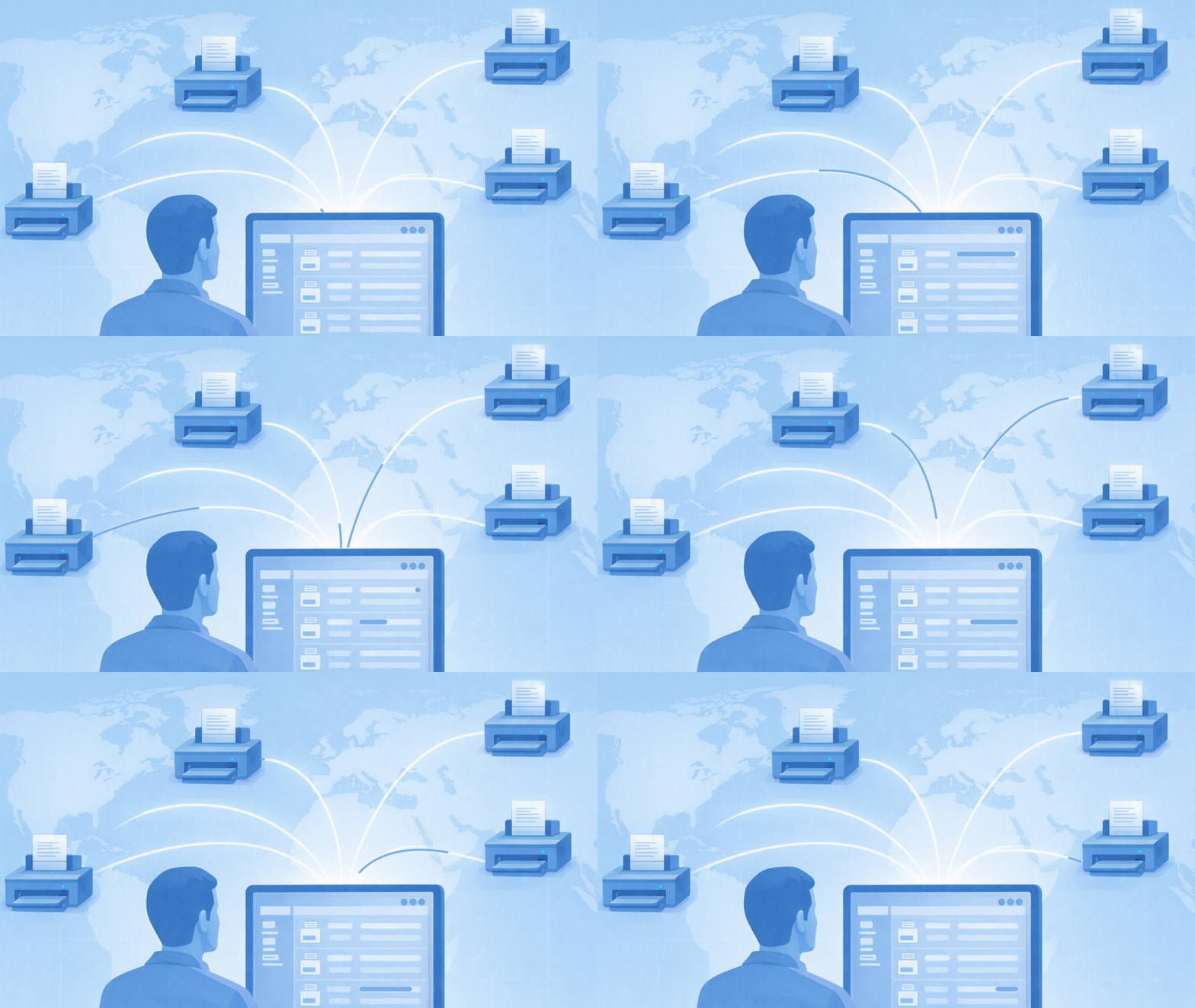
WXP Print Management Streamlines Monitoring, Configuration, and Support for Printers, Integrated with the Rest of Your Device Fleet to Save Time and Reduce Administrative Overhead
Printer management is complex and time-consuming. Diverse and aging devices, tricky security and network requirements, and the potential to disrupt critical operational workflows all make printers a challenge for stretched IT teams. And let’s be honest, it’s a thankless job. If you ask an average CIO about strategic priorities, managing printers is unlikely to make the list.
Meanwhile, as more of the IT stack shifts to cloud-based management and zero-trust security frameworks, printers are increasingly out of step. Dependent on legacy tools and on-premises infrastructure, they’re harder to manage and more expensive to secure to modern standards, leaving many printers out of compliance and exposing organizations to an elevated risk of data theft.
It’s just the type of challenge the HP Workforce Experience Platform (WXP)1 is designed to address. Already implemented by organizations worldwide for PC and collaboration technology management, WXP’s value in being able to manage a full device fleet from a single pane of glass can’t be overstated. It saves time, reduces errors, improves your ability to respond quickly, and frees up time from routine IT tasks for more strategic initiatives that can help your organization differentiate itself and improve the bottom line.
One Platform to Rule Them All
Now, that single-pane-of-glass management includes your printers. WXP Print Management2 provides the ability to monitor, manage, secure, and update printers alongside your PCs and other equipment without switching platforms, reducing administrative time while allowing you to prioritize maintenance needs with a full view of your digital ecosystem. IT teams gain visibility and efficient, cloud-based remote management of printer configuration, security, and support, with the ability to proactively address issues, speed up response times, and lower operational costs.
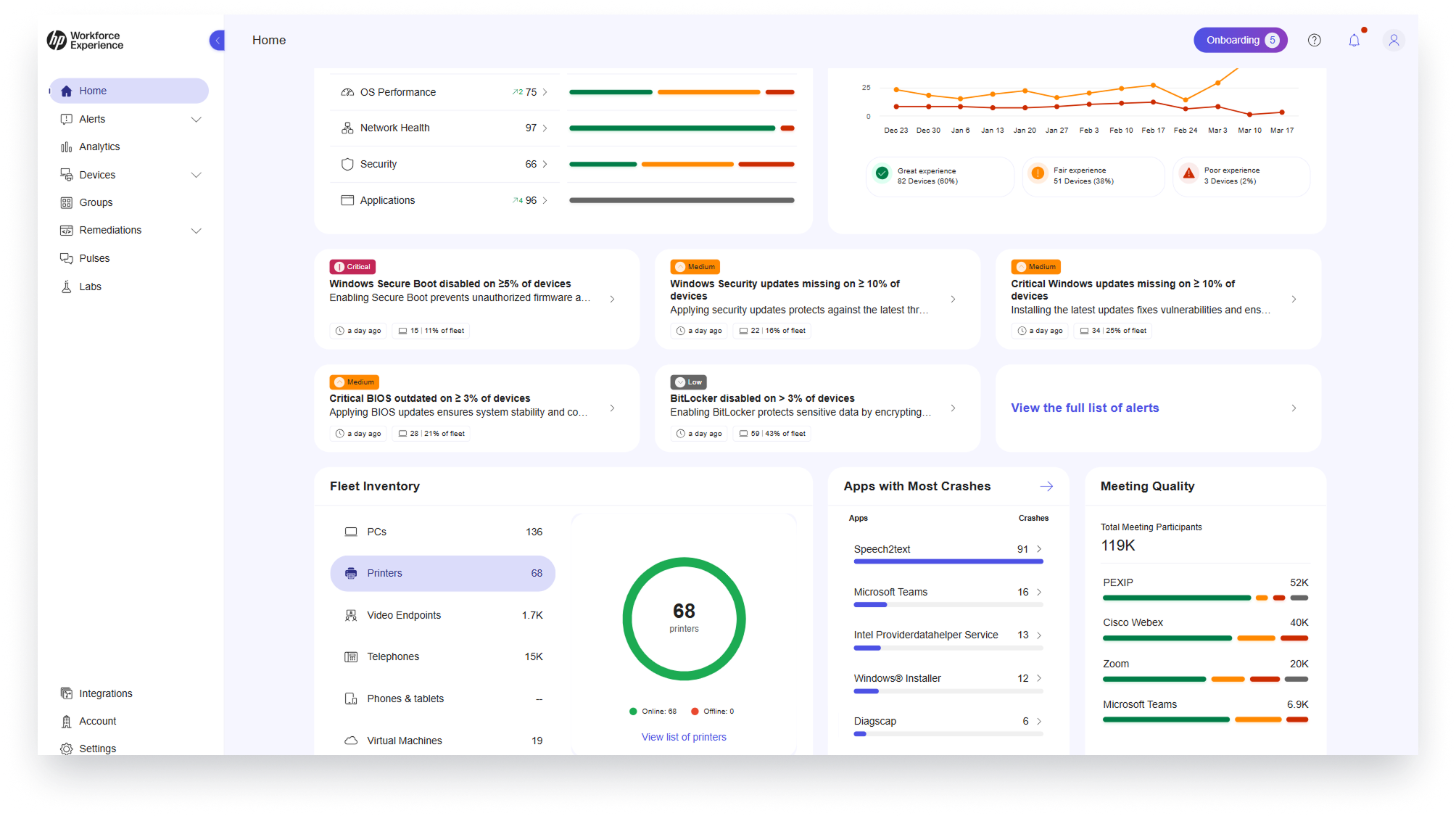
The platform supports fully cloud-connected or hybrid environments. This provides you with a unified printer fleet monitoring and management solution that serves your current organizational needs and will continue to support you as those evolve, including as you transition to zero-trust policies for stronger security. Monitoring support is available for any printer connected via WebJetAdmin (WJA), whether from HP or another manufacturer.
Set It and Don’t Sweat It
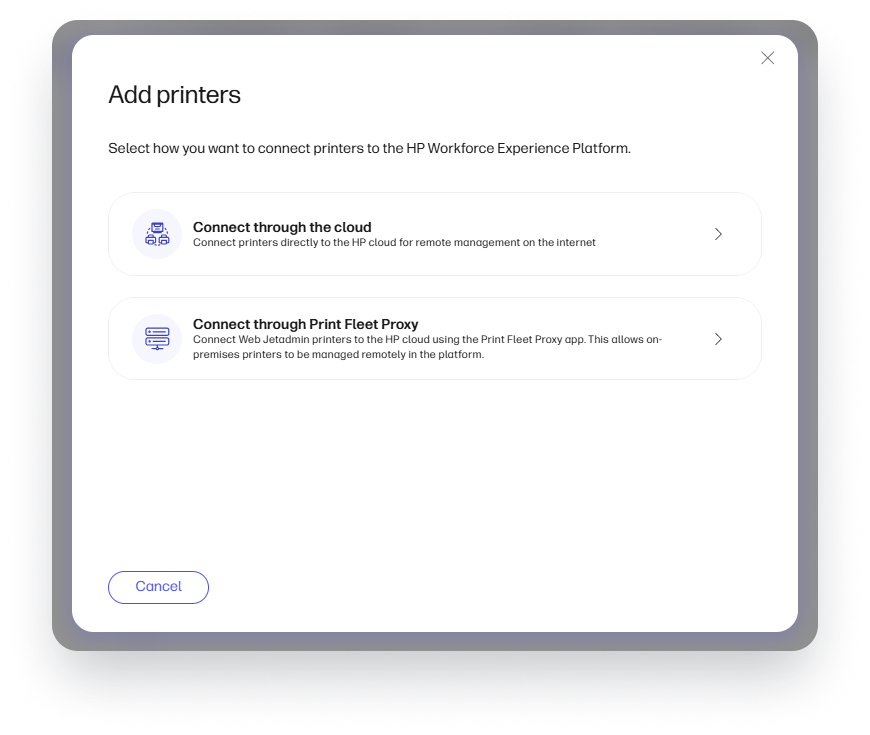
WXP Print Management makes configuration and compliance easier than ever. Remote onboarding, policy configuration, and remediation all help to save time and money by reducing site visits (along with their associated travel requirements, scheduling hassles, expenses, and operational delays).
Onboard HP FutureSmart 5 compatible printers using direct cloud connection, or any printer connected to WebJetAdmin and on-premise servers. Group printers using your custom rules for consistent application of policies, allowing you to apply settings based on location, department, or other parameters to provide tailored security and compliance for existing and newly added printers.
WXP Print Management also simplifies firmware updates and changes to settings, with a convenient scheduler so the process can be executed when employees are not in the office and will not be disrupted. If service requires a factory reset, printers can be remediated remotely with policies restored to bring them back into compliance quickly.
Know What’s Down Before It Slows Work Down
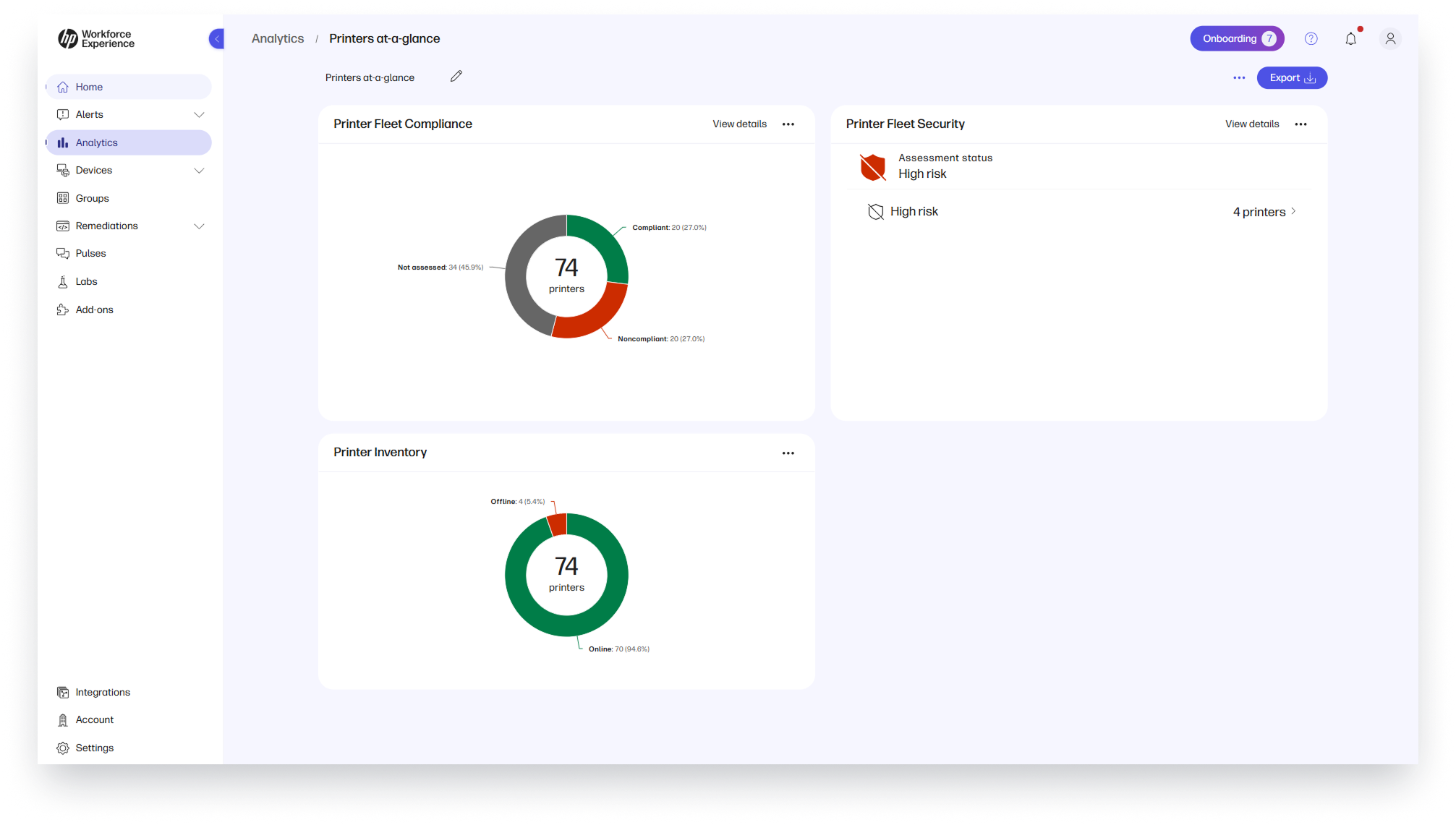
WXP Print Management’s monitoring dashboard provides an invaluable tool for busy IT teams, making it easy to monitor large fleets of printers across distributed environments, proactively identifying offline or non-compliant devices for quick remediation. The platform provides more than just status updates. It offers single-click access to filtered lists of problematic printers to help you get them back online quickly. By catching issues early, you can prevent printer downtime that interrupts workflows and drives avoidable support tickets.
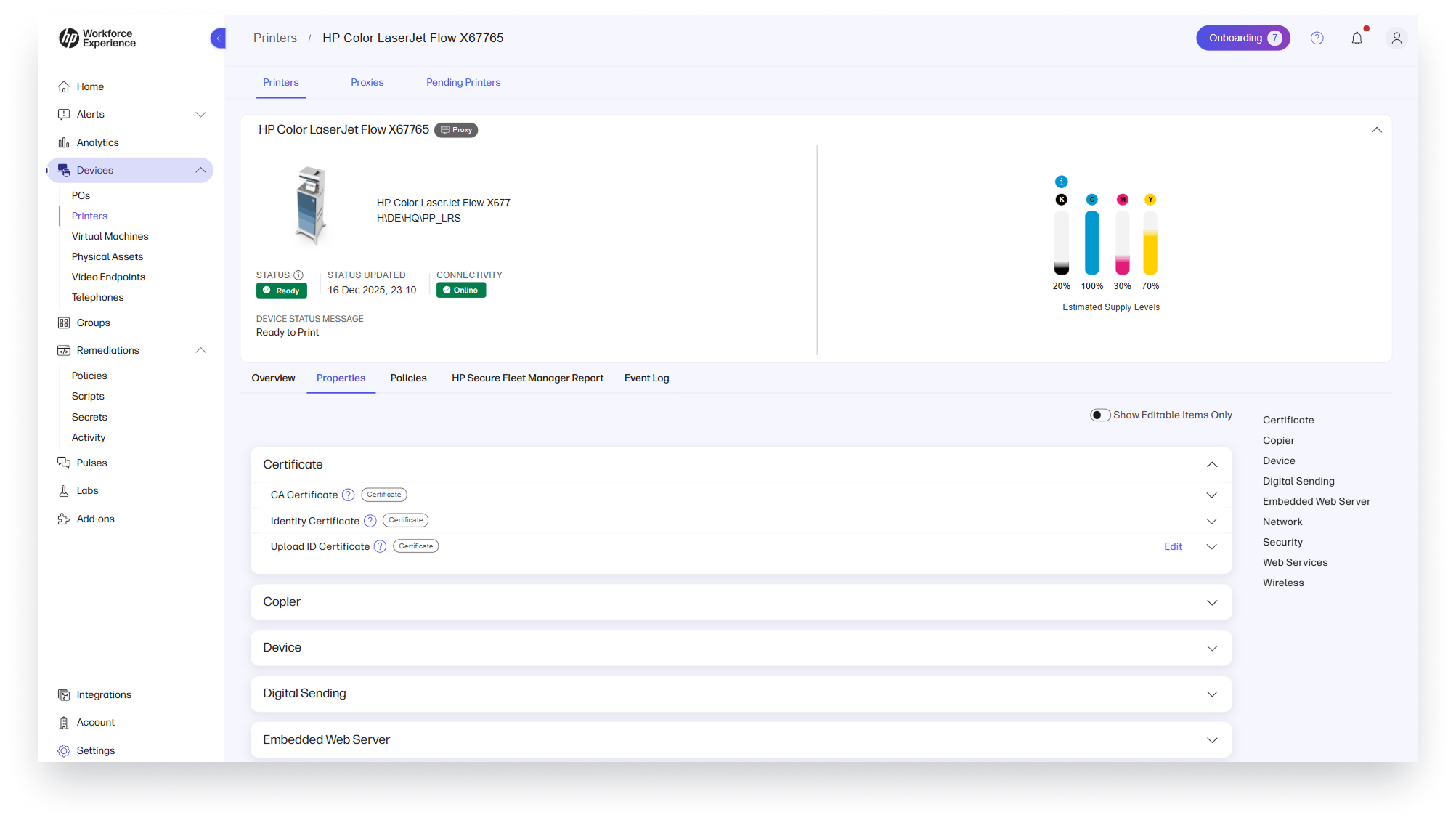
Sometimes preventing downtime is as simple as ensuring the toner doesn’t run out. WXP Print Management has you covered there too, monitoring supply thresholds so you can see when refills are required and ensure the printer is always ready to print.
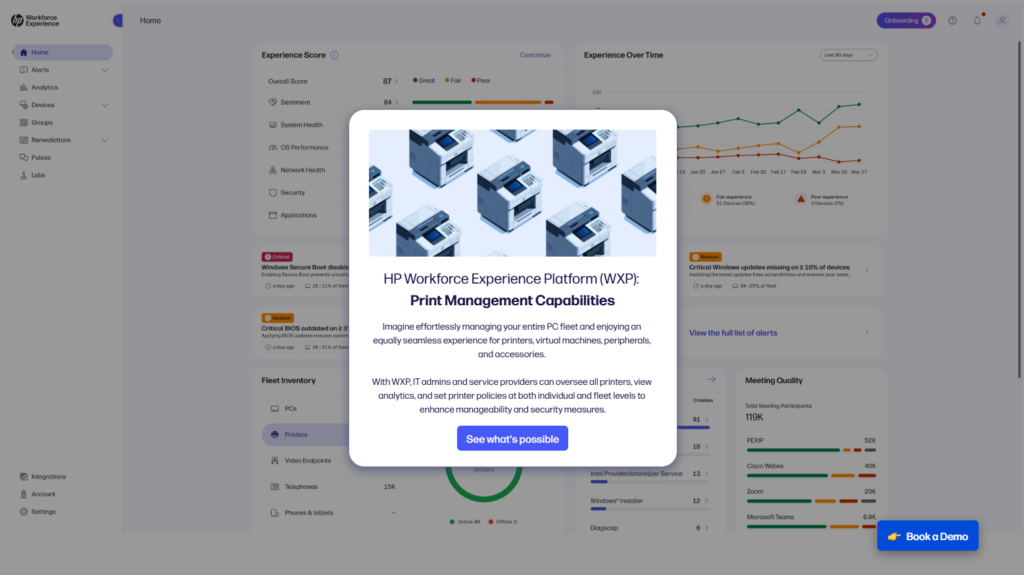
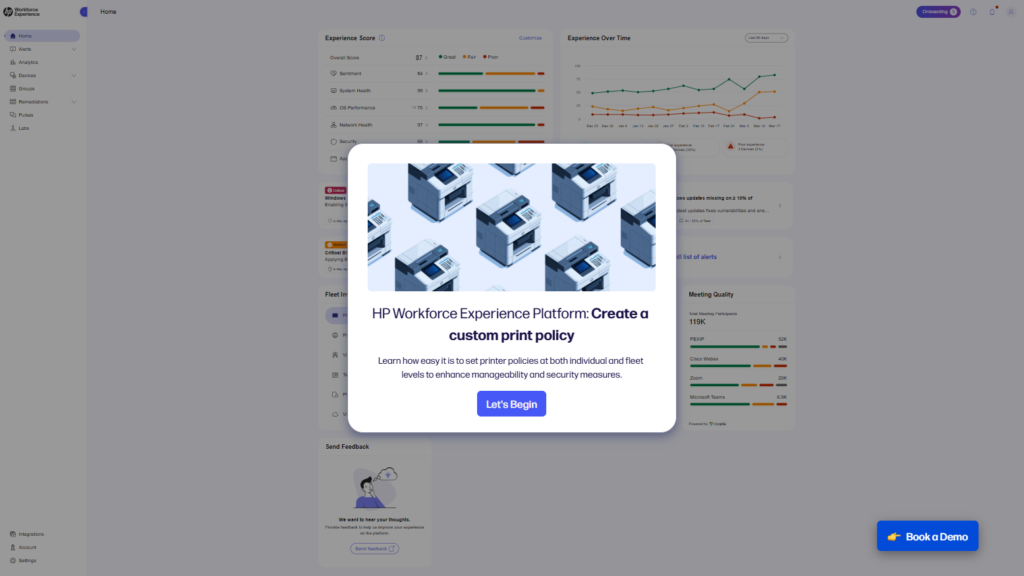
We understand that providing your workforce with the best tech experience possible can sometimes feel like you’re orchestrating a circus. With WXP, we’re aiming to reduce the number of hoops you have to jump through to do so, and adding Print Management to the platform is a key step along the way. For a more detailed walkthrough of the platform’s print capabilities, check out the interactive demos below.
Print Capabilities Demo
Print Policies Demo
Bring Full Visibility and Control to Your Printer Fleet
Ready to modernize your print environment? Reduce administrative overhead and reclaim time for higher-value work. Contact your HP representative or reach out to us via the contact form below.
Additional Resources
Enhancing Security Across the Print Fleet Lifecycle
HP Workforce Experience Platform is a comprehensive digital employee experience solution that enables organizations to optimize IT for every employee’s needs.
Discover how it can transform your IT operations from a cost center to a business accelerator. Simply fill out the form below, and our team will be in touch soon.
From the blog
The latest industry news, interviews, technologies, and resources.







Frequently asked questions
Here's everything you need to know about WXP.
- What is the HP Workforce Experience Platform (WXP)?
- How does WXP work?
- Can WXP be customized to fit specific business needs?
- How is WXP modular?
- Is WXP compatible with different vendors and operating systems?
- How does WXP integrate with other IT tools to provide a more comprehensive solution?
- What is a Workforce Experience score?
- How is AI used within WXP?
- How can I buy WXP and find out about new releases?
