HP Workforce Experience Platform Demos
Explore how WXP can fit your unique needs.
Fleet Management
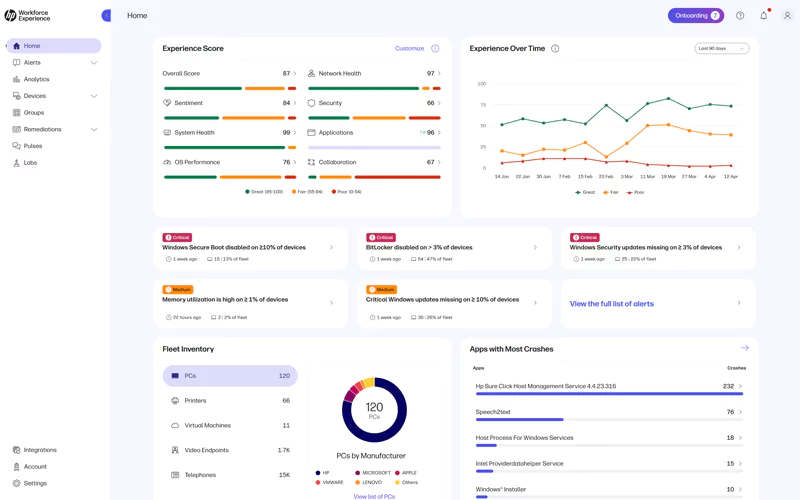
Watch how WXP can help identify top digital issues and provide actionable recommendations.
Employee Engagement
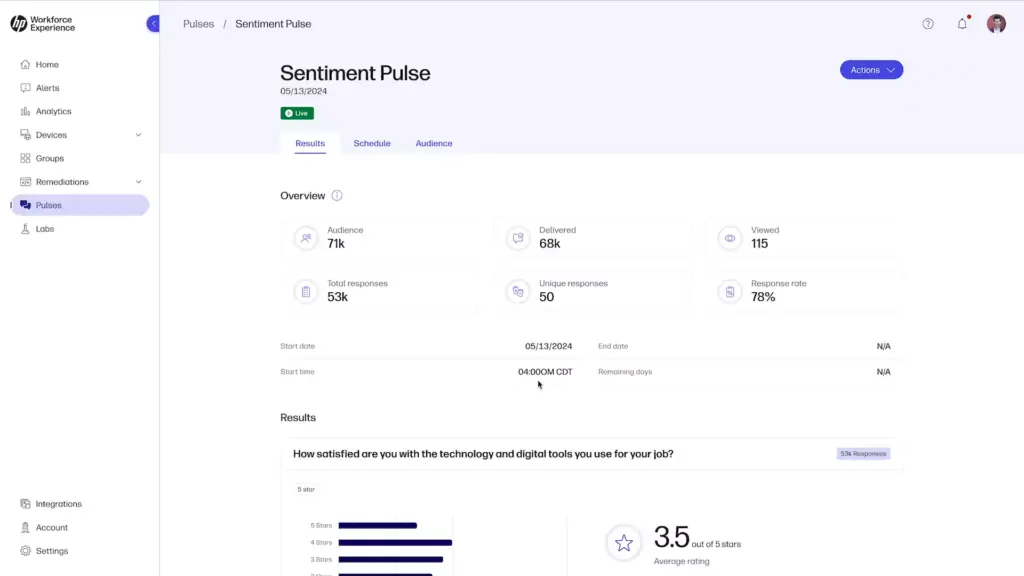
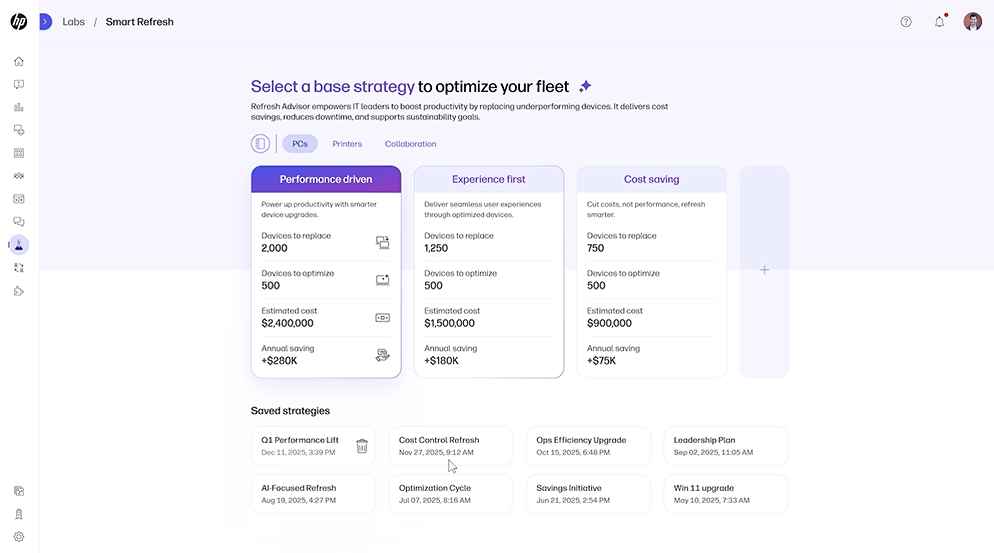
Discover how to easily survey and analyze employee sentiment with WXP.
Remote Connect
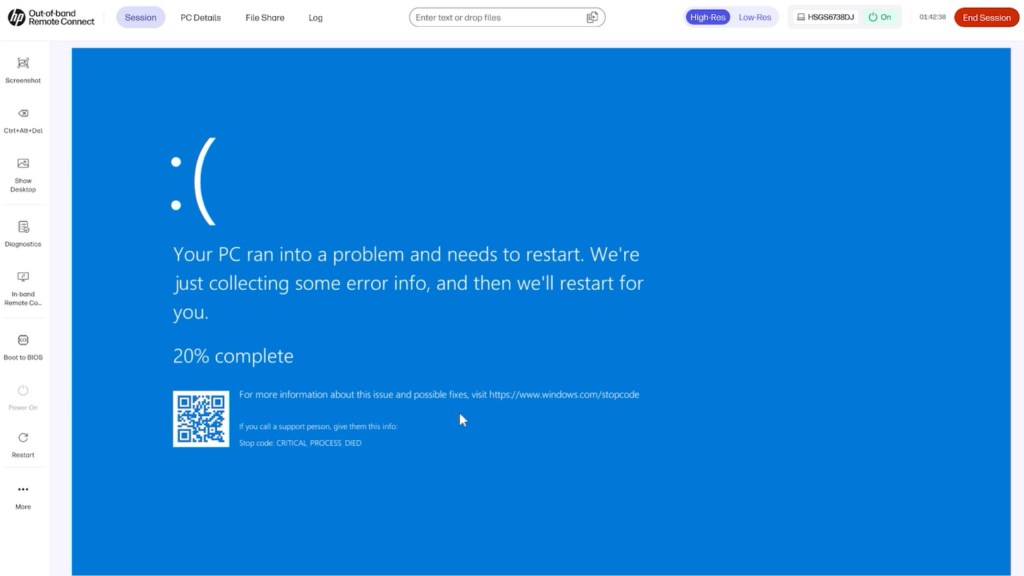
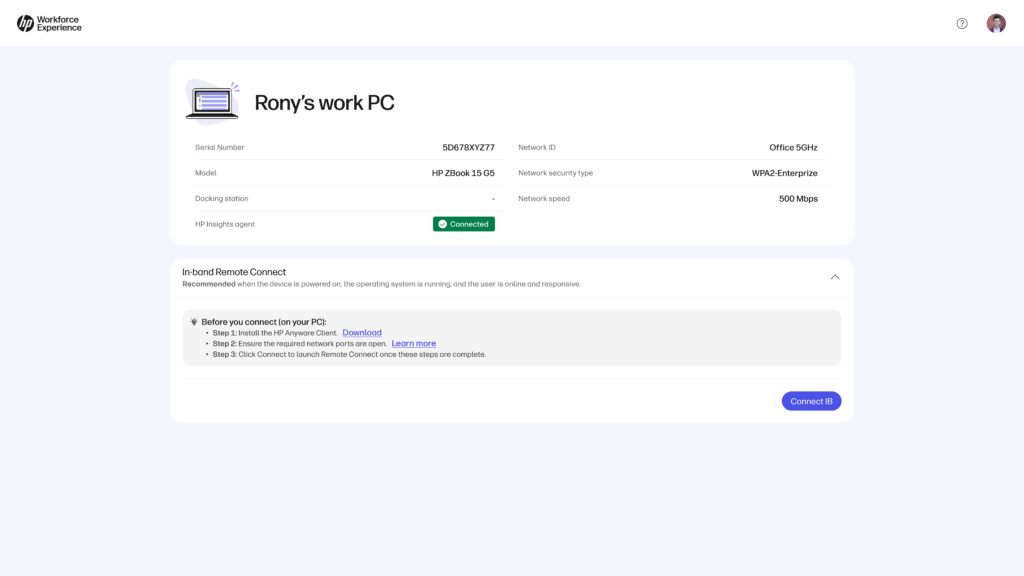
Watch how Remote Connect enables IT teams to securely access devices, diagnose issues in real time, and take action before problems spread.
WXP Collaboration
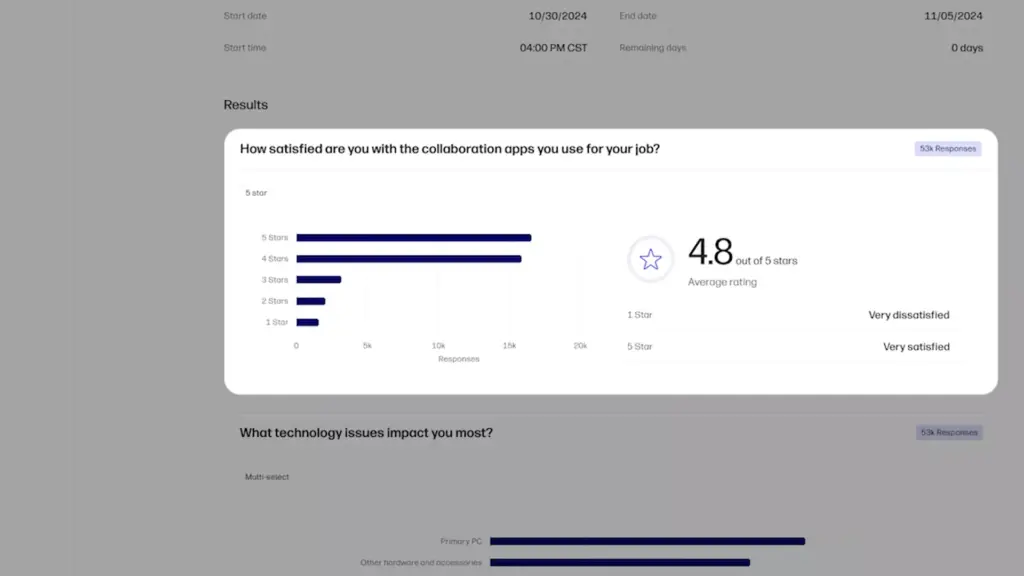
Discover how to gain actionable insights and transform delivery of exceptional collaboration experiences.
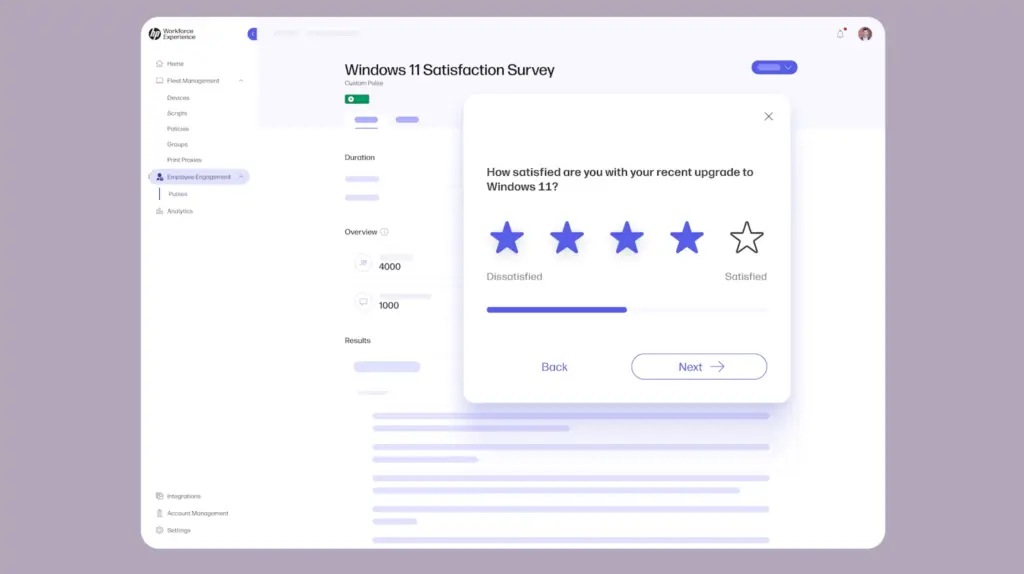
Evaluate Windows 11 Readiness
Remove the guesswork with the tools to evaluate compatibility, identify risks, and ensure a seamless upgrade.
Explore Interactive Demos
Home Dashboard Tour
Explore the home dashboard of
HP Workforce Experience Platform.
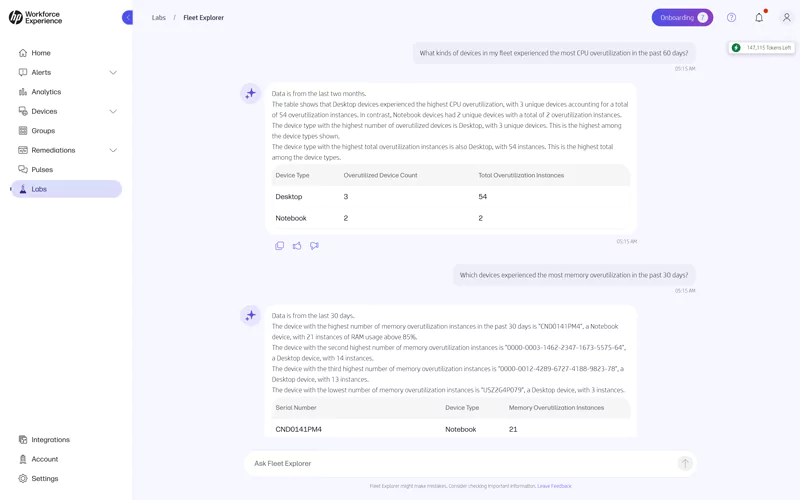
Fleet Explorer
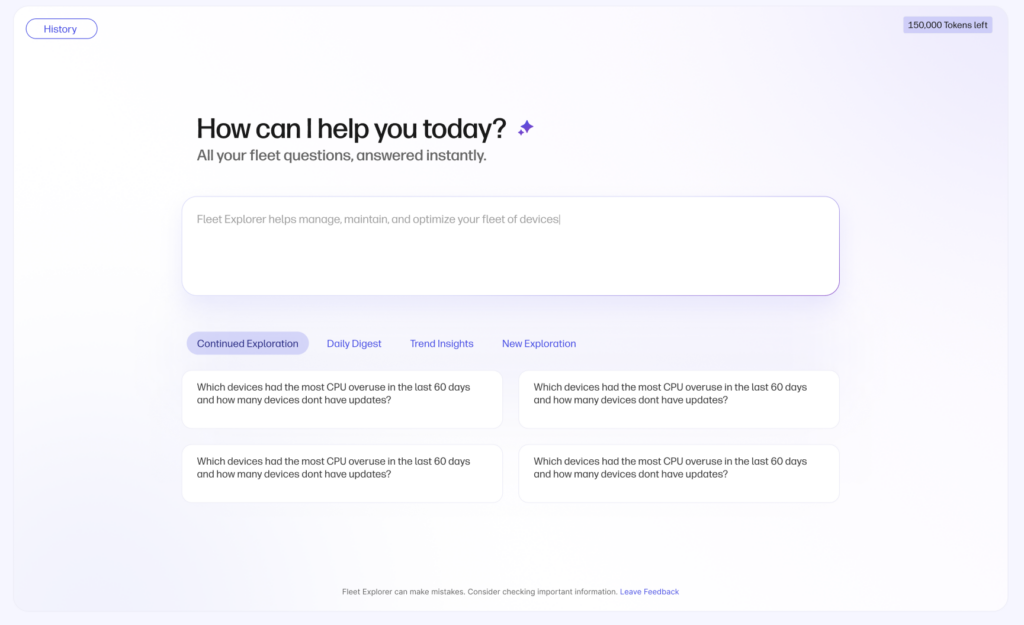
Gain insights on device performance, usage trends, and troubleshooting with this AI-powered chatbot.
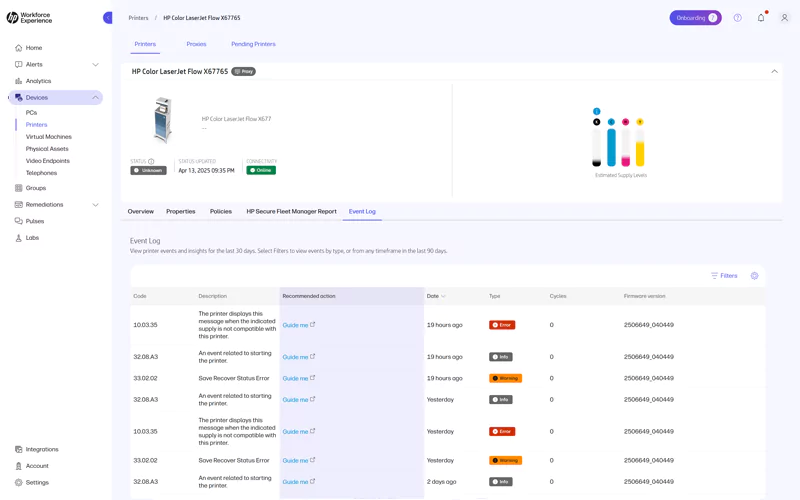
Print Capabilities Tour
Monitor and manage your fleet of HP printers with WXP.
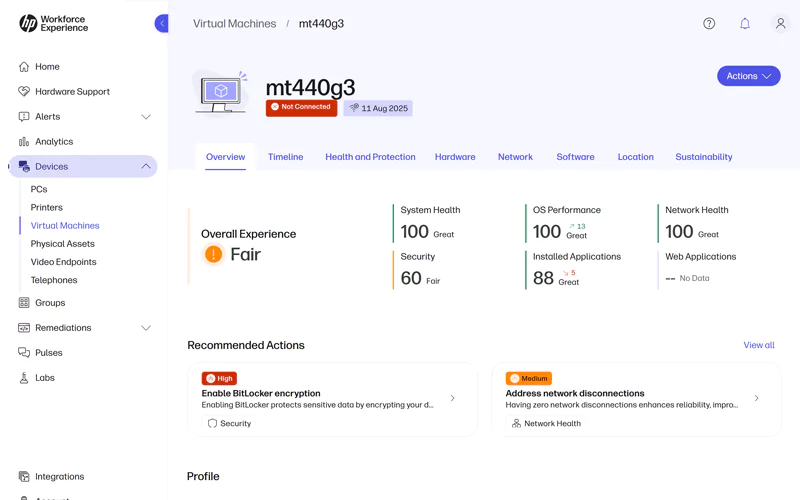
HP Anyware (add-on)
Monitor virtual machine performance and access rich telemetry insights directly within WXP.
Alerts Management
Surface critical issues with alerts and proactively catch risks and compliance gaps before they spread.
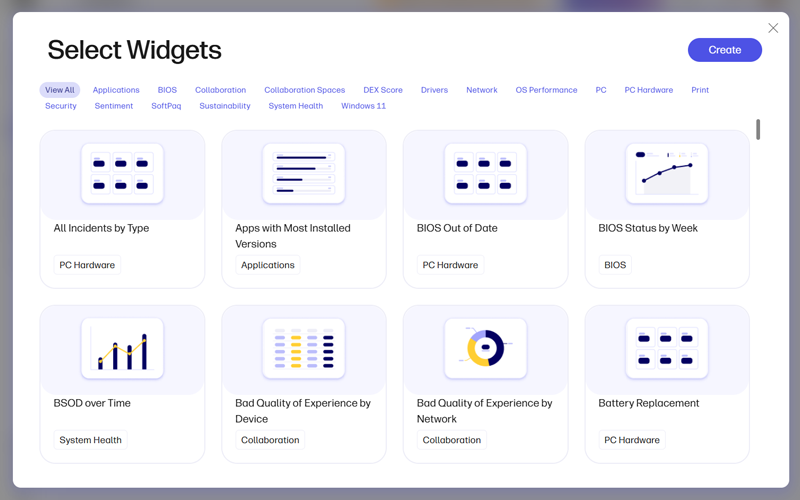
Custom Dashboards & Reports
Build tailored data views focused on the metrics that matter most to you.
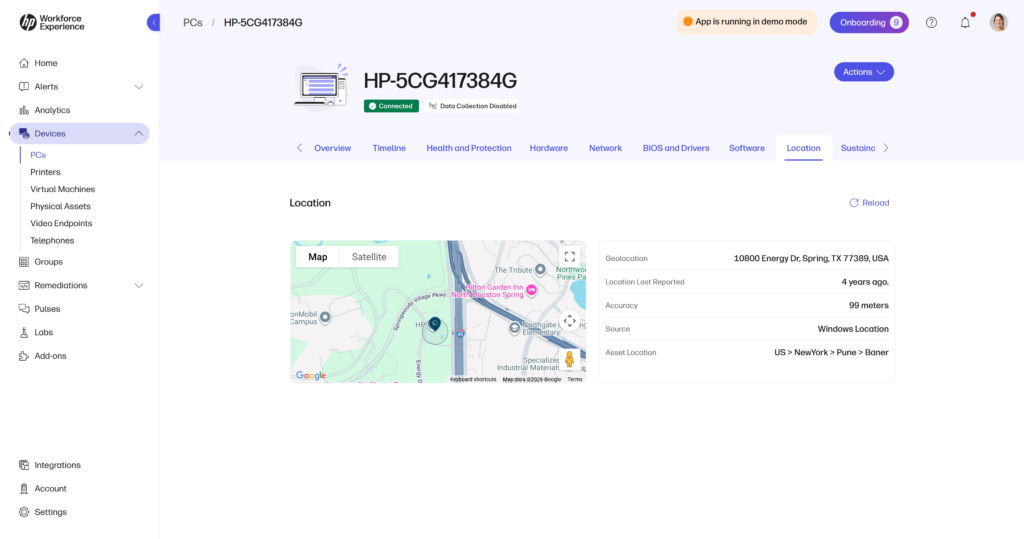
Optimize your digital experience today
Resolve IT issues before they arise, protect against cyber threats, and personalize IT for every employee.
Start with WXP
Friday Double Click: Fast, Focused Demos by WXP Experts

Episode 18
New pulse templates & sentiment enhancements in WXP
Episode 17
Discover the new Fleet Explorer in WXP
Episode 16
Work smarter with reusable groups in WXP

Episode 15
Prevent battery failures before they happen with WXP
Episode 14
Diagnose and improve OS performance with WXP
Episode 13
How to run, schedule, and assign scripts in WXP
Episode 12
Leveraging WXP Entra ID integration
Episode 11
Cut IT tickets by 50% with WXP policies for driver updates
Episode 10
Introducing HP driver update insights
Episode 9
Unlocking insights with WXP analytics
Episode 8
How secure are your devices? WXP security score explained
Episode 7
Device insights with WXP
Episode 6
How to set up and customize alerts with WXP
Episode 5
Catch issues faster with WXP real-time alerts
Episode 4
Measuring employee sentiment with WXP pulse surveys
Episode 3
How WXP helps you identify hardware issues before they become help desk tickets
Episode 2
Proactively spot and solve app issues fast
Episode 1
How to go from data deluge to actionable insights
Frequently asked questions
Everything you need to know about WXP.
-
What is the HP Workforce Experience Platform (WXP)?
WXP is an AI-powered digital employee experience (DEX) solution that integrates with various systems and devices to maximize IT efficiency, reduce costs, and enhance the employee experience.1
-
How does WXP work?
WXP equips technology leaders with detailed performance insights of PCs, printers and more, coupled with enhanced preventative workflows to maximize end-user productivity while reducing costs. The SaaS-based platform also has an advanced employee engagement engine and integrates with various third-party systems like ServiceNow, PowerBI, and Tableau, along with integrating printers, virtual desktops, mobile devices and more to maximize IT efficiency, reduce costs, and enhance the employee experience.
-
Can WXP be customized to fit specific business needs?
The platform’s modular design allows for tailored customization and scalability to meet specific business needs. Presently, WXP integrates capabilities for fleet management (formerly HP Proactive Insights) and employee engagement, facilitating direct communication between IT and employees, and targeted feedback collection via device pop-ups and self-help capabilities. Planned optional, add-on modules will include additional devices for fleet management, endpoint security, and Digital Workspaces powered by HP Anyware, all supported by enterprise-level support. Additionally, there are add-on options for hardware, managed services, and print software.
-
How is WXP modular?
WXP is designed to be modular, allowing organizations to tailor the solution to their specific needs, including Fleet Management, Employee Engagement, Digital Workspaces, and Endpoint Security.
The modular design allows companies to select the capabilities needed to achieve business goals. New capabilities can be added to an existing portal as their business needs change and expand. Initially, WXP comes with fleet management and employee engagement, with the ability to add-on endpoint security, digital workplaces, and/or HP support services for an additional fee.
-
Is WXP compatible with different vendors and operating systems?
The Platform’s agnostic design allows seamless integration with systems and devices running Windows, macOS, and Android operating systems, regardless of manufacturer. WXP is a cloud-based solution that uses firewall-friendly network ports and sits atop other systems versus a rip-and-replace solution. It does not require a VPN or direct, deep access to customer networks.
-
How does WXP integrate with other IT tools to provide a more comprehensive solution?
WXP has open APIs for incident and analytics integration to IT tools, as well as pre-configured connectors for ServiceNow, PowerBI, and Tableau available in the 3rd party integrations.
-
What is a Workforce Experience score?
A Workforce Experience score combines telemetry and user satisfaction sentiment for a comprehensive view of the digital workforce experience. The score refreshes daily, ensuring timely insights. Understand which departments, device models, operating systems, countries, site locations, and devices with specific software installed are experiencing the lowest and highest Experience scores.
The main dashboard provides a snapshot of the workforce experience and critical recommendations for IT teams to act on. IT teams quickly understand where to focus with insights from the Experience score and trendline, fleet inventory breakdown, apps with poor performance, and sentiment by persona.
-
How is AI used within WXP?
AI is built into the fabric of WXP and makes it easy for IT teams to optimize processes and prevent technology issues by providing:
- Recommendations: Identify issues from device data and survey results to share recommended actions.
- Assistance: Take the recommendation and make it executable by IT or an end-user in just a few clicks.
- Automation: Experience optimization with AI anticipating issues and resolving them with no human involvement.
-
How can I buy WXP and find out about new releases?

WXP is now available to new and renewing HP Proactive Insights customers in the United States at no additional cost.
Additionally, our beta program is expanding to more countries, in a multi-phased, customer-focused approach to solve our customers’ biggest pain points. Talk to an HP expert to see how WXP can intelligently anticipate and resolve digital friction within your organization.