
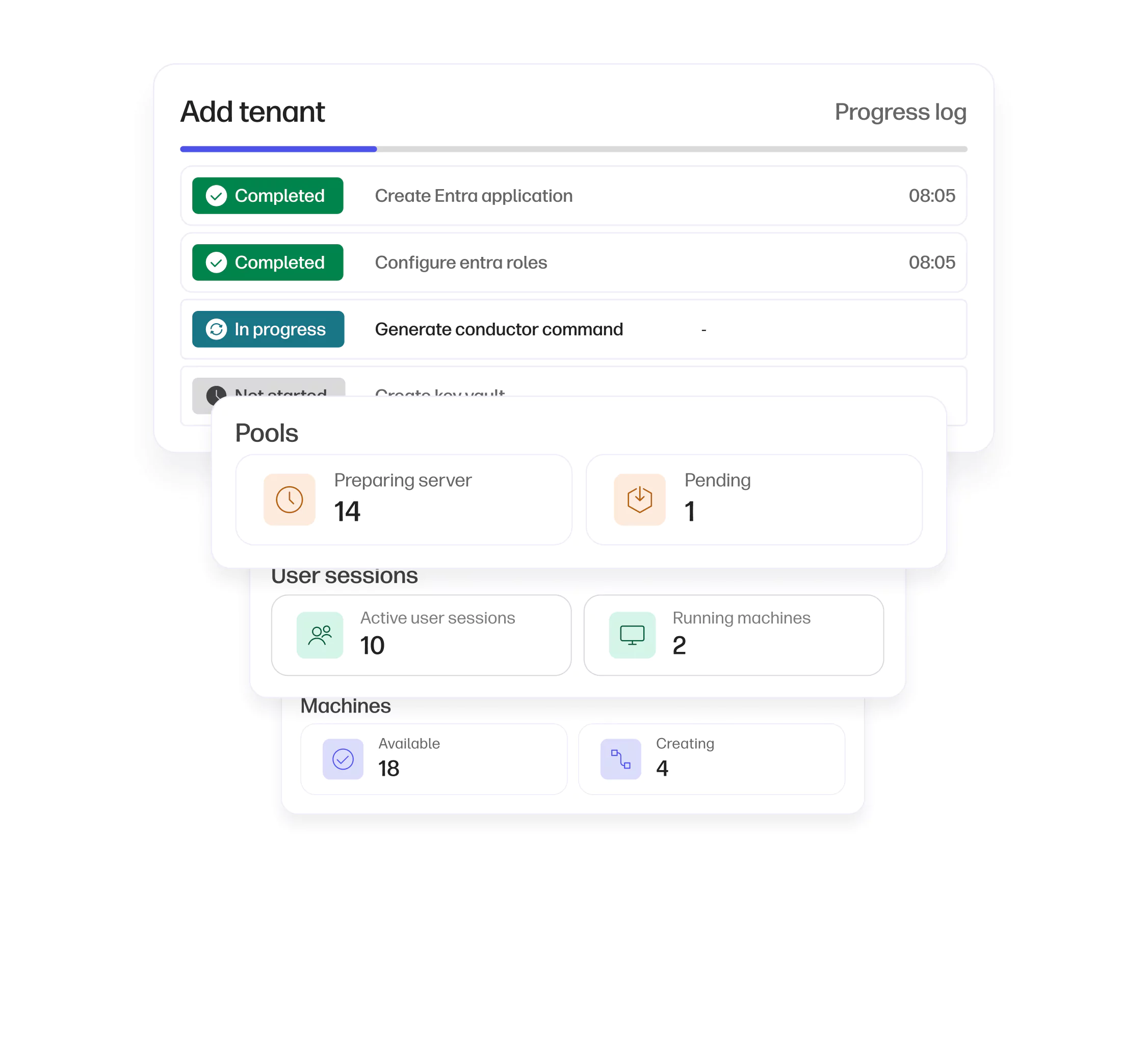
Simplified access control: Manage multiple user groups securely with robust multi-tenancy and role-based access control (RBAC).
Secure
Digital Workspaces
Easily deploy secure virtual desktops at scale from anywhere.
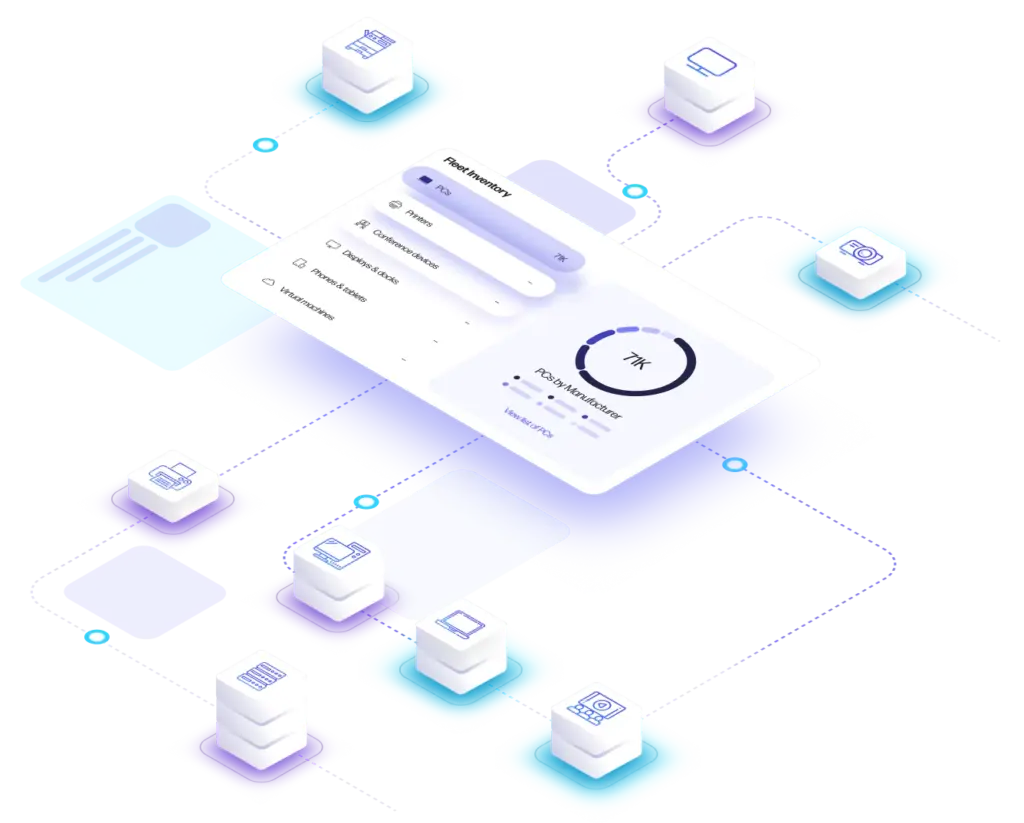
Digital Workspaces Key outcomes
-

Boost your productivity with secure remote access to data and applications over varying network conditions.
-

Accelerate and scale deployments with automated, intelligent workflows, streamlined troubleshooting, enhanced visibility, and greater control.
-

Strengthen security and meet compliance regulations by leveraging Zero Trust architecture.
Digital Workspaces Core features
Reliable and secure remote access
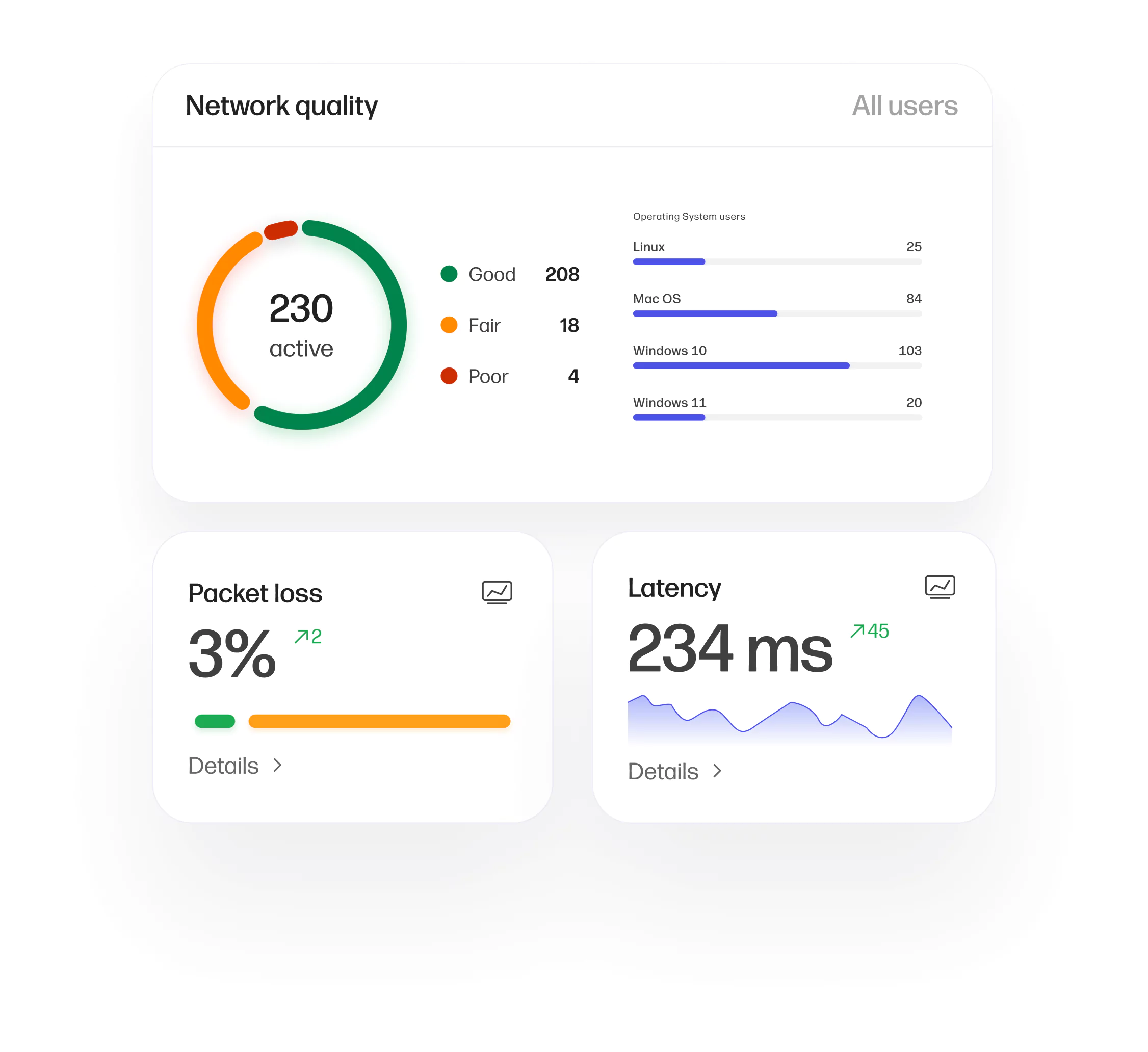
Maintain productivity with lossless, color-accurate, and distortion-free performance, even under demanding workloads and network conditions.
-
-
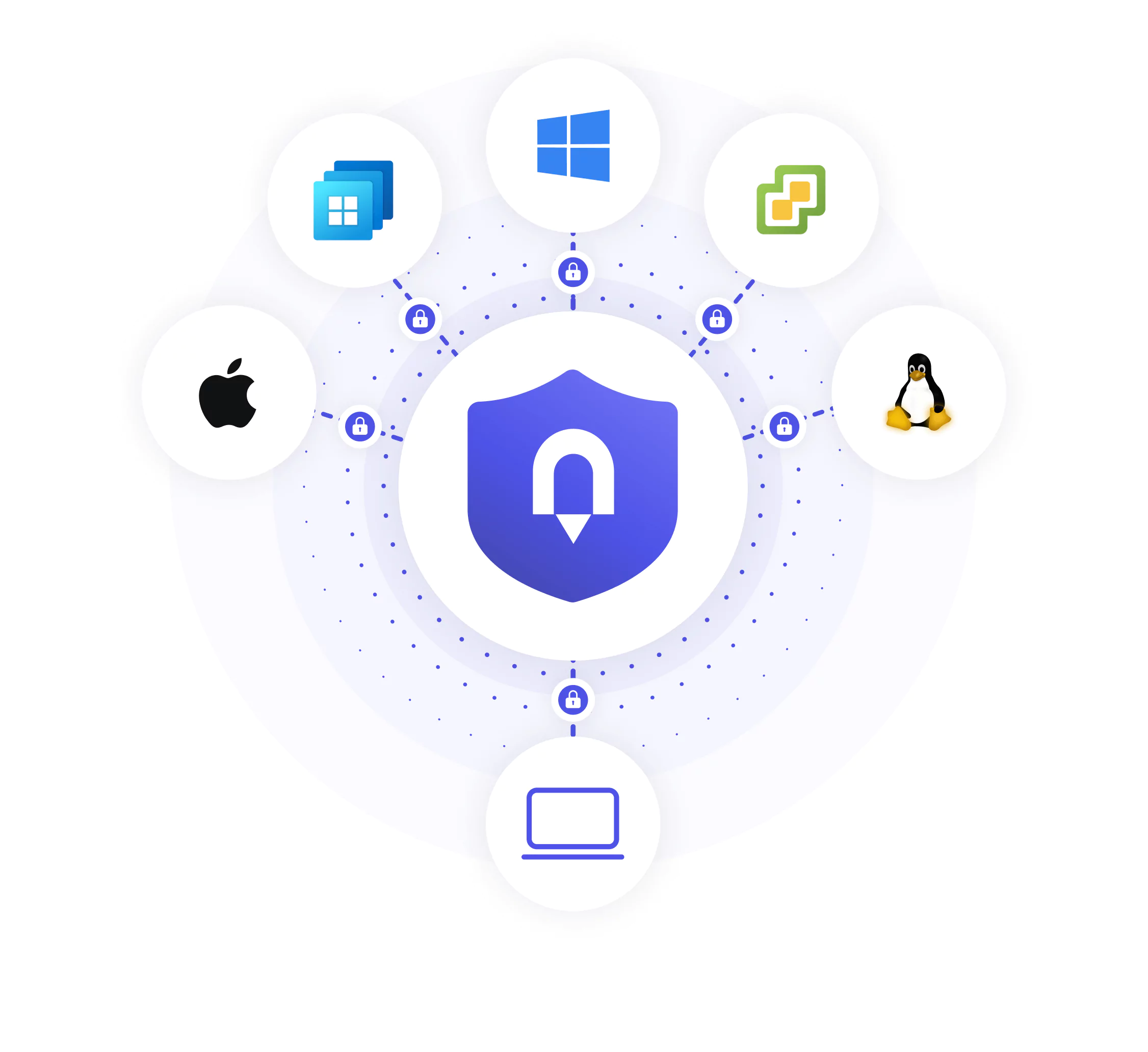
Zero Trust architecture: Leverage secure identity management with Zero Trust principles, compatible with Trusted Zero Clients and HP’s security solutions.
Enterprise level manageability
Deliver a secure, flexible remote desktop solution that’s easy to deploy, manage, and scale across devices, networks, and hybrid environments — all while reducing your IT footprint.
-
Streamlined provisioning: Provision and monitor desktop access to digital workspaces for seamless collaboration.
-
Task automation and issue resolution: Automate repetitive tasks and resolve issues faster, lowering operational expenses and improving IT efficiency.
Ultimate flexibility
Designed for virtually any IT infrastructure — rapidly deploy and manage across any host environment, end-user device, and network.
-
Any host environment: Support Windows® and Linux® hosts, including standalone or virtual desktops and workstations, on-prem data centers, edge, cloud, multi-cloud, or hybrid environments.
-
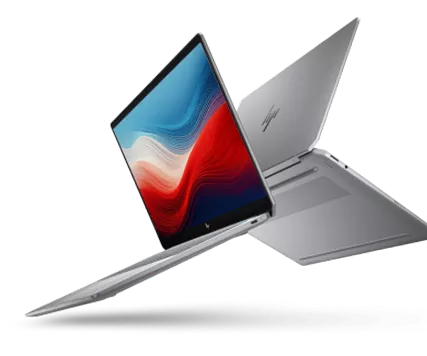
Any device, anywhere: Ensure a consistent user experience across various devices — desktops, laptops, thin clients, Zero Clients, and mobile devices — with your preferred peripherals. Supports end-user devices with Windows®, Linux®, macOS®, Chrome OS®, iOS®, or Android®.
Empower your hybrid workforce
Provide remote access to virtual desktops and remote workstations from anywhere.
Start with HP AnywareExplore our other capabilities
Dive deeper into the world of WXP.

Platform Overview
Explore our primary capabilities designed to improve efficiency, security, and employee engagement across your organization.

Fleet Management
Monitor and optimize PCs, Macs, collaboration tools, printers, accessories, and all your software with predictive analytics and actionable insights.

Employee Engagement
Improve employee sentiment and productivity and strengthen communication between employees and IT.
Collaboration Experience Management
Streamline IT troubleshooting, improve user experience, and optimize your technology and spaces.
News

HP Recognized as a Visionary in the 2024 Gartner® Magic Quadrant™ for DEX Tools
For our 'Ability to Execute' and 'Completeness of Vision'
Read more
HP Strengthens Workforce Experience Platform with Acquisition of Vyopta
HP and Vyopta to give customers more advanced insights and recommendations to improve employee experience
Read more
Product Release Notes February 2025
Our latest updates make the HP Workforce Experience Platform (WXP) more intuitive, personalized, and powerful.
Read more
HP Inc. Named a Major Player in the IDC MarketScape
Worldwide Digital Workplace Services 2024 Vendor Assessment
Read moreFrequently asked questions
Everything you need to know about WXP.
- What is the HP Workforce Experience Platform (WXP)?
- How does WXP work?
- Can WXP be customized to fit specific business needs?
- How is WXP modular?
- Is WXP compatible with different vendors and operating systems?
- How does WXP integrate with other IT tools to provide a more comprehensive solution?
- What is a Workforce Experience score?
- How is AI used within WXP?
- How can I buy WXP and find out about new releases?
