Resilient mobile POS solutions keep critical retail workflows available when a device is dropped, a battery degrades, connectivity fails, or an endpoint must be recovered — and building them requires coordinated decisions across four areas: hardware, retail software, fleet operations, and security.
Using this guide, you can evaluate these areas together, test failure scenarios before deployment, and identify which HP Engage Go, HP WXP, and HP Wolf Security capabilities may support your design.
The architecture problem mobile POS teams face
Most mobile POS guides treat hardware, software, monitoring, and security as separate procurement decisions, and that separation is exactly where resilience breaks down.
Verizon’s 2026 Data Breach Investigations Report shows that retail breaches nearly doubled in the latest reporting period, with financially motivated external attackers accounting for 85% of breaches where the motive was known. System Intrusion, Basic Web Application Attacks, and Social Engineering accounted for 95% of retail breaches, highlighting the need to consider security and resilience across the entire retail technology stack.
This guide takes a four-layer view. First, the physical hardware requirements that underpin uptime. Second, what to demand from the retail software layer to support offline and failover scenarios. Third, how HP Workforce Experience™ Platform (WXP) closes the monitoring gap. And fourth, how HP Wolf Security closes the security gaps that operate below the OS. Each layer is available today, and you can add them incrementally to an existing rollout.
Hardware foundations for resilient mobile POS solutions
The hardware layer sets the ceiling on everything above it. If a tablet cannot complete the target shift under the deployed workload, or loses Wi-Fi when an associate moves from the floor to the stockroom, it forces your retail software into failure modes that no amount of ISV configuration can fix.
Four physical requirements define a resilient mobile POS device:
- Convertible tablet form factor: Enables the tablet to be used as a mobile device as well as fixed point-of-sale device when docked which can reduce the need for separate mobile and fixed device pools.
- Dual connectivity: Wi-Fi 6 handles high-density store environments where dozens of devices compete for access points, while optional LTE/WWAN provides an additional connectivity path, subject to coverage, provisioning, and ISV behavior. Planning for connectivity failover at the hardware-selection stage avoids later fleet-wide hardware replacement or accessory costs.
- Display durability: Floor drops are unavoidable, and display durability directly determines hardware replacement costs across a large fleet. Select HP Engage Go displays use Corning Gorilla Glass 5 to support durability in everyday retail use. For environments with defined drop requirements, evaluate the available rugged case and the applicable drop-test specifications.
- OS flexibility: Your retail ISV may require Windows, Linux, or Android. Locking into hardware that constrains your OS choice means re-evaluating hardware every time your ISV roadmap shifts.
The HP Engage Go (available in 10-inch and 13.5-inch models) anchors the hardware baseline this guide builds on. Depending on the model and configuration, the Engage Go family supports Windows, with Android and Linux available on applicable configurations; offers up to nine to ten hours of battery life with HP Fast Charge; and includes integrated Wi-Fi and Bluetooth with optional WWAN. The Engage Go 10 and 13.5-inch models have been tested under MIL-STD-810H. The devices are IP54-rated, while the optional Engage Go 10 Rugged Case provides up to six-foot drop protection and raises the 10-inch configuration to IP65.
Beyond the tablet itself, the HP Engage Go peripheral ecosystem supports resilience by giving IT a consistent, integrated set of accessories. The HP Engage Go Dock enables quick transitions between mobile and fixed modes. Multi-chargers charge multiple tablets simultaneously, reducing the operational friction of shift changeovers. An integrated 2D barcode scanner option removes the failure point of a separate peripheral dropping off mid-shift.
The software layer of resilient mobile POS solutions
HP doesn’t ship retail POS software with the Engage Go. This lets retailers select software based on workflow, integration, and compliance requirements.
Three requirements belong in any retail software evaluation, and you should press your ISV on them specifically:
- Offline transaction capability: When Wi-Fi fails or WWAN coverage drops inside a thick-walled stockroom, your ISV needs to queue transactions locally, sync them when connectivity resumes, and do so without data loss or duplicate charges. Ask for specific conflict-resolution logic rather than a simple yes/no on offline mode.
- OS alignment: Verify that your ISV’s current release runs on your chosen OS (such as Windows IoT Enterprise on Engage Go or Android) rather than a legacy version they haven’t yet deprecated.
- MDM compatibility: Your ISV retail software needs to be deployable, configurable, and updatable through whatever device management tooling your team runs (e.g., Microsoft Intune, SCCM, or another supported UEM/MDM platform) without requiring manual intervention at each device.
Keep vendor selection architecture-first. The ISV that wins a proof-of-concept on a single device often creates scale problems when you push it to a large fleet distributed across multiple stores. Validate the deployment path before the contract.
Monitor solutions with proactive IT platforms
The break-fix model for mobile POS devices is expensive in ways that don’t show up cleanly in a support ticket. An associate discovers a dead tablet at the start of a shift; IT doesn’t know until someone files a ticket; the device travels back to the support desk, gets diagnosed, and returns to the floor after a long period of time.
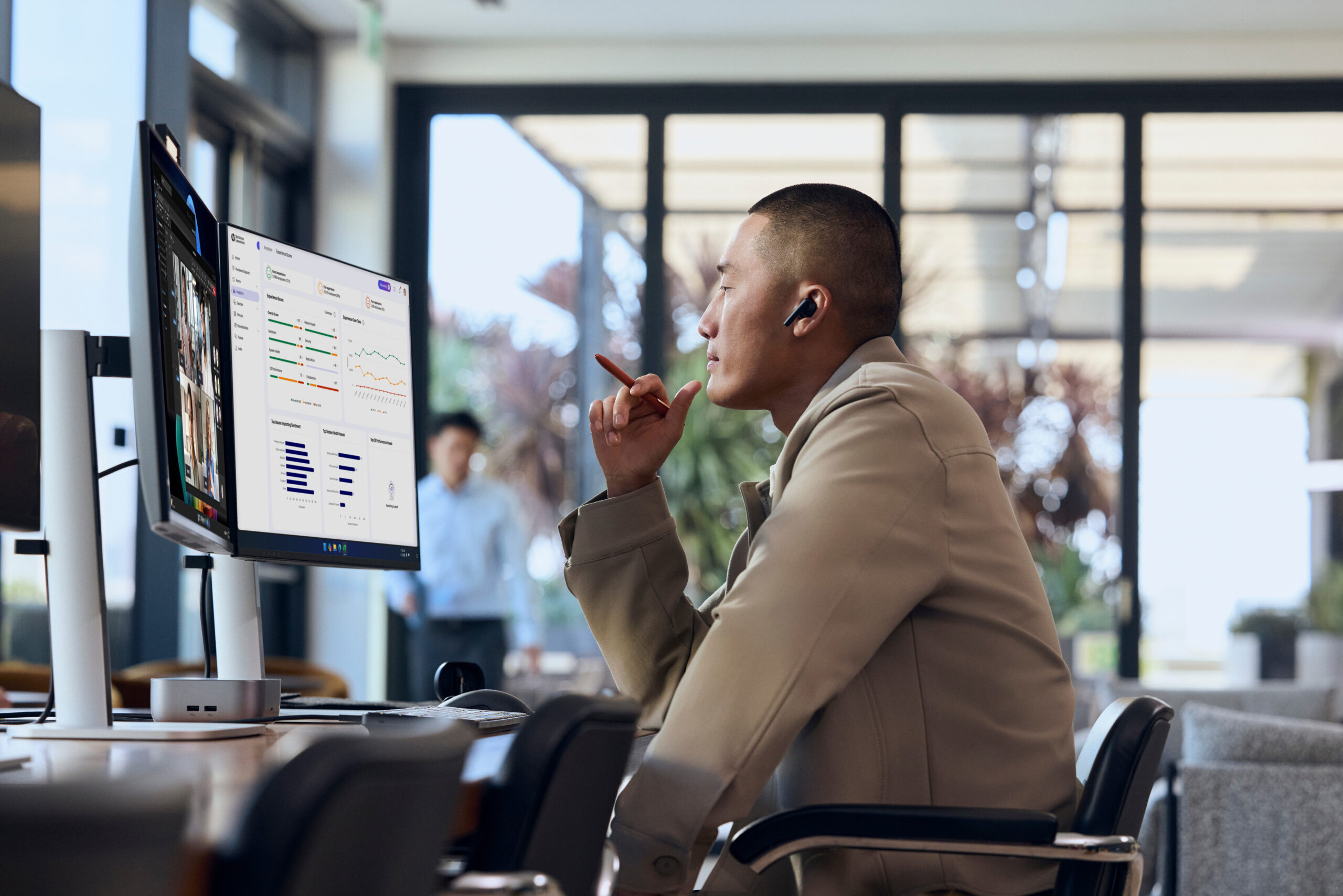
HP Workforce Experience™ Platform (WXP) flips that workflow by surfacing device health issues before they become floor incidents. The platform collects telemetry from enrolled devices, surfaces alerts by severity, and can use AI-assisted recommendations to help administrators select remediation actions.
WXP Insights Agent deployment
The WXP Insights Agent is the telemetry collection component installed on each Engage Go. For a single device or a pilot group, download the installer from the HP WXP software page and run it with your Company PIN, retrieved from the WXP portal under Settings, then Preferences. For a large fleet, the MSI package supports silent deployment via SCCM or Group Policy.
The SCCM path requires you to stage the MSI at a network location accessible to your SCCM admin console, create an application using the Create Application Wizard, and set the install behavior to Install for system. The silent install command is setup.exe /silent CPIN=########, where the PIN ties each device to your WXP tenant. The agent is designed to have minimal impact on POS application performance.
For Group Policy deployment, you create a startup script that carries the silent install command and Company PIN, then link it to the GPO covering your retail device group. Devices enroll automatically on the next startup.
Peripheral health with the HP Retail Peripheral Agent
The WXP Insights Agent covers the tablet itself, and peripheral health for barcode scanners, receipt printers, and cash drawers requires the HP Retail Peripheral Agent installed alongside it. For supported peripherals with the required UPOS/OPOS drivers and available usage data, administrators can configure thresholds that help identify replacement candidates before a field failure.
The Retail Peripheral Agent lets you set analytical thresholds against each peripheral’s Mean Time Between Failure specification. When a peripheral’s configured usage threshold is reached, WXP flags it before the device fails in the field. For USB-connected peripherals, the agent also detects disconnections and USB thumb drive insertions, which matters for store security policies.
WXP dashboard workflow
Once enrolled, your fleet appears in the WXP dashboard with alerts organized by severity. The AI-driven prioritization surfaces critical issues (battery failures approaching threshold, peripheral disconnects, and driver anomalies) ahead of informational noise. From the Alerts view, you can trigger HP-validated or custom remediation scripts directly, without needing to remote into the individual device.
For retail fleet management, battery health predictive alerts are among the most operationally useful. WXP tracks charge cycle counts and degradation curves, letting you schedule proactive battery replacements during overnight maintenance windows rather than discovering dead tablets at shift start.
WXP integrates with ServiceNow, Microsoft Intune, and Splunk, so alert and remediation data flows into the ITSM and SIEM tooling your team already uses. Create device groups that represent store locations or regions, then scope alert and remediation policies to those groups.
Secure mobile POS solutions with Wolf Security
Mobile POS devices carry a combination of characteristics that make them attractive targets. They process payment card data, run web-adjacent processes such as cloud-based retail management portals and supplier systems, and are physically accessible to anyone on the store floor. Some software-only controls have reduced visibility or effectiveness when the OS or boot chain is compromised. HP Wolf Security addresses this with protection that operates below the OS, at the firmware and hardware level.
HP Wolf Security for Business is available on HP RPOS devices including the Engage series. Five capabilities matter most for a mobile POS deployment.
HP Sure Click
HP Sure Click uses micro-VM containment to isolate browser tabs and untrusted documents. Each tab runs inside a hardware-isolated container. If a phishing link in a supplier email delivers a payload, the malware is contained to that micro-VM and destroyed when the tab closes. The browser session is isolated from the host OS and other protected sessions, reducing malware’s ability to reach the POS environment. For retail environments where associates might access training materials or cloud portals on the same device as the POS application, this containment model removes a significant attack surface without requiring behavior changes from the associate.
HP Sure Start
HP Sure Start is a self-healing BIOS that continuously monitors BIOS integrity against a stored gold copy. If Sure Start detects tampered firmware at boot or during runtime, it automatically restores the clean BIOS without IT intervention. Firmware-level attacks are particularly difficult to detect with traditional endpoint agents because the compromise happens before the OS loads, and Sure Start removes the assumption that the BIOS is trustworthy.
HP Sure Run
HP Sure Run keeps critical processes alive. Sophisticated malware targeting POS systems attempts to terminate security agents and antivirus processes before delivering a payload. Sure Run monitors a defined list of critical processes and restarts them if terminated unexpectedly, maintaining the security posture even under active attack.
OS restoration via HP Sure Recover
On supported configurations, HP Sure Recover can securely reimage Windows when the operating system is corrupted or unavailable. Recovery policies and keys are protected through the HP Endpoint Security Controller, while recovery can use a network, local partition, or supported embedded-storage method. Availability and recovery options vary by platform and configuration.
HP Wolf Protect and Trace
HP Wolf Protect and Trace handles lost or stolen devices, a real operational risk for mobile tablets on a retail floor. From the WXP dashboard, IT administrators can issue a Find command to geo-locate the device, a Lock command to render it unusable, or an Erase command to remotely wipe sensitive data. With the Wolf Connect option, lock and erase commands execute even when the device is powered off or disconnected from the network since the command runs below the BIOS, subject to supported hardware, service activation, cellular coverage, subscription terms, and country availability.
These capabilities complement ISV and operating-system security by adding selected hardware- and firmware-enforced protections that conventional application-layer controls may not provide.
Frequently asked questions
What hardware do I need to build a mobile POS system?
A resilient mobile POS device needs a convertible tablet form factor, reliable Wi-Fi 6 connectivity with optional LTE/WWAN as a second connectivity path, a durable display, and OS flexibility to match your retail ISV. The HP Engage Go is a purpose-built example, available in 10-inch and 13.5-inch models, with Windows support and Android or Linux support on applicable configurations.
Does HP provide retail POS software with the Engage Go?
No. HP does not provide retail POS software with the Engage Go. Customers bring their own ISV retail software, which should be evaluated for offline transaction handling, OS compatibility, and MDM deployment. Depending on the model and configuration, Engage Go supports Windows, with Android and Linux available on applicable configurations.
How does WXP monitor mobile POS devices proactively?
The WXP Insights Agent collects telemetry from enrolled devices and surfaces device-health alerts in the WXP dashboard. Administrators can review alerts by severity and use AI-assisted recommendations and HP-validated or custom remediation scripts to respond to issues without manually accessing each device. The HP Retail Peripheral Agent extends monitoring to supported retail peripherals such as barcode scanners, receipt printers, and cash drawers.
What does HP Wolf Security add to a retail POS endpoint?
HP Wolf Security adds protection across the firmware, hardware, and OS layers. HP Sure Click uses micro-VM containment for browser tabs and untrusted documents, Sure Start provides self-healing BIOS protection, Sure Run helps keep critical processes running, the Endpoint Security Controller supports verified OS recovery, and HP Wolf Protect and Trace provides capabilities to locate, lock, or erase lost or stolen devices where supported.
What is the difference between WXP and Wolf Security on an Engage Go deployment?
WXP is the monitoring and management layer. It collects device and peripheral telemetry, surfaces alerts, and lets IT trigger remediation actions. Wolf Security is the endpoint protection layer, with capabilities that operate across the OS, firmware, and hardware layers. Together, they address different parts of mobile POS resilience: WXP helps identify and remediate operational issues, while Wolf Security helps protect and recover the endpoint.
How do you validate offline transaction handling before deploying an ISV at scale?
Run a controlled connectivity test during the proof of concept. Disconnect the test device from Wi-Fi and WWAN, complete transactions in offline mode, restore connectivity, and verify that the ISV synchronizes transactions without data loss or duplicate charges. Ask the ISV to explain its conflict-resolution logic for cases where an offline transaction conflicts with a server-side state change.
Can WXP alert policies be scoped to individual store locations?
Yes. Create WXP device groups that represent individual stores or regions, then scope alert and remediation policies to those groups. This lets IT apply different monitoring policies to different parts of the fleet without changing the baseline configuration for every device.
What happens to a bricked Engage Go in a remote store location?
HP Sure Recover supports verified OS recovery when the operating system is corrupted or unbootable. This can let IT initiate a secure OS reinstall remotely, rather than requiring physical access to the device, depending on the supported recovery configuration. For distributed retail fleets, this can reduce operational disruption from failed updates or other OS-level failures.
The first resilience check for your mobile POS solution
A common mistake teams make when deploying WXP is treating it as a background task to complete after the hardware rollout. Enroll a pilot group before committing to fleet-wide configuration.
The sequence below gets you to your first battery health alert, which surfaces predictive failures before they affect a shift.
- Enroll a representative pilot group of Engage Go devices using the installer and your Company PIN. This gives you a representative sample without the overhead of a full MSI deployment.
- In the WXP dashboard, navigate to the Groups tab and create a device group scoped to those pilot devices. Name it to reflect the store or location, so alert policies stay legible as the fleet scales.
- Navigate to the Alerts tab and create a new alert rule targeting the device group. Select battery health as the condition, and set the threshold at the degradation level that gives you meaningful lead time to schedule replacements. Configure the alert to trigger a notification to your helpdesk queue, or a ServiceNow incident if you’ve connected the integration.
- Leave the pilot running long enough to include representative shifts, charging cycles, connectivity conditions, and maintenance events. Review which alerts fired, which required manual intervention, and whether the predictive threshold caught any battery degradation before a device failed in the field.
The pilot builds the playbook for fleet-wide rollout. You’ll know which alert thresholds generate actionable signal rather than noise, which remediation scripts are worth automating, and which peripheral monitoring thresholds align to your specific scanner and printer models. That operational data is worth more than any generic configuration template.
Putting retail resilience into practice
A resilient mobile POS solution depends on more than choosing a durable tablet. The hardware needs to provide the connectivity, battery life, durability, and OS flexibility required for the retail environment. The ISV layer needs to handle offline transactions, synchronization, and deployment reliably. WXP adds visibility and remediation across the device and supported peripherals, while HP Wolf Security adds protection across the endpoint, firmware, and hardware layers.
These layers can be evaluated and introduced incrementally, starting with a small pilot before expanding across the fleet. That gives retail IT teams a practical way to validate resilience without redesigning the entire deployment at once.
Review HP Engage Go configurations, docking and peripheral options, and supported manageability and security capabilities. Then work with your retail ISV and HP representative to validate the exact hardware, operating system, connectivity, and service configuration for your deployment.