




Here's how to access support for Technology Insights, Space Insights and vAnalytics:
WXP Collaboration
Making collaboration work, so you connect, serve, and innovate — anywhere.
Formerly HP | Vyopta
WXP Collaboration Key outcomes
-

Improve collaboration quality and user experience across hybrid teams.
-

Accelerate issue detection and troubleshooting through streamlined IT workflows.
-

Optimize technology and space investments to reduce costs and maximize ROI.
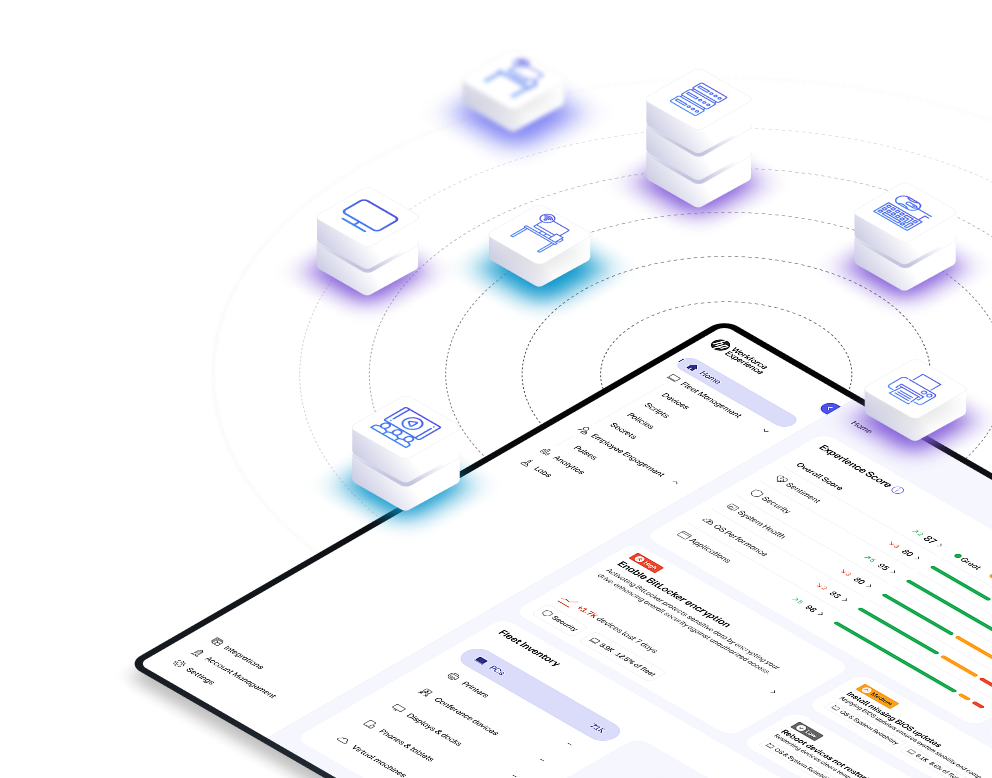
Multi-vendor support
WXP Collaboration Tour
WXP Collaboration
Technology Insights
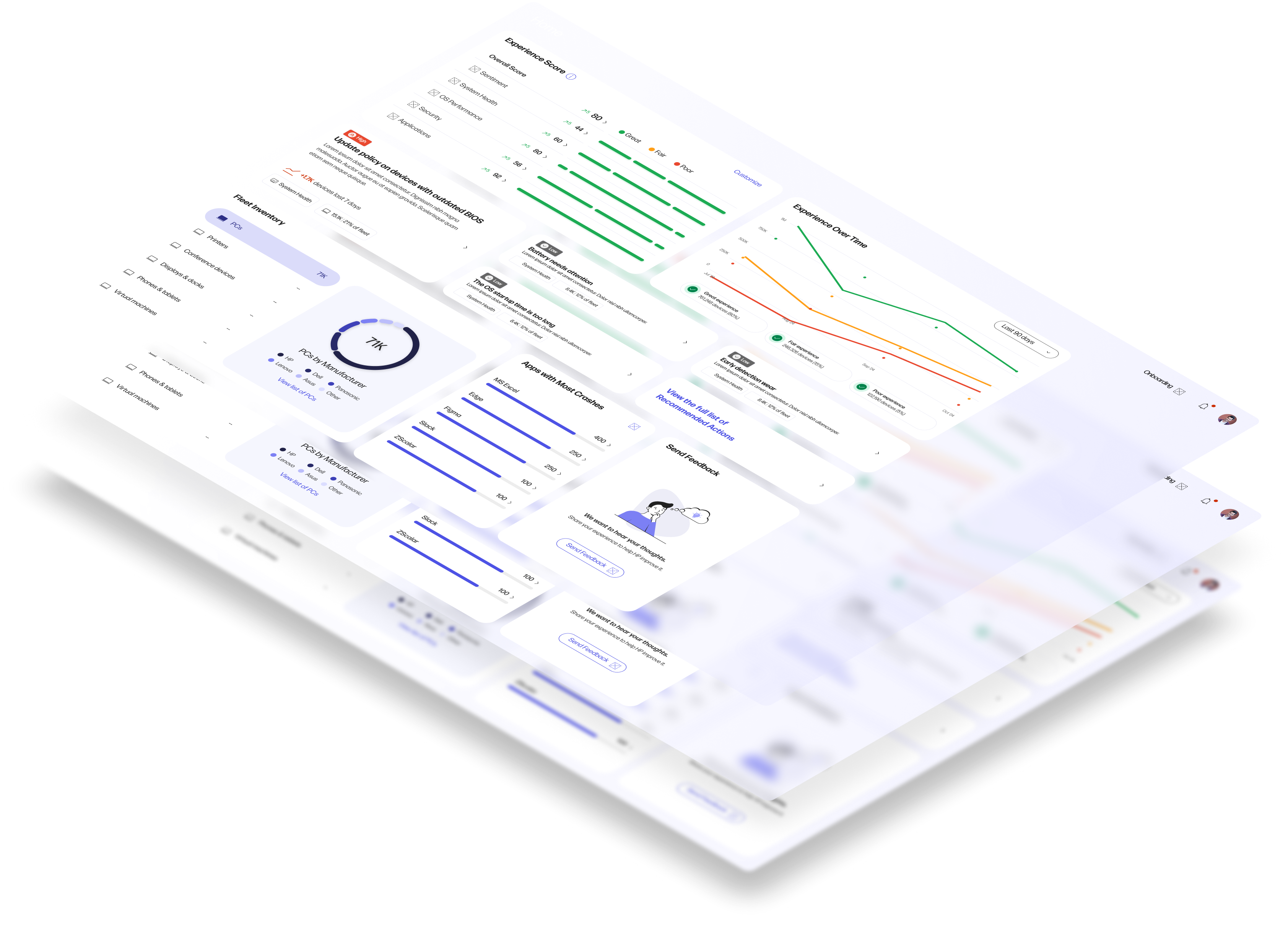
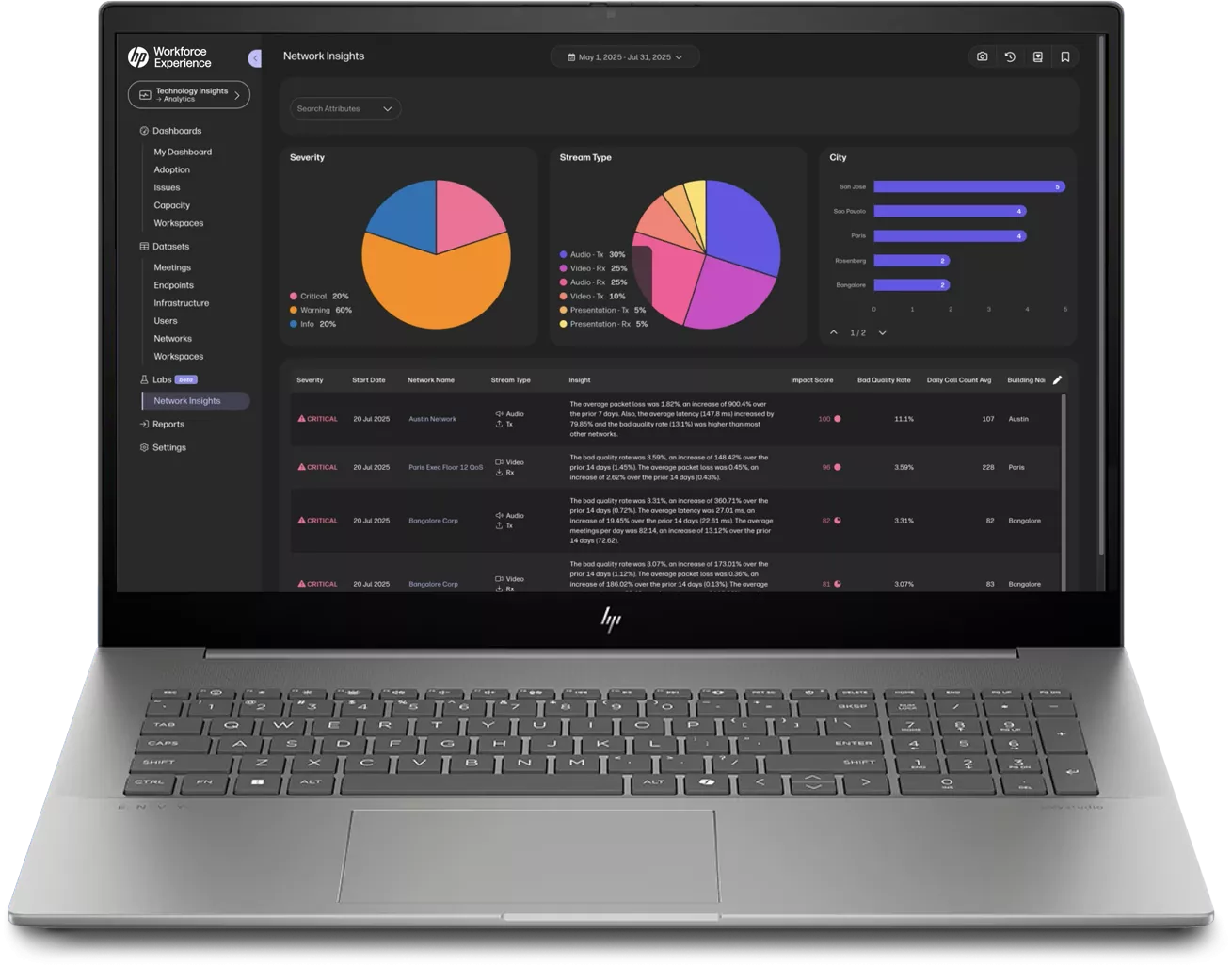
Multi-vendor monitoring and analytics to transform digital collaboration experience.
-
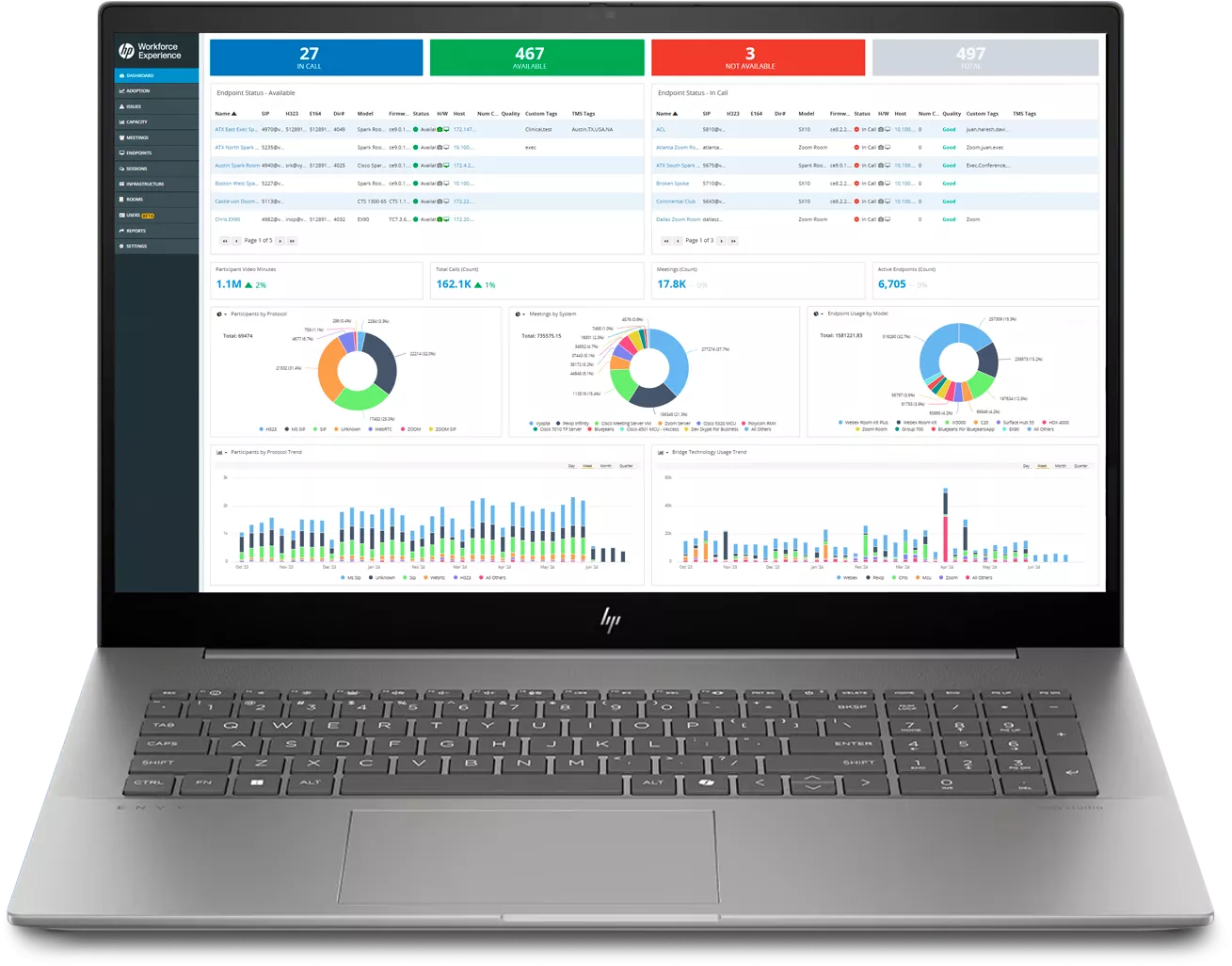
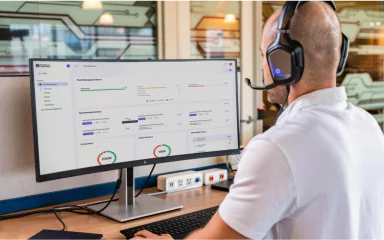
Near Real-Time Monitoring: Managing performance across mixed UC deployments means monitoring performance. Near Real-Time Monitoring helps UC engineers and IT staff ensure productivity by getting ahead of UC issues before users report them.
-
Advanced Analytics: With historical trends, performance data and actionable usage insights at your fingertips, Advanced Analytics monitors UC service quality, ensuring successful UC adoption, and to intelligently throttle capacity / plan UC spend.
WXP Collaboration
Space Insights
Track utilization and activity. Reduce inefficient room usage. Optimize real estate and technology spend.
-
People. Space. Technology: Discover how people are using the spaces and ensure their needs are met. Can employees always find a place to meet?
-
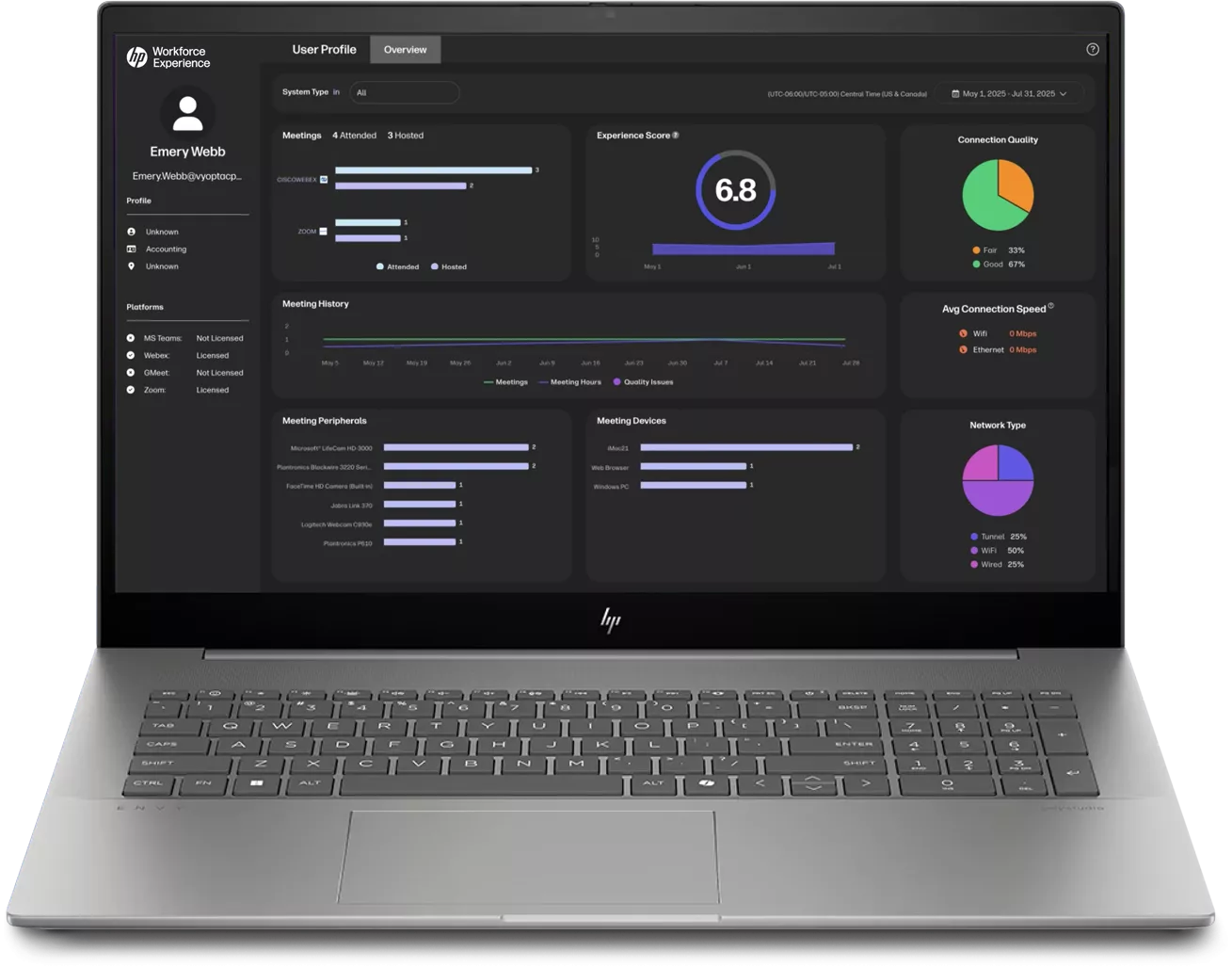
How Does It Work? With Space Insights, you can fully visualize and dissect the activity in your conference rooms and huddle spaces, empowering you to make data-driven decisions to increase the ROI on your real estate investment and improve workforce productivity.
WXP Collaboration
vAnalytics
Proven on-prem collaboration performance management
-
Optimization Platform: Quick deployment, easy-to-use, and customizable to deliver comprehensive UC data and unified platform insights provide Multi-Vendor Monitoring, efficient Deployment & Onboarding, and Customizable Dashboards.
-
Strategic Insights: Track usage trends, increase utilization, grow platform adoption, plan technology and space investments, and help improve ROI through key Adoption Analytics, Interactive Utilization Metrics and Custom Business Reporting.
-
Operational Analysis: Create near real-time alerts, harness powerful monitoring and analytics to improve user experience, and identify security risks with Endpoint Monitoring, Custom Alerts & Troubleshooting, and Call Quality Analytics.
Turn collaboration complexities into actionable insights
See what’s working, fix what’s not, and make smarter decisions.
Start with WXP CollaborationAlready a WXP Collaboration customer?

WXP Collaboration knowledge base

Contact support


HP Workforce Experience Platform Support & Status
Explore our other capabilities
Dive deeper into the world of WXP.

Platform Overview
Explore our primary capabilities designed to improve efficiency, security, and employee engagement across your organization.

Fleet Management
Monitor and optimize PCs, Macs, collaboration tools, printers, accessories, and all your software with predictive analytics and actionable insights.

Digital Workspaces
Monitor and optimize PCs, Macs, collaboration tools, printers, accessories, and all your software with predictive analytics and actionable insights.
Employee experience
Streamline IT troubleshooting, improve user experience, and optimize your technology and spaces.
DEX Toolkit

Frequently asked questions
Everything you need to know about WXP.
- What is the HP Workforce Experience Platform (WXP)?
- How does WXP work?
- Can WXP be customized to fit specific business needs?
- How is WXP modular?
- Is WXP compatible with different vendors and operating systems?
- How does WXP integrate with other IT tools to provide a more comprehensive solution?
- What is a Workforce Experience score?
- How is AI used within WXP?
- How can I buy WXP and find out about new releases?
Fill out the form to meet with a WXP Collaboration specialist.