WXP Collaboration Technology Insights
Multi-vendor monitoring and analytics to transform digital collaboration experience.
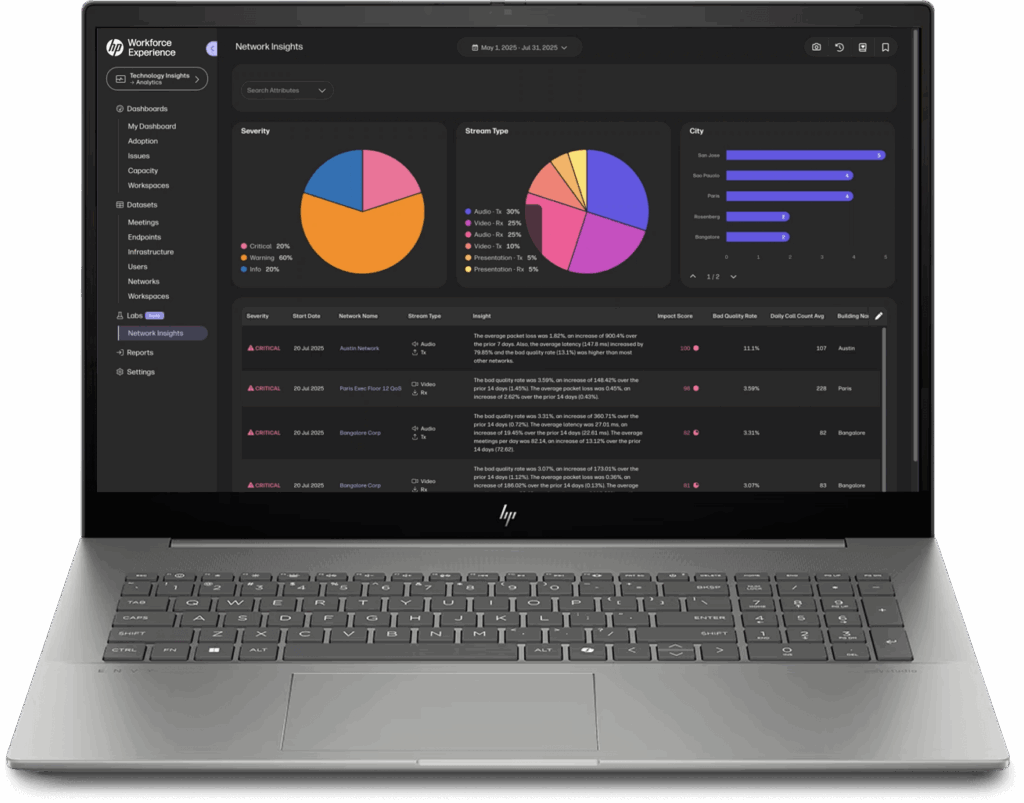
Exceptional Collaboration. Simplified.
HP’s powerful WXP Collaboration Technology Insights simplifies the most complex elements of your collaboration environment, across numerous platforms and endpoints, allowing you to quickly optimize technology performance. Intelligently plan and manage new technology investments, as well as improve user adoption and user experiences.
By easily identifying issues impacting your collaboration infrastructure, Technology Insights provides you with the critical data to make the right user connection decisions for remote, hybrid, and in-person employees. Maximize productivity, engagement, and investments across the most complex video, voice, and digital workspaces.
- Unify and easily find all of your UC data to gauge system health status
- Create and share automated reports for fast quality & health metrics
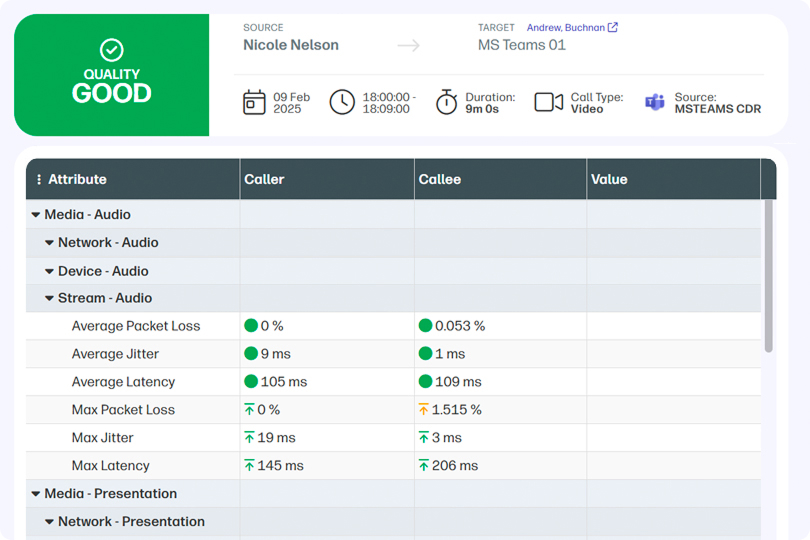
- Detect and address problematic calls quickly
We’ve stopped all manual reporting – it saves a single person a 40 hour work week every month.Steve McClellan, Conferencing Technology
and Innovation Manager, AstraZeneca
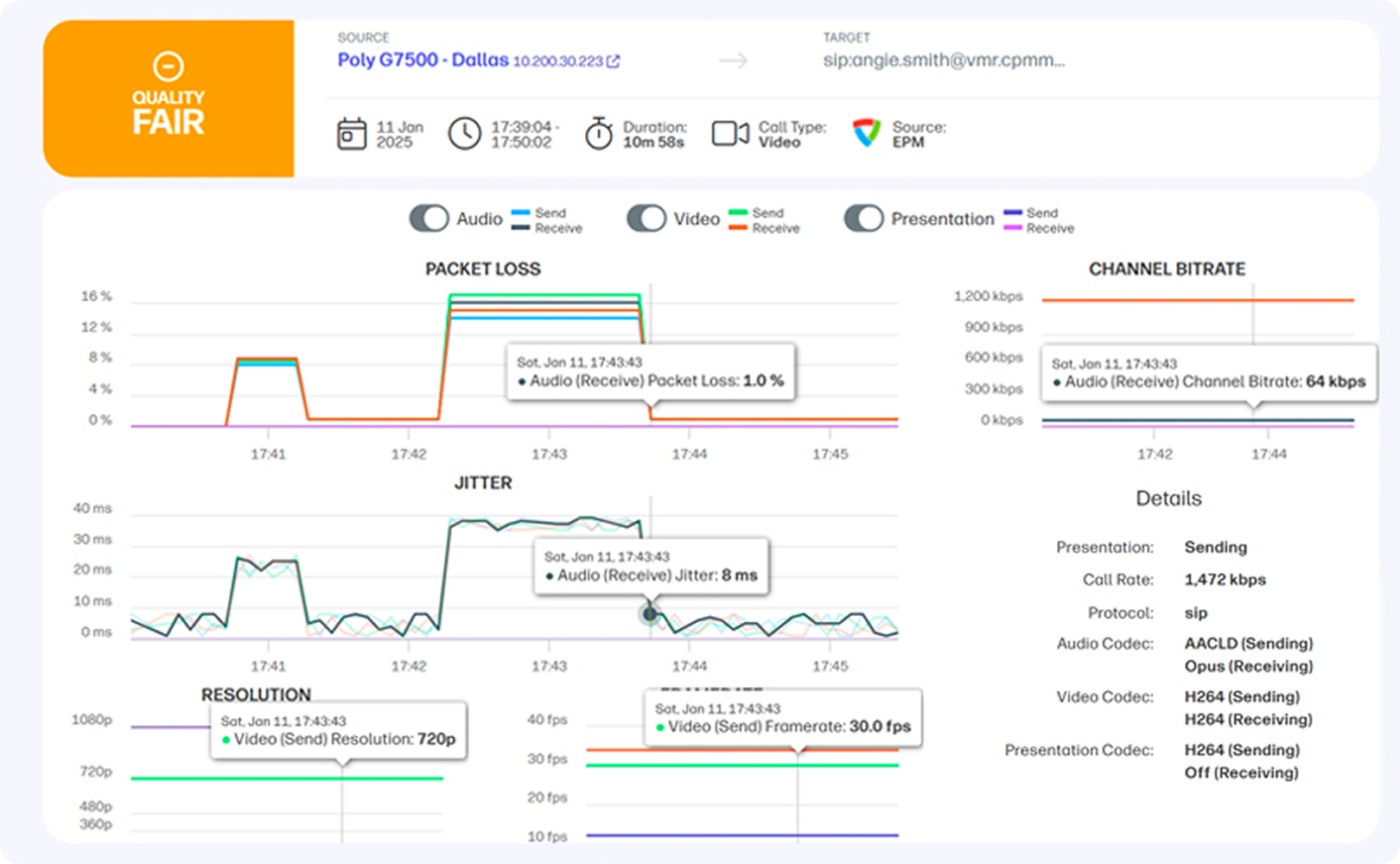
Near Real-Time Monitoring
Managing performance across mixed UC deployments means monitoring performance. Near Real-Time Monitoring helps UC engineers and IT staff ensure productivity by getting ahead of UC issues before users report them.
Move from reactive to proactive with HP WXP Collaboration Technology Insights. Determine quality of live and recent meetings with real-time health status, proactive issue detection and alerting, and detailed performance metrics.
- Detect problematic calls quickly to troubleshoot quality issues, failures, and user error
- Identify root cause to speed resolution and assign tasks to the right teams
- Set custom alerts for collaboration quality issues and disruptions before users are impacted
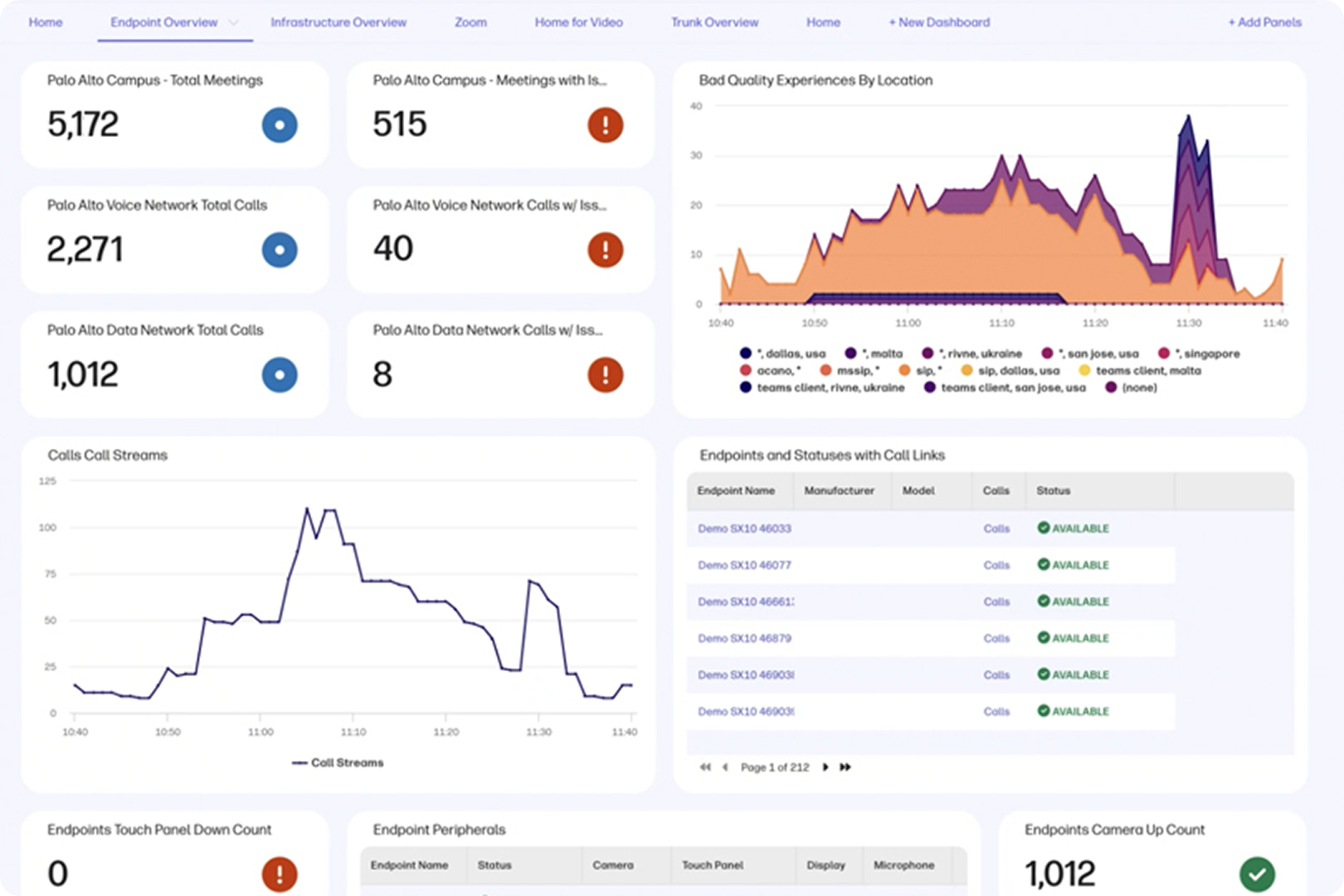
Advanced Analytics
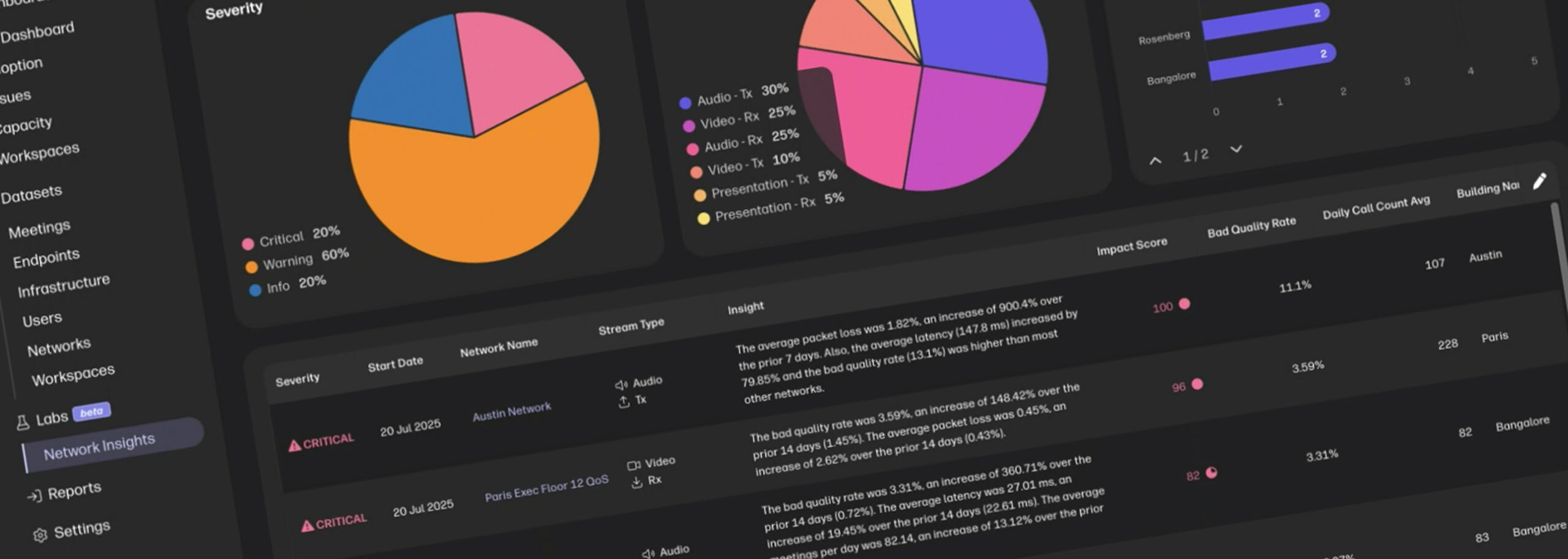
Uncover trends. Streamline reporting. Take action to improve collaboration. Identify all of the critical information in your enterprise collaboration environment. With historical trends, performance data and actionable usage insights at your fingertips, Advanced Analytics monitors UC service quality, ensuring successful UC adoption, and to intelligently throttle capacity / plan UC spend.
-
Detect & Resolve Systemic UC Issues: Explore long term trends in order to proactively increase successful calls while reducing failures and poor quality.
-
Improve Adoption & User Experience: Understand user behavior and track usage by technology to fine tune UC deployments and ensure successful corporate adoption.
-
Optimize Operational Planning & ROI: Proactively plan for capacity and licensing adjustments, identify underutilized assets, and maximize value from capex and opex spend.

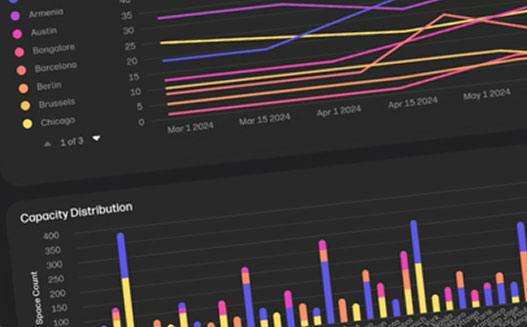
Optimize. Analyze. Collaborate.
Accelerate transformation, improve productivity, and increase ROI with WXP Collaboration Technology Insights, Space Insights, and vAnalytics.
WXP Collaboration’s Space Insights provides a single pane of glass into meeting space utilization, allowing you to identify inefficiencies, understand trends, and make the right technology and space investments for your hybrid and in-office workspaces.
WXP Collaboration’s vAnalytics is powerful and intuitive system for on-prem environments that provides a single-pane-of-glass view for one or multiple UC vendors. Near real-time monitoring and alerts to quickly identify and resolve issues and call quality problems.
WXP Collaboration provides you with key insights into your unified communications environment. Use the calculator to determine the value and savings your organization can achieve when it comes to optimizing workspaces, employee time and productivity, and even help desk support.
What We Cover
Today’s UC environments are complex.
- Today’s UC environments are complex.
WXP Collaboration simplifies the management of multi-vendor UC environments by providing holistic visibility across video and voice-based collaboration experiences as well as meeting room usage.
- Your technology, our insights.
WXP Collaboration partners with industry leading technology vendors so that our customers can monitor UC deployments of any size and complexity – empowering our customers to build, support, and manage the collaboration environment that best meets their needs.
- Where we collect the data.
Endpoints & Peripherals
UC software Clients
UC Managers
Meeting Bridges
Edge Devices
Calendar Systems

WXP Collaboration Tour
Why WXP Collaboration?
Discover the Top Reasons for WXP Collaboration.
Optimize user collaboration. Efficiently and effectively manage space usage. Improve user engagement, wellness, and ROI. Gain insights into your technology, your spaces, and how your team is collaborating with Vyopta’s Collaboration Intelligence Platform. Easily diagnose technology issues across multiple applications and devices. Analyze room and space utilization to optimize available access while reducing underutilized resources. WXP Collaboration transforms how organizations deliver exceptional collaboration experiences.
- Seamless Integration with UC and Workflow Applications
- Single-pane-of-glass visibility
- Powerful insights, monitoring, and analytics
- Award-winning platform readily scales to your needs
- Customizable, intuitive, and easy to use interface
Get started with WXP Collaboration
Learn more with a demo or talk to an expert
Frequently asked questions
Everything you need to know about WXP.
- What is the HP Workforce Experience Platform (WXP)?
- How does WXP work?
- Can WXP be customized to fit specific business needs?
- How is WXP modular?
- Is WXP compatible with different vendors and operating systems?
- How does WXP integrate with other IT tools to provide a more comprehensive solution?
- What is a Workforce Experience score?
- How is AI used within WXP?
- How can I buy WXP and find out about new releases?
Fill out the form to meet with a WXP Collaboration specialist.