From Insight to Impact: Making XLAs Work
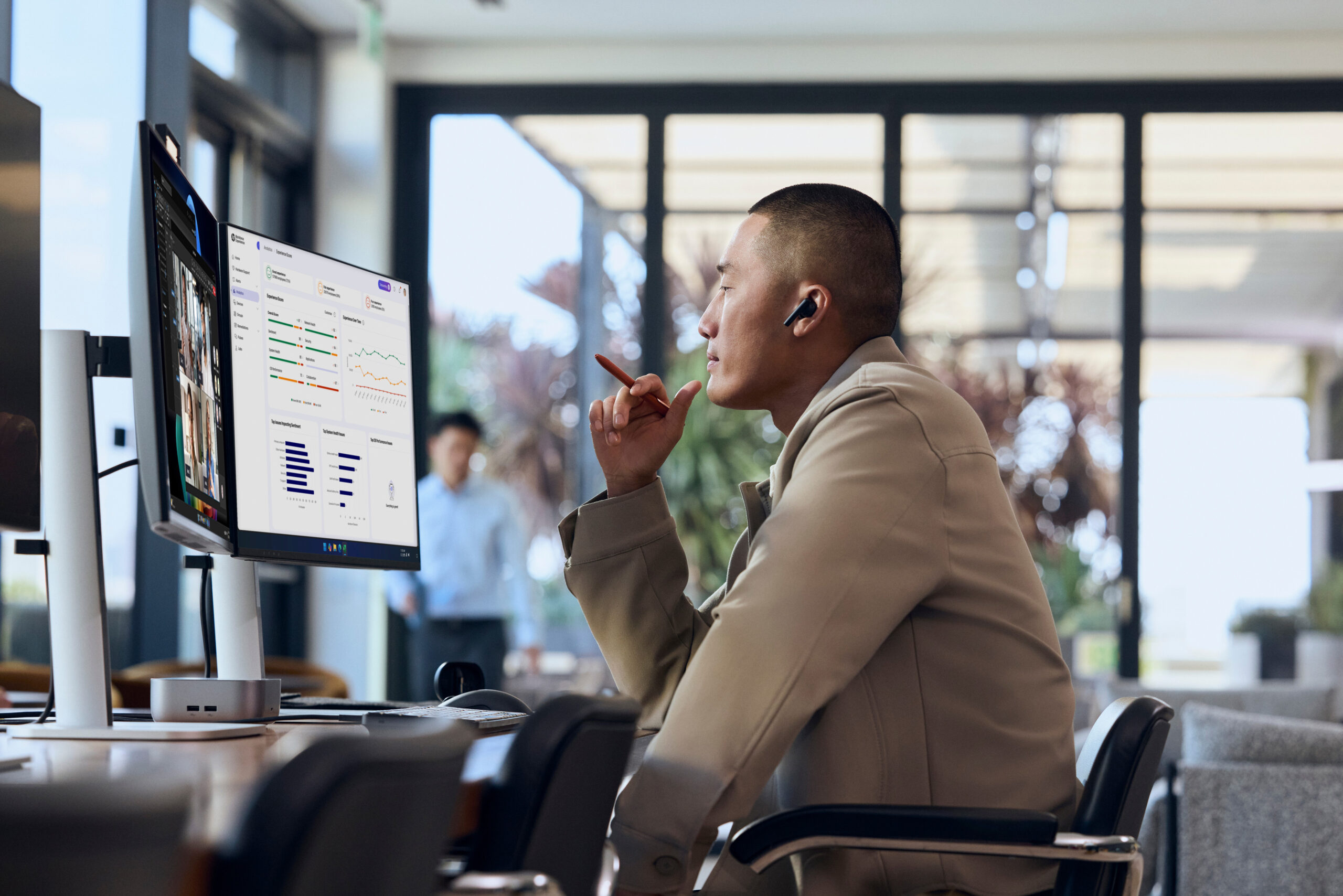
Delivering on an XLA requires going beyond measuring user experience to proactively managing its improvement.
IT has gotten much better at measuring service performance, from how quickly tickets are resolved to assessing how to prevent issues altogether. But tickets aren’t people. People remember experiences, and if their laptop is constantly stalling out while trying to join a meeting, your empty ticket queue doesn’t matter. That’s why Experience Level Agreements, or XLAs, have become an increasingly important part of IT service management conversations in recent years.
An XLA is a commitment to deliver an agreed experience to employees, focusing on how their day goes and whether they can achieve what they need, rather than how much green is on the dashboard. Complementary to traditional Service Level Agreements (SLAs), an XLA adds an employee or stakeholder perspective to traditional measures of service performance, providing a more holistic view of organizational health.
But being measured against an XLA is only half the equation. Being able to correlate experience scores with technical information that points to the root causes for those experiences is key to improving those scores over time.
Measure, manage, improve: Putting XLAs into action
Measurement shows where the experience is falling short. Management gives IT the opportunity to change it. That connection between measurement and management is where we can help. HP is a Premium Member of the XLA Institute, and the HP Workforce Experience Platform (WXP)1 is an XLA Verified Technology Partner.
WXP can bridge the gap between experience measurement, technical visibility, and the proactive management capabilities IT needs to investigate what may be driving poor experiences. Customizable sentiment pulses capture how employees feel about their technology experience, while device telemetry provides the context that shows how their technology is performing on a regular day.
A missed experience target should be a trigger, not just a metric. With WXP you can quickly gain insight into how to fix the experience, whether the answer is a driver update, a new battery, or a replacement device. Looking at experience and technical data together helps IT teams understand where employees experience friction and investigate potential technical causes for targeted (and sometimes even automated) remediation.
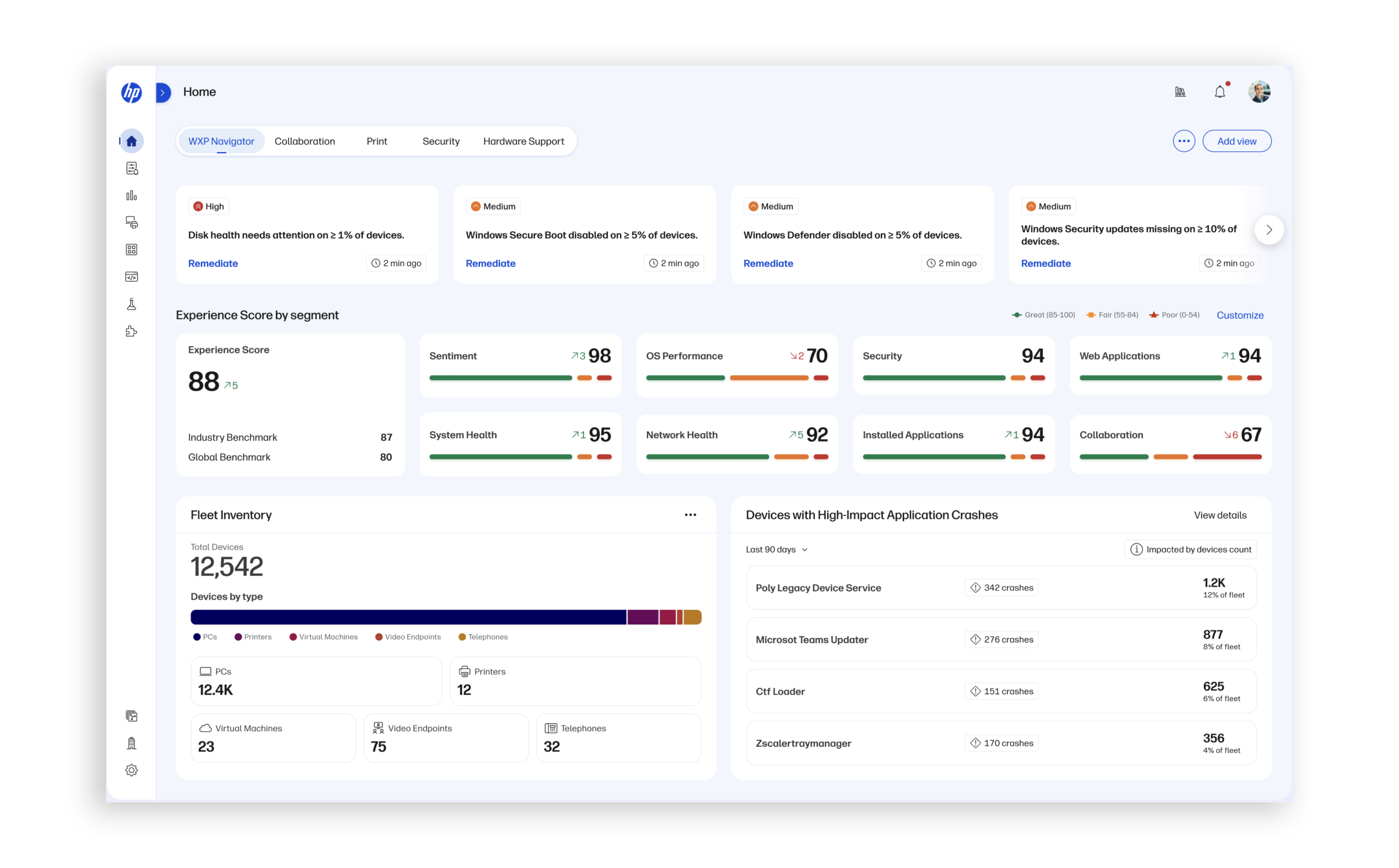
WXP combines telemetry and employee sentiment into a Workforce Experience score that updates regularly to show trends, prioritize improvements, and track progress, not just capture sentiment at a single point in time.
Experience doesn’t stop at the PC
If an XLA reflects an employee’s overall technology experience, IT needs visibility beyond the PC. Employees interact with multiple technologies each day, and sometimes the highest frustrations stem from the less obvious sources—the meeting where troubleshooting the connection ate the first 10 minutes, the printer no one noticed was out of toner, or a chronic lack of collaboration space when the office is at peak capacity on a Tuesday morning.
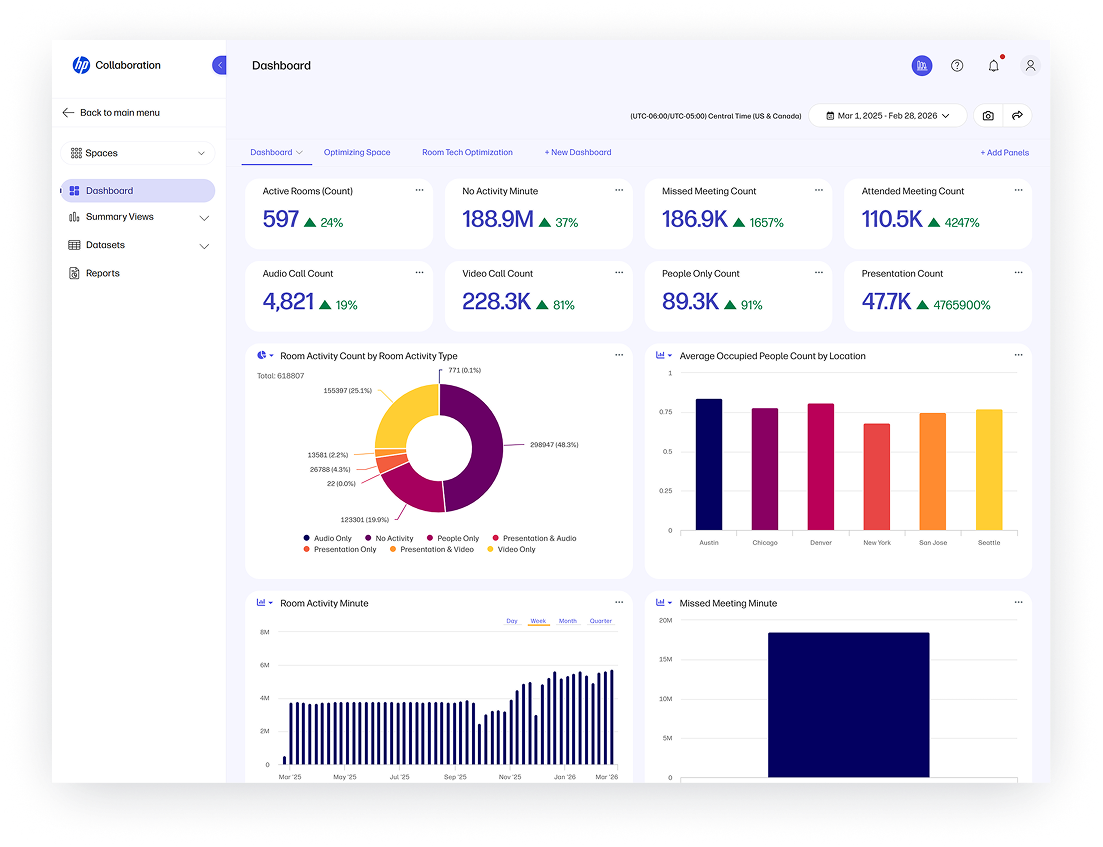
WXP brings monitoring of these endpoints into the same platform, with WXP Print2 and WXP Collaboration3 suites providing visibility and control across many of the other touchpoints that impact employee productivity on a daily basis. It’s the only platform that manages your PCs, printers and meeting rooms, from the company that builds all three. But it doesn’t stop at managing HP devices—we understand that most organizations have a blend of vendor devices in their fleets, and WXP manages those too.
For organizations that need additional resources to help operationalize those insights, HP Managed Services teams or qualified partners can also augment your IT team, offloading day-to-day tasks, supporting device lifecycle management, and providing expertise to help streamline support, build proactive workflows, and improve employee experience.
Learn More: Join HP at XLA Institute’s Tooling Tuesday
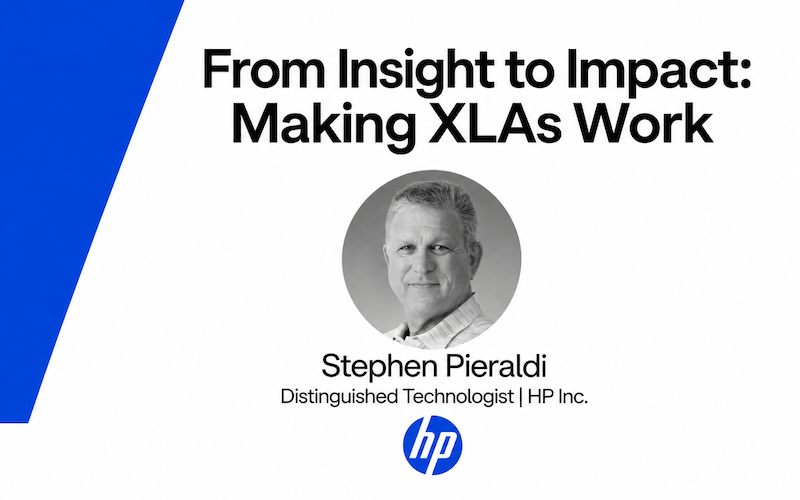
Stephen Pieraldi, Distinguished Technologist at HP, focuses on helping organizations turn AI, security, governance, and digital workplace investments into measurable business outcomes, and will present more about how HP and WXP can support your XLA implementation at the XLA Institute’s Tooling Tuesday on December 8. Register for the free webinar by visiting the XLA Institute event page.
3. WXP Collaboration requires a separate license.
HP Workforce ExperienceTM Platform is a comprehensive digital employee experience solution that enables organizations to optimize IT for every employee’s needs.
Discover how it can transform your IT operations from a cost center to a business accelerator. Simply fill out the form below, and our team will be in touch soon.
From the blog
The latest industry news, interviews, technologies, and resources.

Frequently asked questions
Here's everything you need to know about WXP.
- What is the HP Workforce Experience Platform (WXP)?
- How does WXP work?
- How is WXP modular?
- Is WXP compatible with different vendors and operating systems?
- How does WXP integrate with other IT tools to provide a more comprehensive solution?
- What is a Workforce Experience score?
- How is AI used within WXP?
- How can I buy WXP and find out about new releases?