
Jurassic IT: How DEX Prevents Enterprise IT Extinction
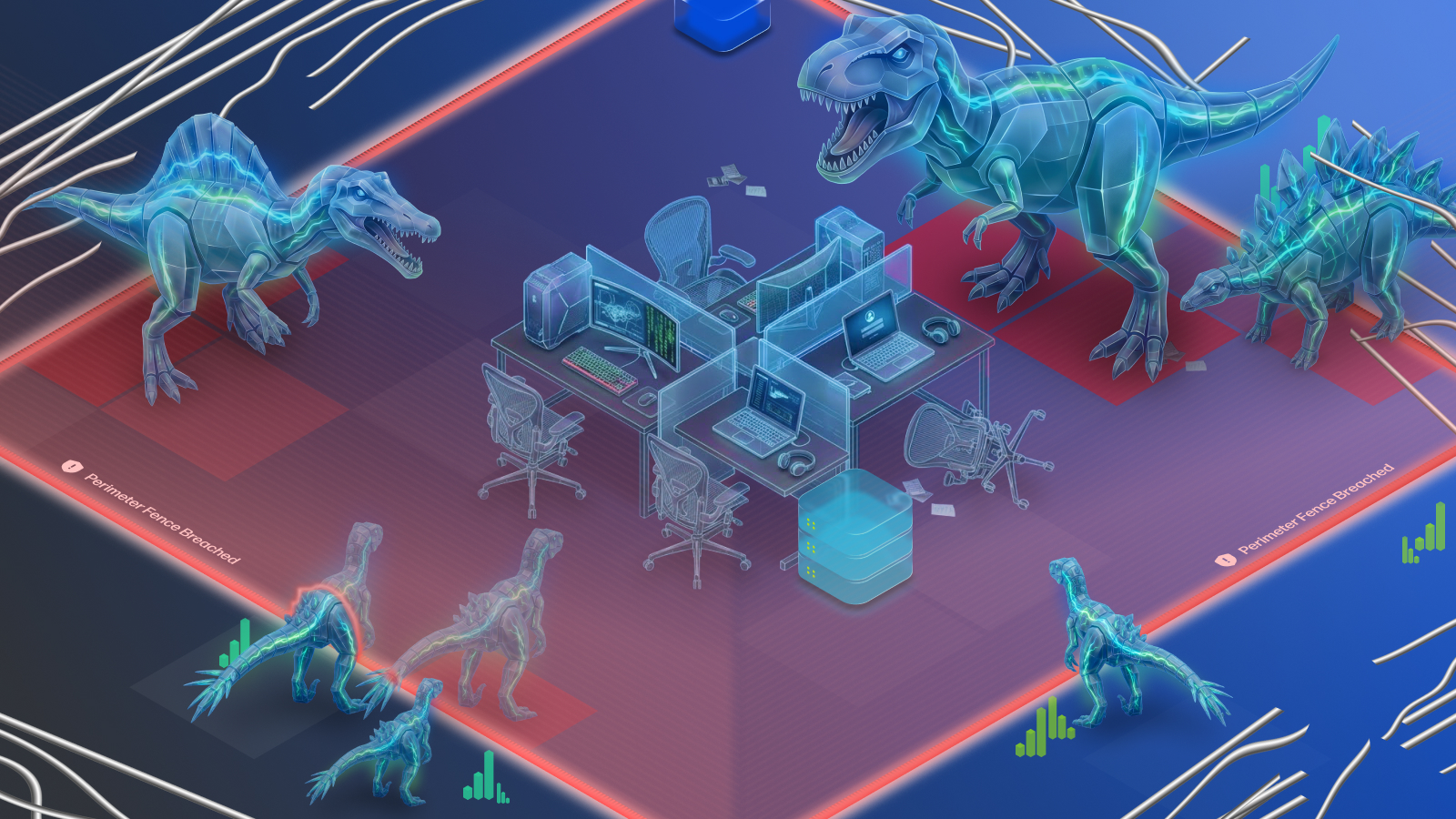
“But screaming didn’t make any difference at all to the problems that Arnold now faced. The computer didn’t care if it was screamed at. The power network didn’t care if it was screamed at. Technical systems were completely indifferent to all this explosive human emotion.” – from Jurassic Park by Michael Crichton
At one point or another, I think everyone’s yelled at their computer, trying to force technology to work. But, like Mother Nature and dinosaurs, technology can be unruly. This is true in Steven Spielberg’s 1993 movie adaptation of Jurassic Park and in the modern digital employee experience (DEX).
For anyone unfamiliar with the story, Jurassic Park revolves around a high-tech theme park that suffers a catastrophic collapse when rogue code triggers a system failure that causes critical endpoints to stop working. It stands as the ultimate cautionary tale of cutting-edge technology operating without real-time visibility or control.
DEX platforms provide an antidote to this problem.
In this article, we’ll explore how modern DEX features could have saved Jurassic Park with real-time monitoring, predictive alerts, and automated remediation. Before we dive in though, let’s take a look at what Jurassic Park did well and how enterprise IT teams are winning today.

Jurassic Park and Enterprise IT Strengths
Many organizations deserve credit for evolving from rack-to-rack, desk-to-desk support to centralized IT management. The 1990s marked the dawn of this transformation when platforms like HP OpenView pioneered systems management (any alumni here?) and Microsoft Configuration Manager gave IT teams their first real ability to manage desktop endpoints at scale.
Jurassic Park mirrored this technical ambition with a highly integrated IT architecture. It connected security systems, power grids, and environmental controls across thousands of endpoints (security cameras, motion sensors, remote electric fencing), all designed to run under centralized management.
Today, this level of management has become table stakes at the DEX level with tools like Microsoft Intune. By managing thousands of PCs, printers, and peripherals from a central area, modern enterprise IT builds on the same vision of unified control that Jurassic Park demonstrated early on. But unification only goes so far.
Jurassic Park and Enterprise IT Gaps
Jurassic Park fell victim to the same blind spot that plagues enterprise IT today: unified management without real-time control. Having thousands of advanced endpoints connected across an organization means very little if your IT team is completely blind to device failure, performance degradation, and other bottlenecks that sabotage the digital employee experience.
These blind spots map directly to the vulnerabilities that brought down Jurassic Park:
- No real-time monitoring and visibility: needed to catch issues before they impact guests, employees, and other users
- No predictive alerts: needed to prevent outages and reduce downtime of systems and machines
- No automated remediation: needed to lower IT workloads and achieve faster mean time to resolution (MTTR)
While Jurassic Park’s failures created life-threatening consequences, modern enterprise outages create business consequences: lost productivity, increased helpdesk costs, employee frustration, and operational disruption. Every minute IT teams spend reacting to preventable incidents is time that could be spent driving innovation and strategic initiatives.
Jurassic Park Failures and DEX Solutions
When isolated technical glitches go unnoticed, digital friction quickly cascades into organizational disaster. Here is how modern DEX capabilities could have addressed Jurassic Park’s core operational failures with enterprise fleet management.
Power system failure and endpoint monitoring
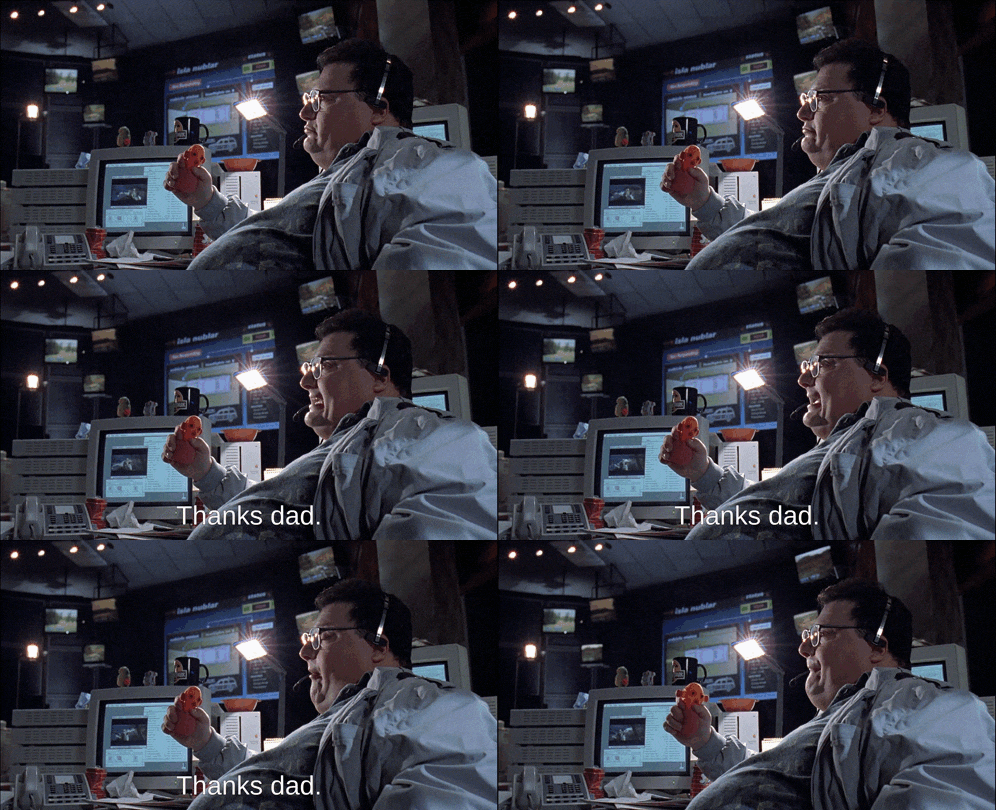
The movie’s first IT issue, involving the sabotage of the park’s critical systems, could’ve been prevented using standard endpoint monitoring and alerting.
To pull off his corporate espionage scheme, the main human antagonist Dennis Nedry (above, aka Newman from Seinfeld) executed a malicious background script that quietly disabled the park’s security perimeter while locking out control room access. Because the park’s chief engineer, Ray Arnold (Samuel L. Jackson) had no visibility into what was executing at the endpoint level, Nedry walked out with dinosaur embryo samples completely undetected, leaving the system compromised without raising a single flag.
Without real-time endpoint monitoring, Arnold had no idea Nedry’s custom executable was disabling security fences while executing a local system lock.
In enterprise IT, a lack of visibility into endpoint telemetry leaves IT playing defense against unseen productivity killers. This includes everything from CPU spikes, driver crashes, and failing PC/printer fleets. DEX platforms can address this with custom monitor webhooks that allow admins to capture telemetry events in real time and pipe alerts directly into ticketing or messaging tools.
By setting up monitor webhooks, IT admins can immediately identify when endpoint metrics cross critical thresholds that negatively impact the employee experience.
Fence failure and proactive alerts

When a tropical storm hit the island of Jurassic Park, the electrified perimeter fences silently went dead and stranded the automated tour vehicles directly outside the T-rex paddock. The control room remained completely unaware of the fence failure until the barrier was already down.
When the perimeter fences lost power, the control room didn’t get an alert until the T-rex was actively stepping onto the main road. That’s reactive support at its absolute worst.
In the modern workspace, waiting for an employee to submit a helpdesk ticket after a BSOD or OS crash degrades productivity and inflates downtime. It’s the Jurassic Park equivalent of the fence failure.
Proactive alerting changes the paradigm from panic to prevention. For example, with configurable alerts and expanded custom alert capabilities, IT admins can define dynamic trigger conditions across both device-level and fleet-wide thresholds.
Control room chaos and automated remediation

Desperate to recover from Nedry’s sabotage, the park team had to shut down the entire island’s power grid for a hard reboot. But when the system failed to come back online automatically, Arnold’s only recourse was to leave the safety of the control room. He had to sprint across a raptor-infested jungle to reset the breakers in the maintenance shed.
This is the equivalent of manual troubleshooting in enterprise IT. Disruptive reboots across thousands of remote PCs and printers create unsustainable ticket backlogs and skyrocket MTTR.
DEX features like remediation modules bring calm to the control room by executing automated fixes via PC/printer policies and script deployments. Additionally, AI-assisted remediation for alerts analyzes alert context, severity, and telemetry data to suggest the best script.
Extinction Proof Your Enterprise
In the movie, the system managing Jurassic Park failed not because it lacked raw computing power but because it lacked real-time visibility, predictive alerting, and automated self-healing mechanisms. The results were catastrophic.
In the real world, when IT teams operate blind, even simple endpoint anomalies can snowball into digital friction that degrades the employee experience.
With endpoint observability, proactive custom alerts, and AI-assisted remediation, modern DEX platforms empower enterprise IT decision-makers to transform chaotic IT environments into resilient, frictionless operations.
To gauge the level of your current IT operations, here are three questions to ask:
- Do we have visibility into the employee experience across our device fleet?
- Can we identify issues before employees submit tickets?
- Is most endpoint remediation automated?
If the answer to any of these questions is No, your organization may have the same gaps that ultimately doomed Jurassic Park. If you’re interested in closing them, you can take a self-guided tour of the HP Workforce Experience™ Platform (raptor-free) or contact a rep to see how the platform can bring better alerting, automation, and remediation to your device fleets.
From the blog
The latest industry news, interviews, technologies, and resources.








Frequently asked questions
Here's everything you need to know about WXP.
- What is the HP Workforce Experience Platform (WXP)?
- How does WXP work?
- Can WXP be customized to fit specific business needs?
- How is WXP modular?
- Is WXP compatible with different vendors and operating systems?
- How does WXP integrate with other IT tools to provide a more comprehensive solution?
- What is a Workforce Experience score?
- How is AI used within WXP?
- How can I buy WXP and find out about new releases?