
Reinventing Self-Checkout With Smart POS and Peripherals
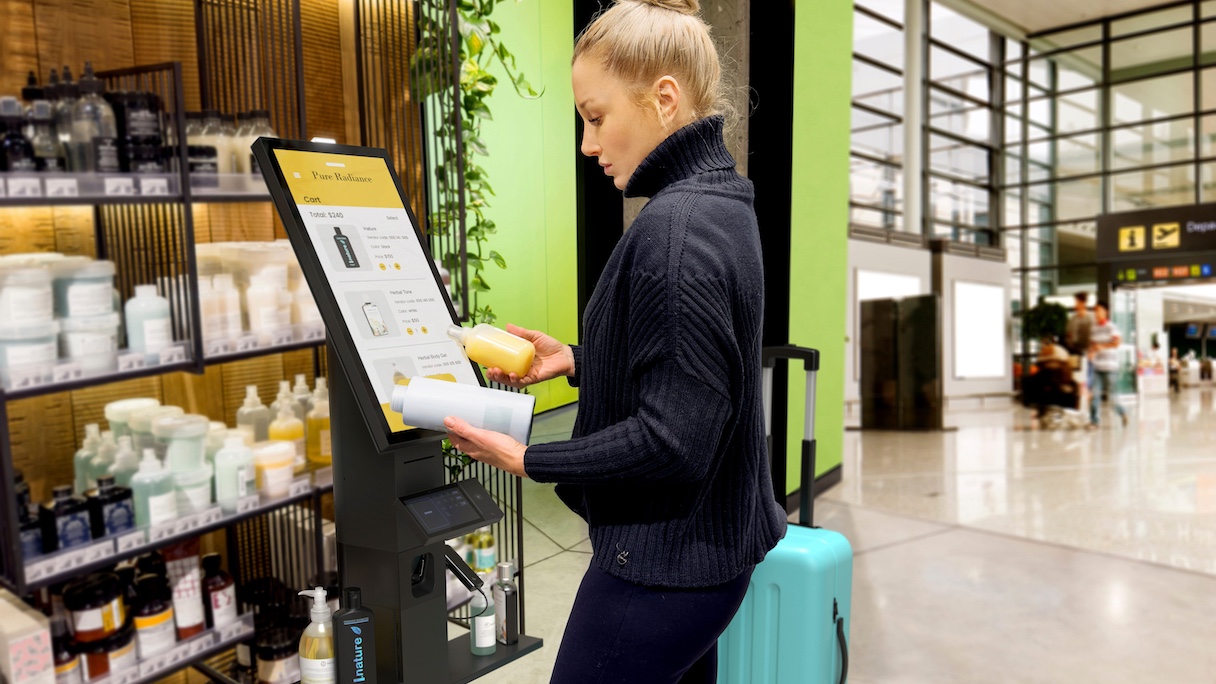
Improving the self-service experience starts with a unified retail solution that delivers fast, accurate, and smooth checkout at every point of sale.
Love it or hate it, few retail innovations have done more to reshape the traditional shopping experience than self-checkout. Fueled by the perception of speed and convenience, the technology has proliferated across nearly every retail format, its screens and scanners now fixtures in modern brick-and-mortar stores.
The self-checkout systems market is projected to grow at a CAGR of 14.5% and reach $16.4 billion by 2033.
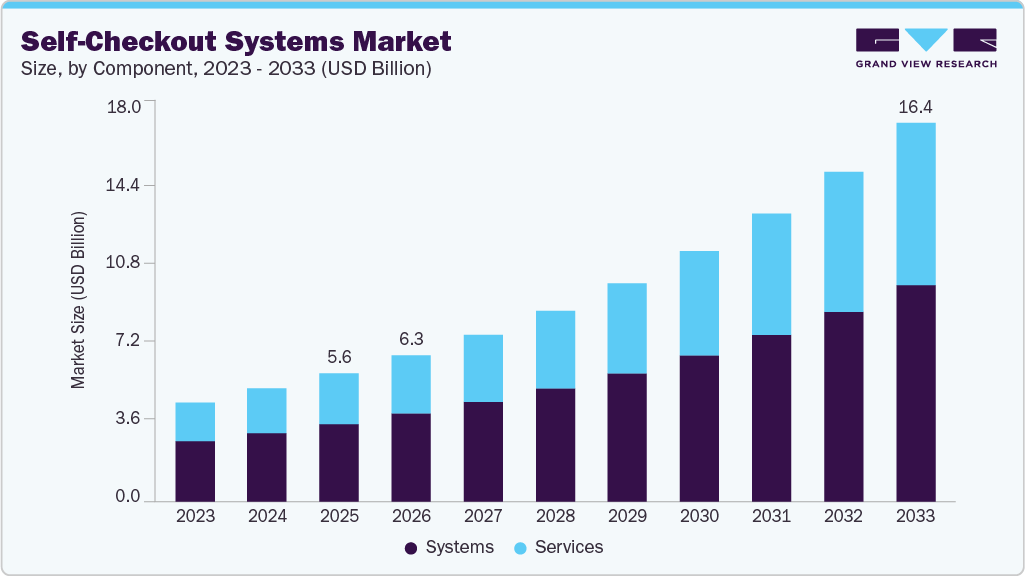
Source: Grand View Research
However, from dysfunctional systems to rising theft to increasingly frustrated customers, the utopian vision of self-checkout hasn’t really panned out.
- 67% of consumers have had a self-service checkout kiosk fail during use.
- 27% of consumers admit to using self-checkout to steal; 55% of them plan to re-offend.
- Self-checkouts experience up to 4 times the shrinkage of traditional cashiers.
Some retail experts now question whether it’s become a failed experiment, citing rising shrink (inventory loss due to theft, machine/cashier error, employee theft, administrative error, etc.) as the main reason for its shortcomings.
But perhaps the real problem was never self-checkout itself. Perhaps the technology behind it was never up to the job.
“Error: Unexpected Item in Bagging Area”
Many of the problems with self-checkout can be traced back to the underlying technology.
Fragmented systems
When hardware, software, and peripherals are stitched together across different vendors, checkout friction rises and creates more points of failure. Peripherals such as scanners, payment terminals, printers, scales, displays, and sensors need to communicate and work together seamlessly, but even small hiccups can create disproportionate friction and disrupt the entire checkout experience.
Security gaps
Much of the growing shrink problem is due to security gaps with self-checkout technology. However, adding overly restrictive controls risks frustrating honest customers. Retailers are forced to strike a balance between stronger security and a smooth checkout.
Reliability and performance issues
Self-checkout systems need to handle high-volume use with near-continuous uptime to avoid disrupting the checkout flow. Yet issues such as software crashes, unresponsive touchscreens, hypersensitive weight sensors, and network problems are common, resulting in delays, errors, and downtime, and forcing associates to intervene.
Legacy tech
POS systems built for a different era can feel slow and clunky, while aging machines become costly to maintain and support. Monolithic architectures make it harder to add modern capabilities and can limit support for AI-powered, intelligent checkout experiences.
These issues limit checkout capacity, creating bottlenecks that reduce overall store throughput. Throughput accounting measures how much money a business generates from sales by focusing on the bottleneck that limits overall performance.
Businesses Need Intelligent, Unified Retail Systems
For self-checkout, the main goal should be to leverage technology to drive higher throughput, fewer errors, less shrink, and a more seamless customer experience. That starts with a connected foundation that gives retailers greater visibility and control across the checkout environment. Retailers need:
- Real-time visibility into device health and performance
- Reliability that maintains uptime at scale
- Security that protects checkout flows without adding unnecessary friction
- Intelligence that helps retailers make smarter decisions
Additionally, predictive insights and remote management help teams identify and resolve issues early, while flexible, scalable systems make it easier for retailers to modernize at their own pace.
Boosting Throughput With Smart POS And Peripherals
Today, HP brings hardware, software, services, and AI together to power intelligent retail operations for enterprise customers. In addition to comprehensive point-of-sale (POS) offerings, the HP Workforce Experience Platform (WXP) serves as the backbone, providing retailers with visibility and control over device health, performance, and fleet operations, while HP Support Services help deploy, manage, secure, and support retail technology throughout its lifecycle.
When it comes to self-checkout, where a single error can trigger a costly chain reaction, HP unifies the experience so operations run smoothly and the technology fades into the background.
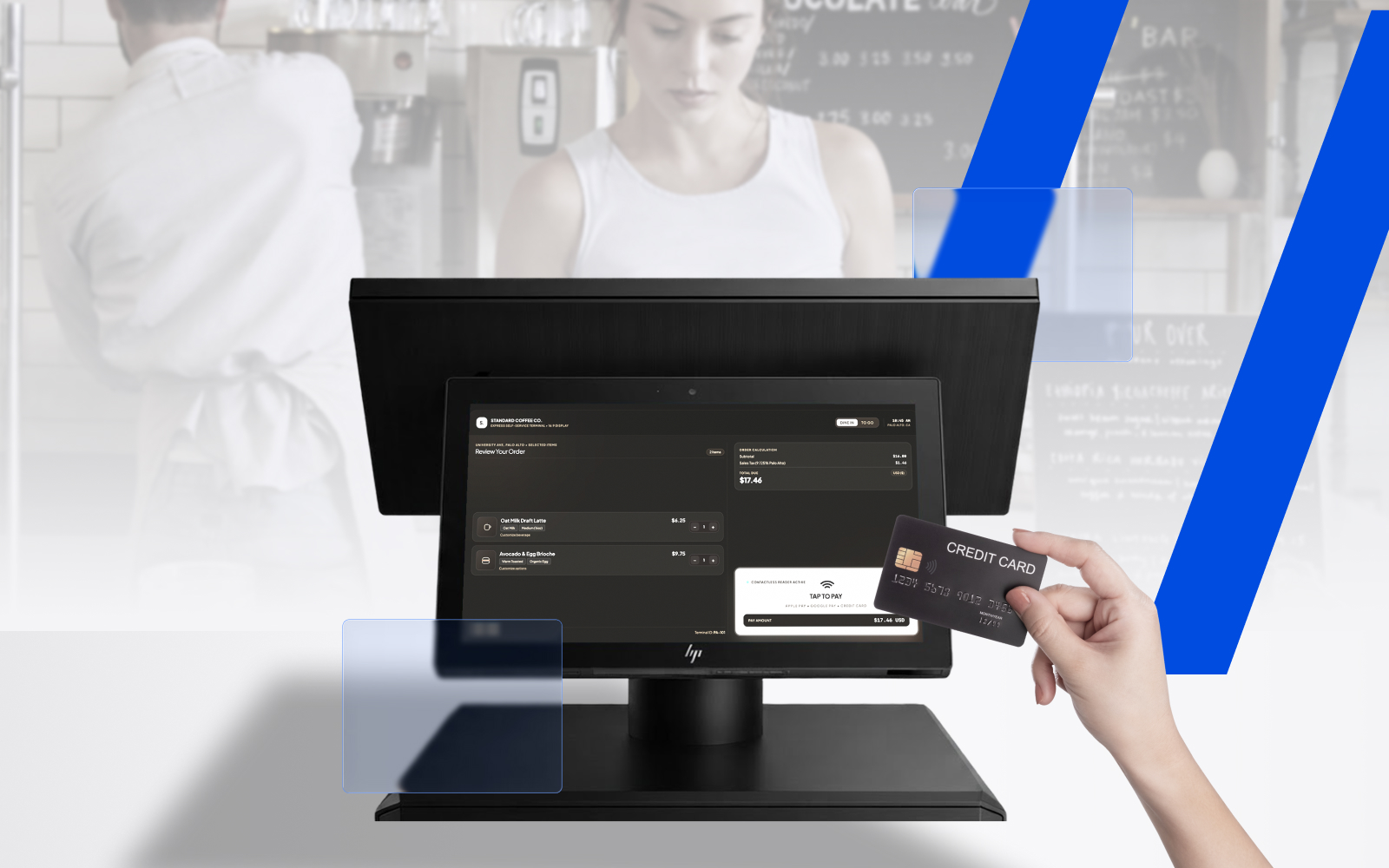
For example, HP Engage Express is our sleek, self-service kiosk that seamlessly integrates into existing retail environments and provides retailers with a customizable foundation to support next-gen checkout technologies. These include computer vision, checkout validation, and other edge AI applications through preferred SaaS ISVs or HP’s partner ecosystem.
HP’s broader peripherals ecosystem also helps retailers customize POS systems that suit their specific needs. Offerings include:
- Displays
- Barcode scanners
- Receipt printers
- Cash drawers
- Keyboards
- Magnetic stripe readers
Together, HP hardware, software, services, and intelligence create a more unified retail foundation that reduces friction and makes self-checkout fast, accurate, and smooth.
Conclusion
The future of self-checkout is about leveraging smart tech to increase throughput and improve the overall experience. Shoppers demand a checkout process that feels simple and intuitive, employees require tools that enable them to work, and retailers need a technology foundation that supports speed, accuracy, reliability, and intelligence at scale.
There is now an opportunity to completely rethink self-checkout operations. Smart POS hardware, flexible peripherals, enhanced services, and more unified retail technology enable retailers to turn self-checkout from a source of friction into a more seamless, profitable part of the modern store experience.
HP Workforce ExperienceTM Platform is a comprehensive digital employee experience solution that enables organizations to optimize IT for every employee’s needs.
Discover how it can transform your IT operations from a cost center to a business accelerator. Simply fill out the form below, and our team will be in touch soon.
From the blog
The latest industry news, interviews, technologies, and resources.





Frequently asked questions
Here's everything you need to know about WXP.
- What is the HP Workforce Experience Platform (WXP)?
- How does WXP work?
- Can WXP be customized to fit specific business needs?
- How is WXP modular?
- Is WXP compatible with different vendors and operating systems?
- How does WXP integrate with other IT tools to provide a more comprehensive solution?
- What is a Workforce Experience score?
- How is AI used within WXP?
- How can I buy WXP and find out about new releases?