



Skip to home page Skip to main content

One stop to optimize your digital employee experience
Learn more

Frequently asked questions

Everything you need to know about WXP.

  • What is the HP Workforce Experience Platform (WXP)?

    WXP is an AI-powered digital employee experience (DEX) solution that integrates with various systems and devices to maximize IT efficiency, reduce costs, and enhance the employee experience.1
  • How does WXP work?

    WXP equips technology leaders with detailed performance insights of PCs, printers and more, coupled with enhanced preventative workflows to maximize end-user productivity while reducing costs. The SaaS-based platform also has an advanced employee engagement engine and integrates with various third-party systems like ServiceNow, PowerBI, and Tableau, along with integrating printers, virtual desktops, mobile devices and more to maximize IT efficiency, reduce costs, and enhance the employee experience.

  • How is WXP modular?

    WXP is designed to be modular, allowing organizations to tailor the solution to their specific needs, including Fleet Management, Employee Engagement, Print Management, Collaboration, and Endpoint Security.

  • Is WXP compatible with different vendors and operating systems?

    The Platform’s agnostic design allows seamless integration with systems and devices running Windows, macOS, and Android operating systems, regardless of manufacturer. WXP is a cloud-based solution that uses firewall-friendly network ports and sits atop other systems versus a rip-and-replace solution. It does not require a VPN or direct, deep access to customer networks.

  • How does WXP integrate with other IT tools to provide a more comprehensive solution?

    WXP has open APIs for incident and analytics integration to IT tools, as well as pre-configured connectors for ServiceNow, PowerBI, and Tableau available in the 3rd party integrations.

  • What is a Workforce Experience score?

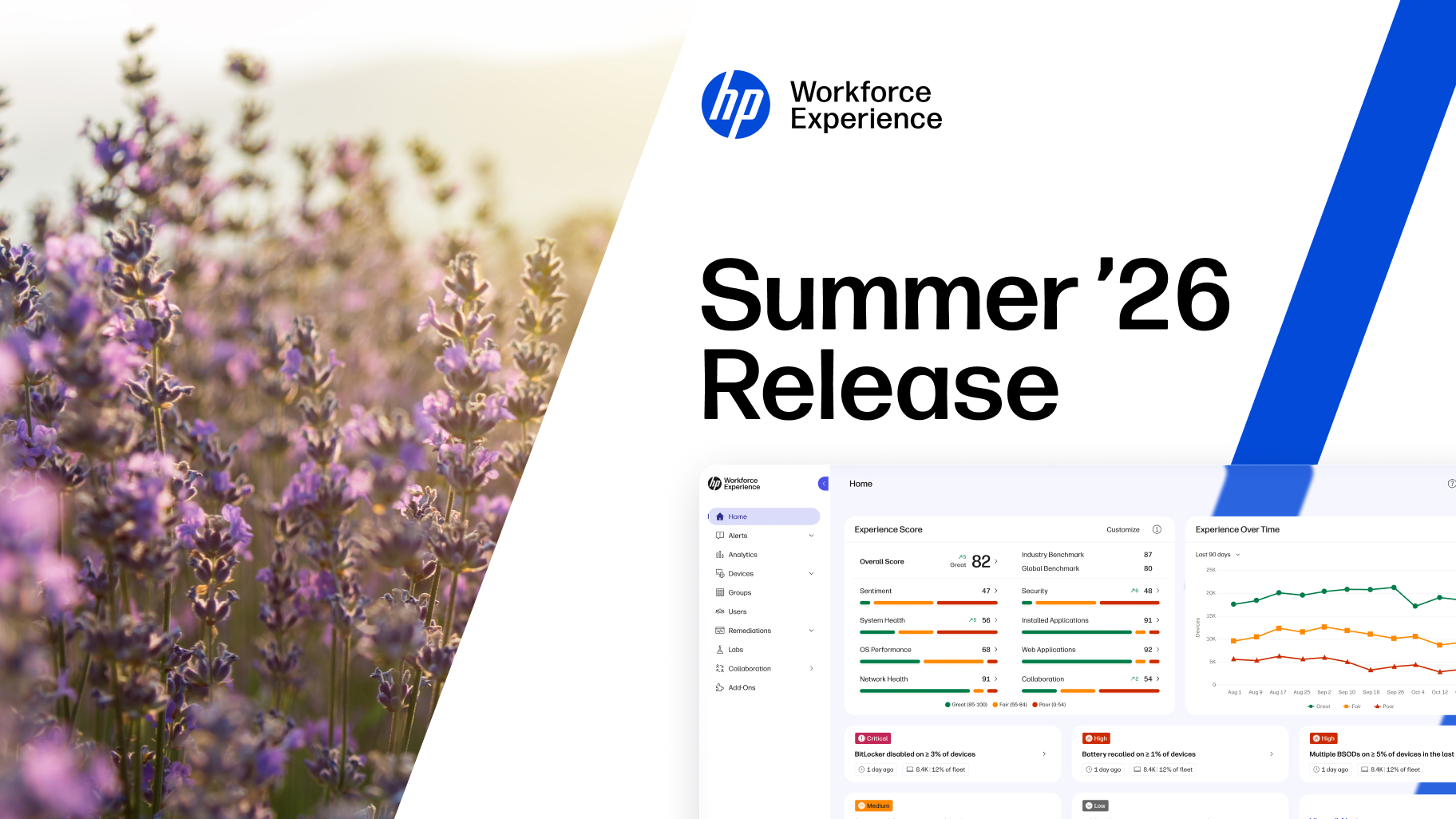
    A Workforce Experience score combines telemetry and user satisfaction sentiment for a comprehensive view of the digital workforce experience. The score refreshes daily, ensuring timely insights. Understand which departments, device models, operating systems, countries, site locations, and devices with specific software installed are experiencing the lowest and highest Experience scores.

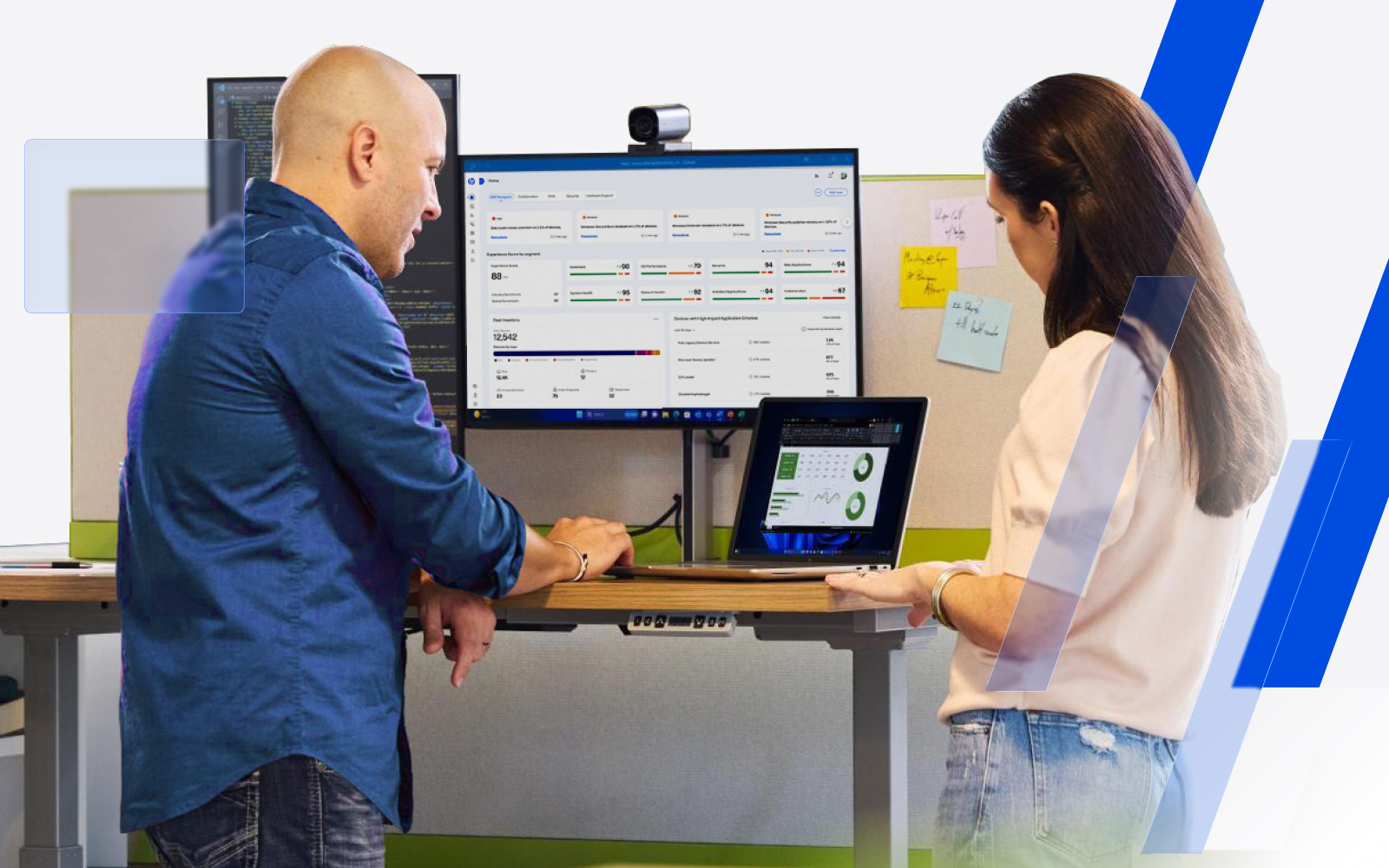
    The main dashboard provides a snapshot of the workforce experience and critical recommendations for IT teams to act on. IT teams quickly understand where to focus with insights from the Experience score and trendline, fleet inventory breakdown, apps with poor performance, and sentiment by persona.

  • How is AI used within WXP?

    AI is built into the fabric of WXP and makes it easy for IT teams to optimize processes and prevent technology issues by providing:

    • Recommendations: Identify issues from device data and survey results to share recommended actions.
    • Assistance: Take the recommendation and make it executable by IT or an end-user in just a few clicks.
    • Automation: Experience optimization with AI anticipating issues and resolving them with no human involvement.
  • How can I buy WXP and find out about new releases?

    Talk to an HP expert to see how WXP can intelligently anticipate and resolve digital friction within your organization. Visit the Workforce Experience blog to read our Quarterly Release Notes.

Back to top